The Tech-User Mode screen
allows the studio technician to
enter the password protected
“Technician” or “Supervisor” modes
allowing him or her to operate critical
parts of the system, and set up passwords
for other “Technicians” or “Supervisors”.
The Tech-MSGS screen reports
messages, which form a history
which can be used by Calrec
engineers to diagnose any problems
which may arise.
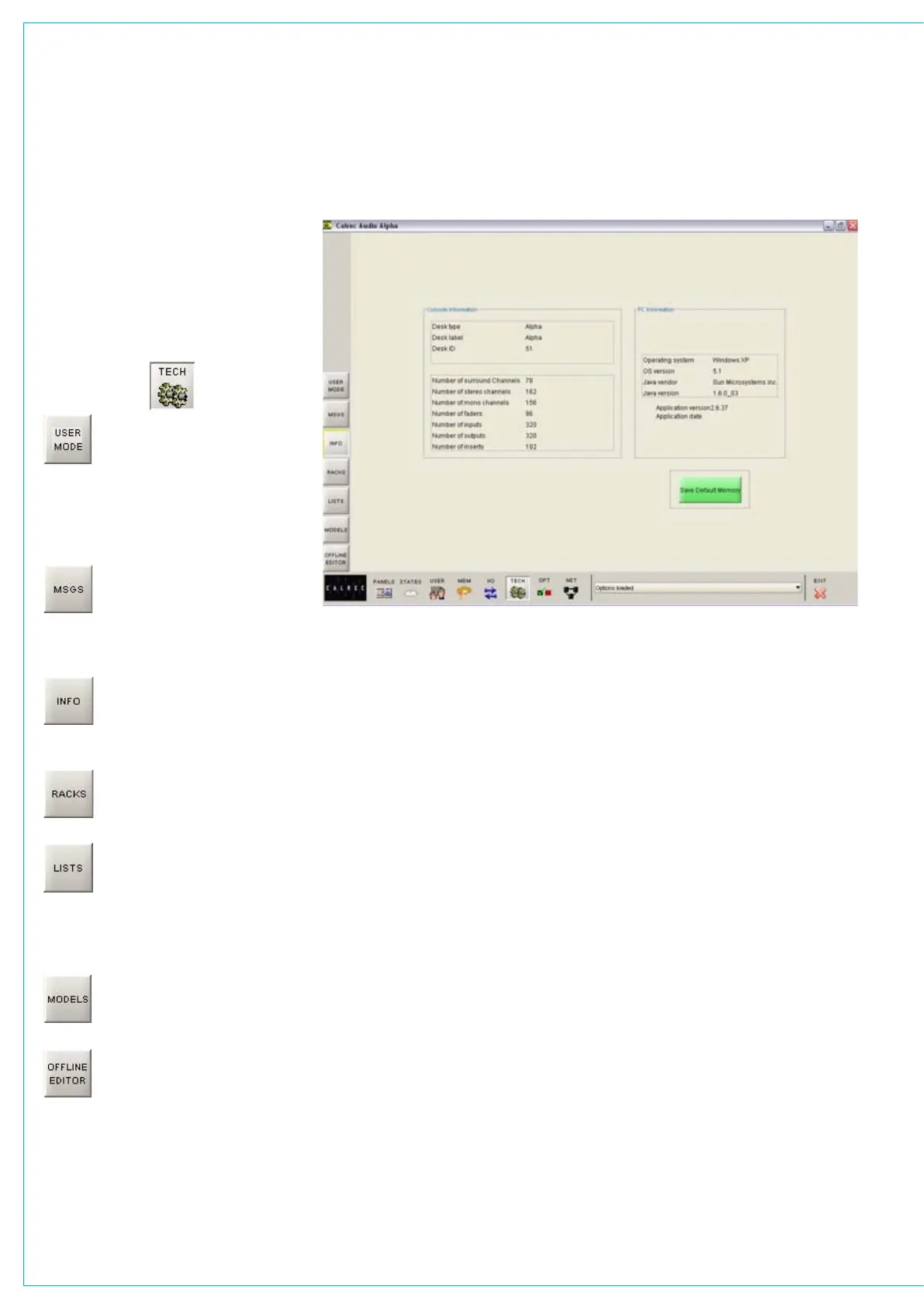
The Tech-Info screen (shown
below) displays system
information and allows the
Default Memory to be saved.
The Tech-Racks screen gives
details of the systems rack
configuration.
The Tech-Lists screen shows
the contents of the lists of
inputs, outputs and inserts which
are available on the I/O Matrix and I/O
screens. These are set up during
installation, using the Setup Application.
The Tech-Models screen shows
fader and path models for the
system.
The Tech-Offline Editor screen
allows the creation of an Offline
Editor installer and the loading/
saving of console bundles. Full details of
these features are described in ‘Appendix
A - Offline Editor’.
TECH SCREEN
Info Screen and Default Memory
The Default Memory will usually be
created upon installation of the console
using the button on this screen. This
default memory could contain the input
port set-ups which match the studio
wiring, and settings for relays, optos,
and running levels. It could have all
channel settings off or flat, with no routes
made, and could be available as a start
up memory, from which more specific
memories could be created. It is recalled
using the Default Set Up button on the
Functions panel.



 To Next Page