CALREC Putting Sound in the Picture 33
Please note that the joystick is
unavailable for use on 5.1 surround
masters or their spill legs.
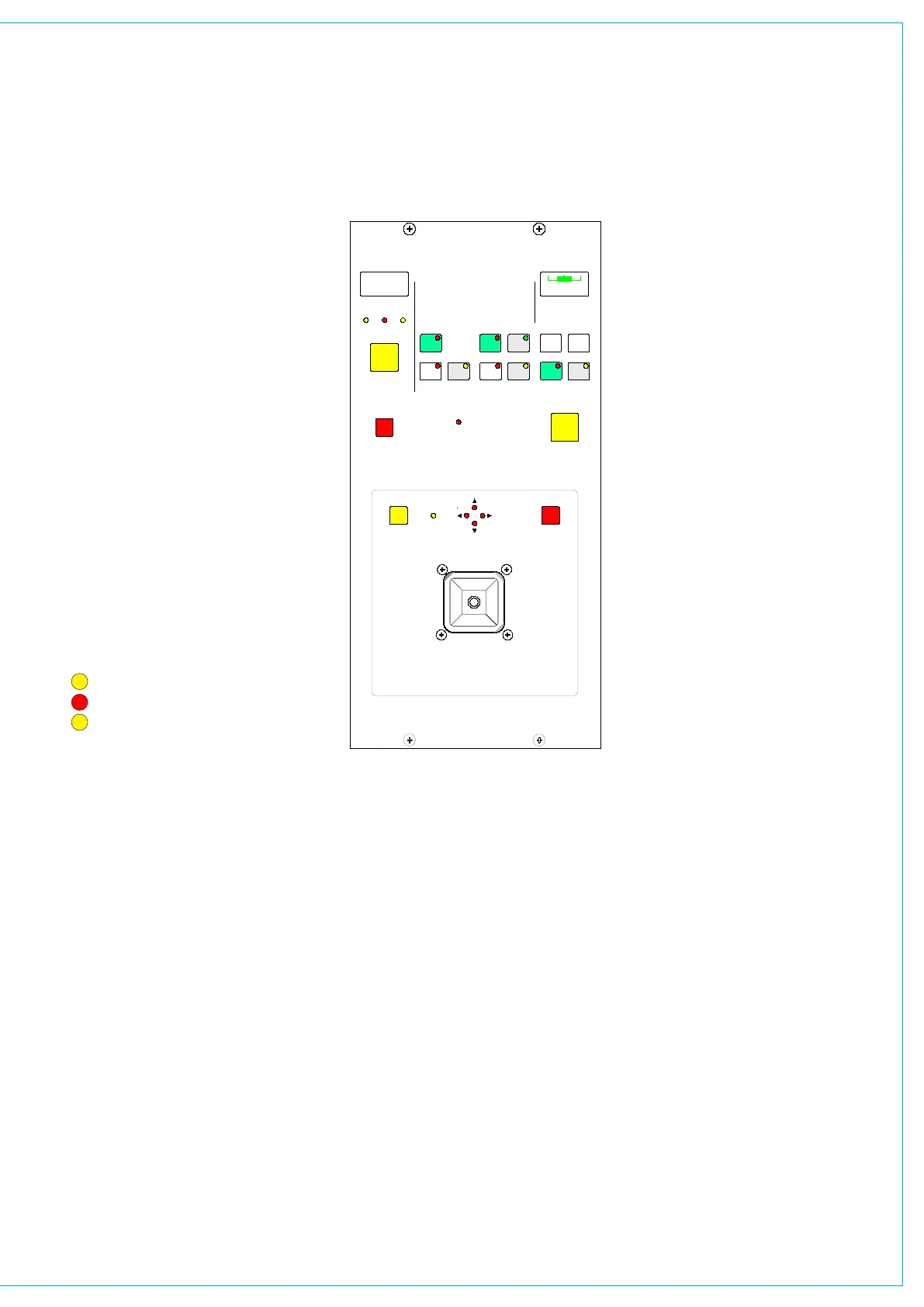
In normal operation, the joystick controls
the currently selected fader path. LOCK
allows the joystick to be fixed to a
specific path. Pressing LOCK again will
unlock the panel.
The fader display shows the path
currently assigned to the joystick panel
and LEDs indicate the type of path
being controlled.
ST - Indicates a stereo source
SS - Indicates a 5.1 surround main
GP - Indicates a group
Front/Back pan, L/R Pan and Front
Divergence each have a set of dedicated
controls. Each has an IN button to
enable the function. The IN buttons and
L-C-R button work in parallel with the
buttons on the Input/Output panel.
Controls Active
CONTROLS ACTIVE must be selected
for the joystick controls to take effect.
When selected, the joystick moves to the
position set by the Front Pan and F-B
controls (including IN/OUT status).
If the joystick is being touched when
Controls Active is selected, the audio will
move to the position of the joystick. Any
Rear Pan and Rear Level settings are
disabled, and their displays on the Input/
WI5567
DESC
JOYSTICK
< >
IN
FRONT DIVERGENCE
FADER
DIVERGENCE
FRONT/BACK PAN
IN
FREEZE
L-R PAN
IN
L-C-R
FREEZE
FDR19A
Judy
L 4 R
SSST GP
LOCK
NULL
SNAP TO
AUDIO
REAR LEVEL
IN
DISENGAGE
JOYSTICK
TOUCH
ACTIVE
CONTROLS
OVERRIDES
REAR PAN/LEVEL
MOTORIzED JOySTICk PANEL
Output panel and any Wild Controls show
“JOYSTK”.
De-selecting Controls Active does not
restore any previous Rear Level or Rear
Pan controls, but leaves the Rear Level
switched out, and the Rear Pan at the
same setting and IN/OUT status as the
Front Pan.
If a blank fader or a main path is
assigned, Controls Active is disabled. The
divergence display will be blank and the
buttons will not take effect. If the joystick
is engaged, it will default to the central
position, unless it is being touched, in
which case it will stay where it is.
Similarly, if a path is assigned where
Controls Active is off, the joystick (if
engaged) will default to the central
position, unless it is being touched, in
which case it will stay where it is.
Freeze
When freeze is pressed on either axis, the
joystick ceases to alter that axis. Freeze
does not affect the Input/Output panel or
Wild controls, they can still alter the frozen
axis. The null LEDs show which direction
the joystick must be moved to match the
audio.
Disengage
When the joystick is disengaged, it does
not control or move to follow the audio.
This is to protect against accidental
changes. The null LEDs will still indicate
the direction in which the joystick must
be moved to match the audio. When
Disengage is de-selected, the joystick will
move to the position of the audio, unless it
is being touched, in which case, the audio
will move to the position of the joystick.
Snap to Audio
Pressing this button will cause the joystick
to snap to the position of the audio.



 To Next Page