CALREC Putting Sound in the Picture 53
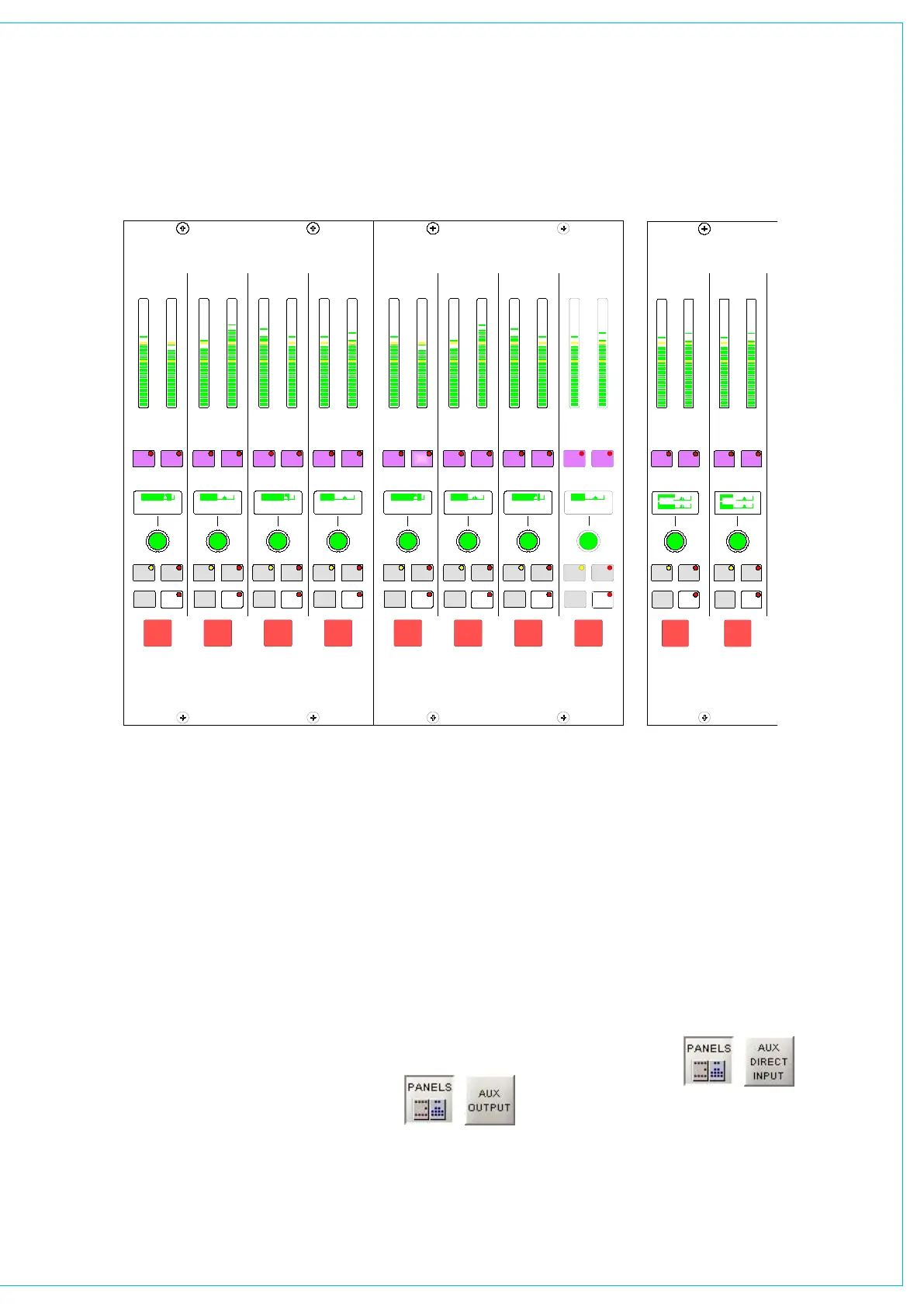
On stereo auxiliaries a dual level display
will be shown, for example, aux 9 and
10. Here, buttons 19 and 20 will be
inoperative. There cannot be a level offset
on the output display.
Aux Output Bus Interrogation
It is possible to discover which fader paths
are feeding each of the aux output busses
+ 1.0
AUX OUTPUT
CUT
AX4729
+ 3.5 dB dB-12.0
LEVEL
AFL
DIR
dB -18.0 dB
AUXILIARY OUTPUTS
4
60
38
48
32
26
20
10
14
8
6
2
0
12
18
16
48
60
26
38
32
20
18
2
10
16
14
12
6
8
4
0
48
60
26
38
32
20
18
2
10
16
14
12
6
8
4
0
48
60
26
38
32
20
18
2
10
16
14
12
6
8
4
0
I/P
DIR
INTER
LEVEL
AFL
DIR
DIR
INTER
LEVEL
AFL
DIR
DIR
INTER
LEVEL
AFL
DIR
DIR
INTER
CUT CUT CUT
I/P
I/PI/P
1 11 2 12 3 13 4 14
+ 1.0
AUX OUTPUT
CUT
AX4729
+ 3.5 dB dB-12.0
LEVEL
AFL
DIR
dB -18.0 dB
AUXILIARY OUTPUTS
4
60
38
48
32
26
20
10
14
8
6
2
0
12
18
16
48
60
26
38
32
20
18
2
10
16
14
12
6
8
4
0
48
60
26
38
32
20
18
2
10
16
14
12
6
8
4
0
48
60
26
38
32
20
18
2
10
16
14
12
6
8
4
0
I/P
DIR
INTER
LEVEL
AFL
DIR
DIR
INTER
LEVEL
AFL
DIR
DIR
INTER
LEVEL
AFL
DIR
DIR
INTER
CUT CUT CUT
I/P
I/PI/P
5 15 6 16 7 17 8 18
AUX OUTPUT
AX4730
AUXILIARY OUTPUTS
- 5
LEVEL
AFL
DIR
48
60
26
38
32
20
18
2
10
16
14
12
6
8
4
0
DIR
INTER
CUT
10 20
I/P
- 3
LEVEL
AFL
DIR
48
60
26
38
32
20
18
2
10
16
14
12
6
8
4
0
DIR
INTER
CUT
9 19
I/P
AUxILIARy OUTPUTS
by holding down the Interrogate button
(momentary). The fader assign buttons of
all the paths feeding that bus will light.
Paths can be added or removed from the
bus under interrogation, by selecting or de-
selecting their fader assign buttons.
Aux Direct Input
DIR I/P switches on the direct input to the
auxiliary bus. DIR LEVEL makes the rotary
control into the direct input level control.
Panels - Aux Output Screen
The user can view and adjust the Auxiliary
output controls using the Panels - Aux
Output screen.
All of the controls available on the
Auxiliary panel are also available on this
screen.
In addition, the user can choose whether
to adjust the Aux output settings of the
currently assigned fader path, or to select
a different fader, known as the “PC
Fader” to which aux output settings can
be applied independently of the current
assignment.
A similar screen exists with which to
control the Aux direct input.



 To Next Page