CALREC Putting Sound in the Picture 99
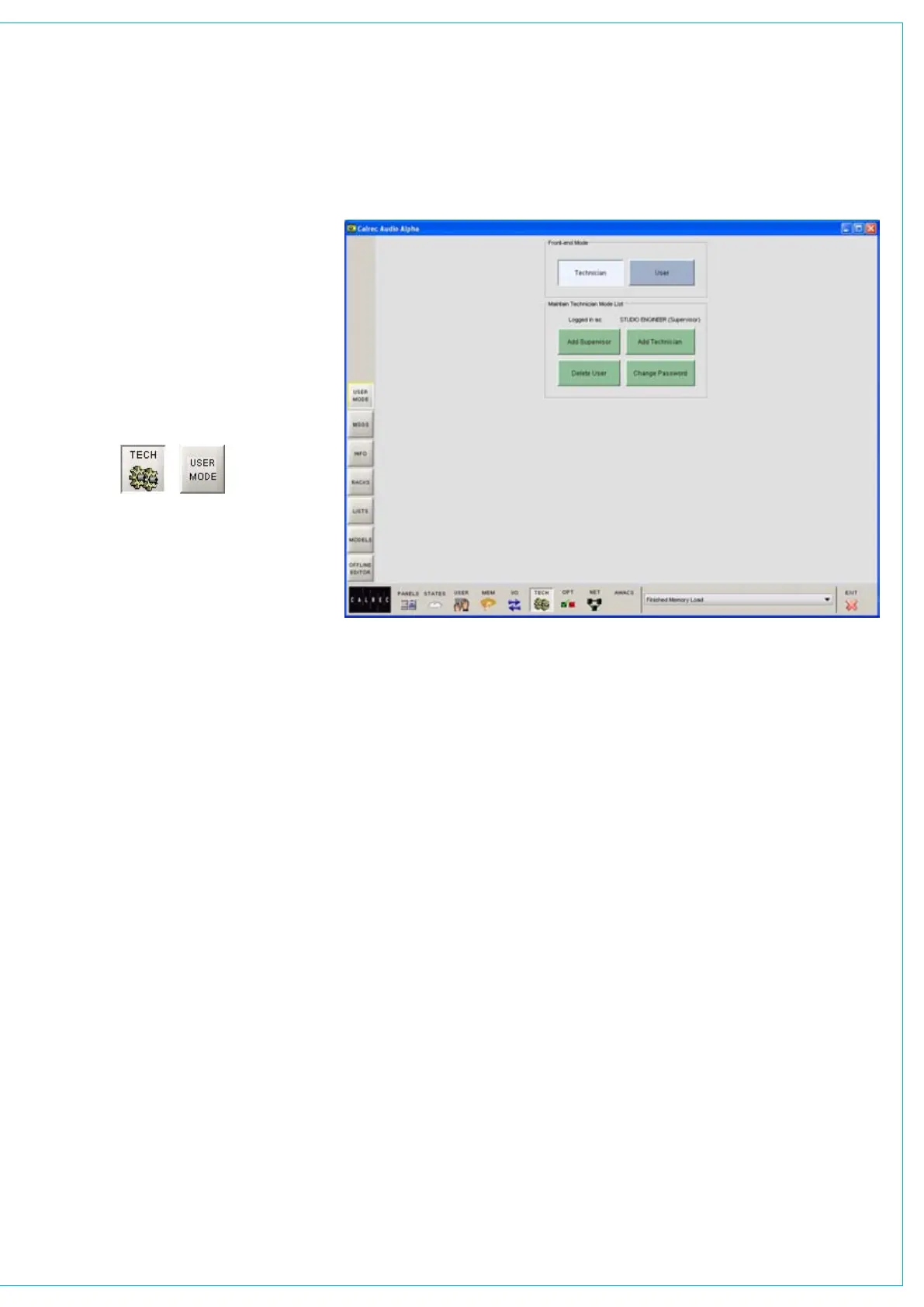
Technician Mode
It is intended that all set-up procedures
and configuration may be carried out
and maintained by an engineer or
technical operator. Technician mode
allows unrestricted access to all features
of the system, permitting an authorized
engineer to prepare the console for use.
User mode restricts access to certain
screen functions, to prevent accidental
changes being made. Supervisor mode
allows management of usernames and
passwords for technicians and users.
Supervisor Mode
The first time the user selects to enter
Technician mode, he/she will be asked
to create a Supervisor username and
password. As a supervisor, the user has
unrestricted access to the system, and
can set up usernames and passwords for
technicians and other supervisors.
When the system is in Technician or
Supervisor mode, the TECH icon at the
bottom of the screen will flash.
OPERATIONAL MODES
User Mode
In user mode, the user is restricted from
performing the following functions:
Allocating sources to the assignable
•
monitor panels
Save the console’s default memory
•
Locking output ports•
Locking general purpose inputs (GPI)•
Remove or reset hydra network •
configurations
Clear all system memories
•



 To Next Page