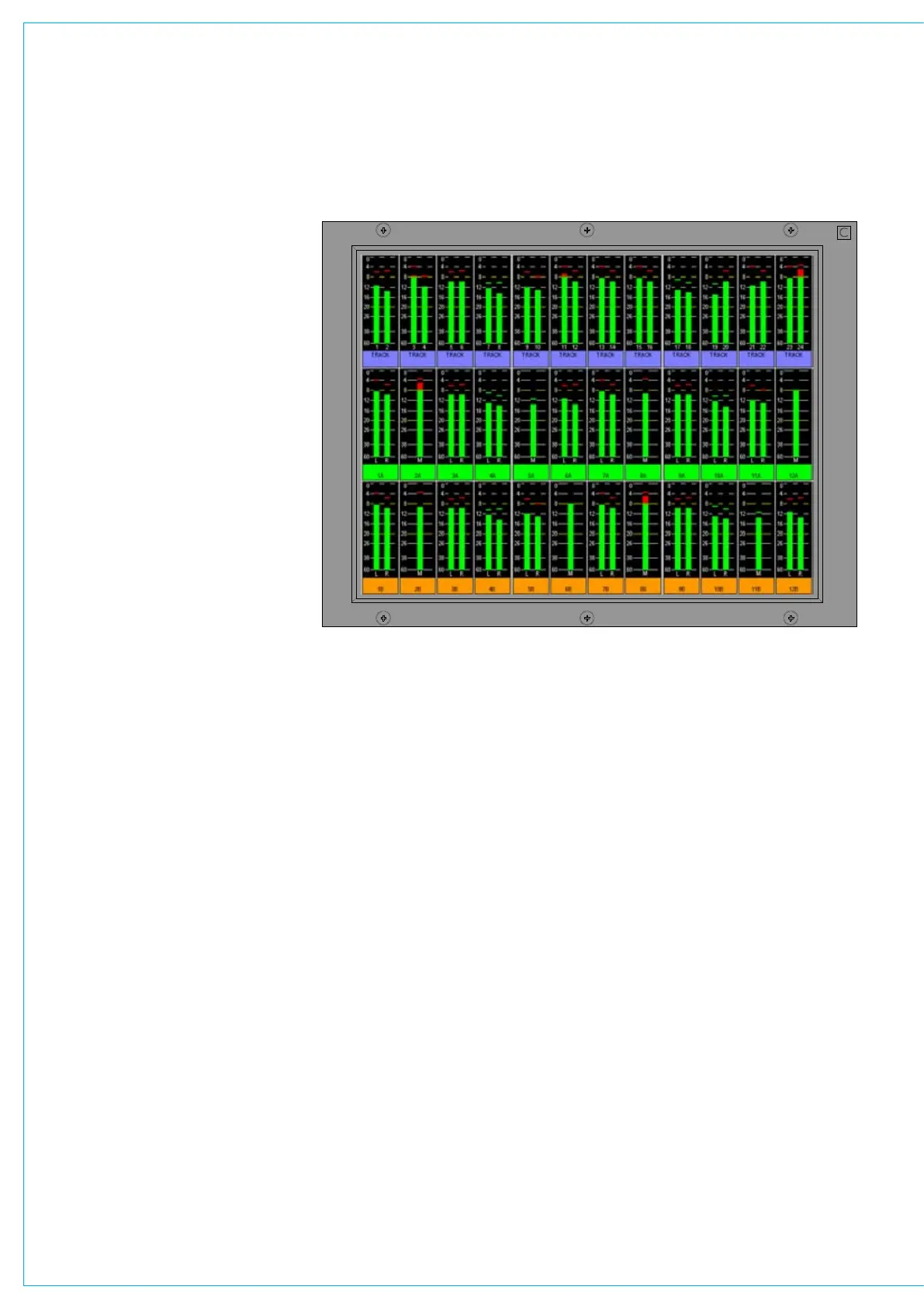
The screen layout is configured such that
each half of the screen can have 4 or 6
columns, allowing 8 or 12 meter positions
across its width. Each column can then
be split into up to three rows which can
be 1/3, 1/2, 2/3 or full height of the TFT
meter panel.
This allows a greater density of meter
functions to be displayed, as each TFT
meter can display up to 36 meters within
the space usually taken up by just two
standard meter panels.
The following functions can be metered:
Channel Inputs, A and B paths
•
(simultaneously, or set to follow A/B
assign button).
Main Outputs •
Group Outputs •
Auxiliary Outputs •
Track Outputs •
Meter Selectors •
External Inputs •
Miscellaneous functions•
Each meter can be:
Mono •
Stereo •
M/S (Sum and Difference of the •
stereo signal)
Surround (L, R, C, LFE, LS, RS •
- sequence set as part of meter
arrangement)
Phase Display
•
TfT METERINg SySTEM
When a screen is configured with 8
columns, these columns will line up with
any faders positioned in that section of
the console. This is useful when metering
channel inputs or groups.
The number of meters configurable on the
TFT screens is governed by the number
of meter data signals available. There
are 256 meter data signals available
for output meters. In addition, for input
meters, there is one meter data signal per
audio signal. If an audio signal is metered
on a TFT meter and a standard meter at
the same time, it will use up two signals in
the meter data stream.
If a meter is set up to display an Aux or
a Track and the channel is cut, a small ‘x’
indication will appear below the bargraph.



 To Next Page