CALREC Putting Sound in the Picture 65
MY5403
MONITOR SEL
MUTE
= CUT
BANK A BANK B BANK C BANK D
BANK E BANK F BANK G
FUNCT
MISC
ASSIGNMENT
SELECTION TYPE
SELECTION
MUTE
= DIM
CUT DIM
CUT L CUT R
STEREO MONO
MISC OP1
L > L + R R > L + R
SURR
MAIN 1
METER 1
CR MON
FOLLOW
METER 2
SURR
MAIN 2
METER 3 METER 4
STEREO
EXT 1
Misc Output Misc Functions
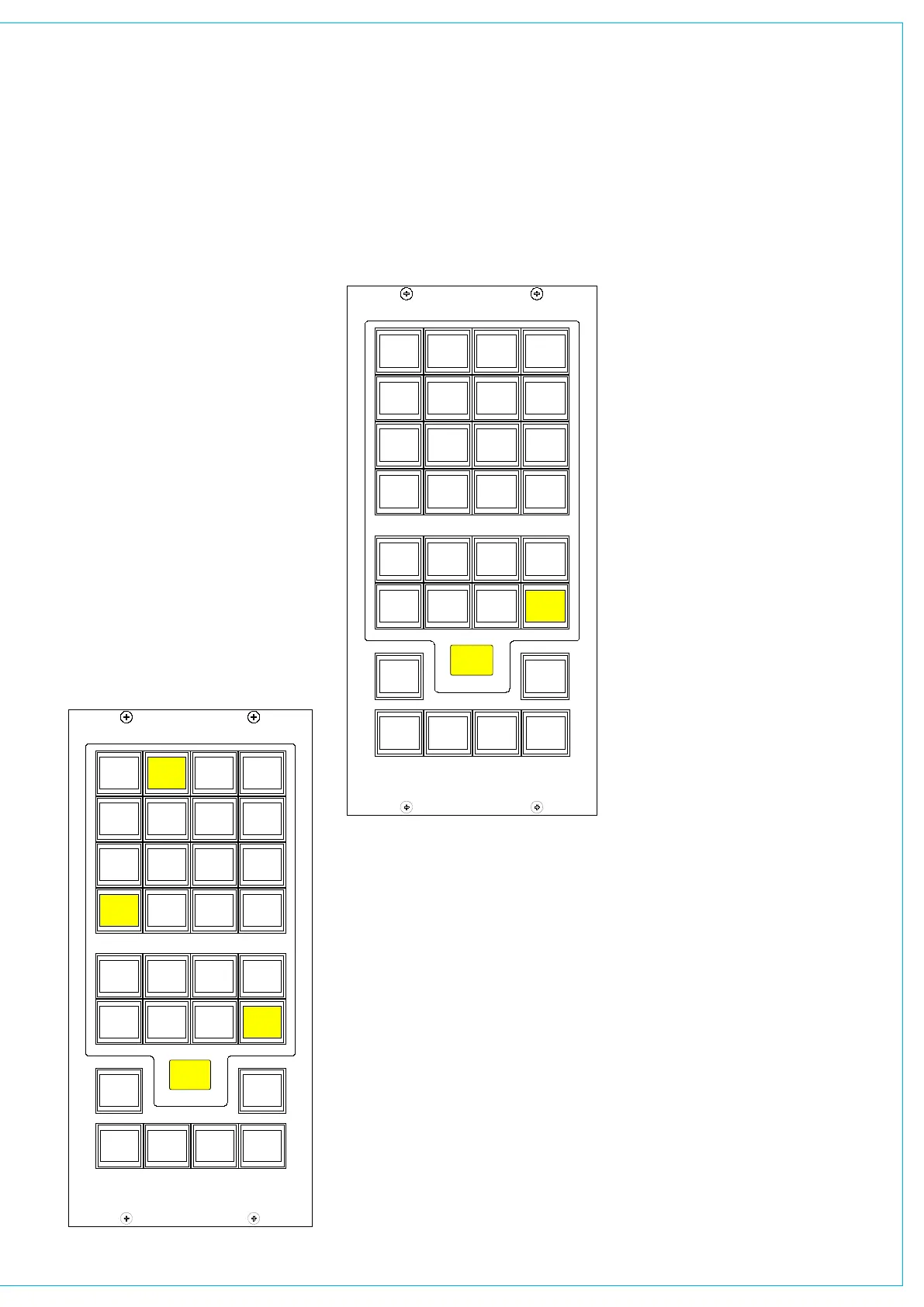
When a misc output is selected, the misc
functions bank allows options for the
mute button, CUT, DIM and mono/stereo
monitoring options to be applied.
The Mute button for each misc output
can be set to CUT or DIM the selected
monitor source using the MUTE=CUT
or MUTE=DIM buttons. The button will
light red when set to cut, and yellow
when set to dim.
CUT and DIM can be applied using the
buttons here.
CUT L and CUT R allow the left or right
leg of the selected monitor output to be
cut.
Stereo or mono buttons allow the misc
output to monitor the source in stereo or
mono.
L > L + R and R > L + R allows either
the left or the right leg to be sent
to both the left and right of the stereo
output.
MY5403
MONITOR SEL
TONE
BANK A BANK B BANK C BANK D
BANK E BANK F BANK G
FUNCT
MISC
ASSIGNMENT
SELECTION TYPE
SELECTION
M/S
METER 1
SURR
MAIN 1
METER 1
CR MON
FOLLOW
METER 2
SURR
MAIN 2
METER 3 METER 4
STEREO
EXT 1
MISC OUTPUT AND METERS
Meter 1-4 Misc Functions
When meters 1-4 are selected, the misc
functions bank allows Tone and M/S (L-R
sum/difference) to be selected for that
meter.



 To Next Page