CALREC Putting Sound in the Picture 49
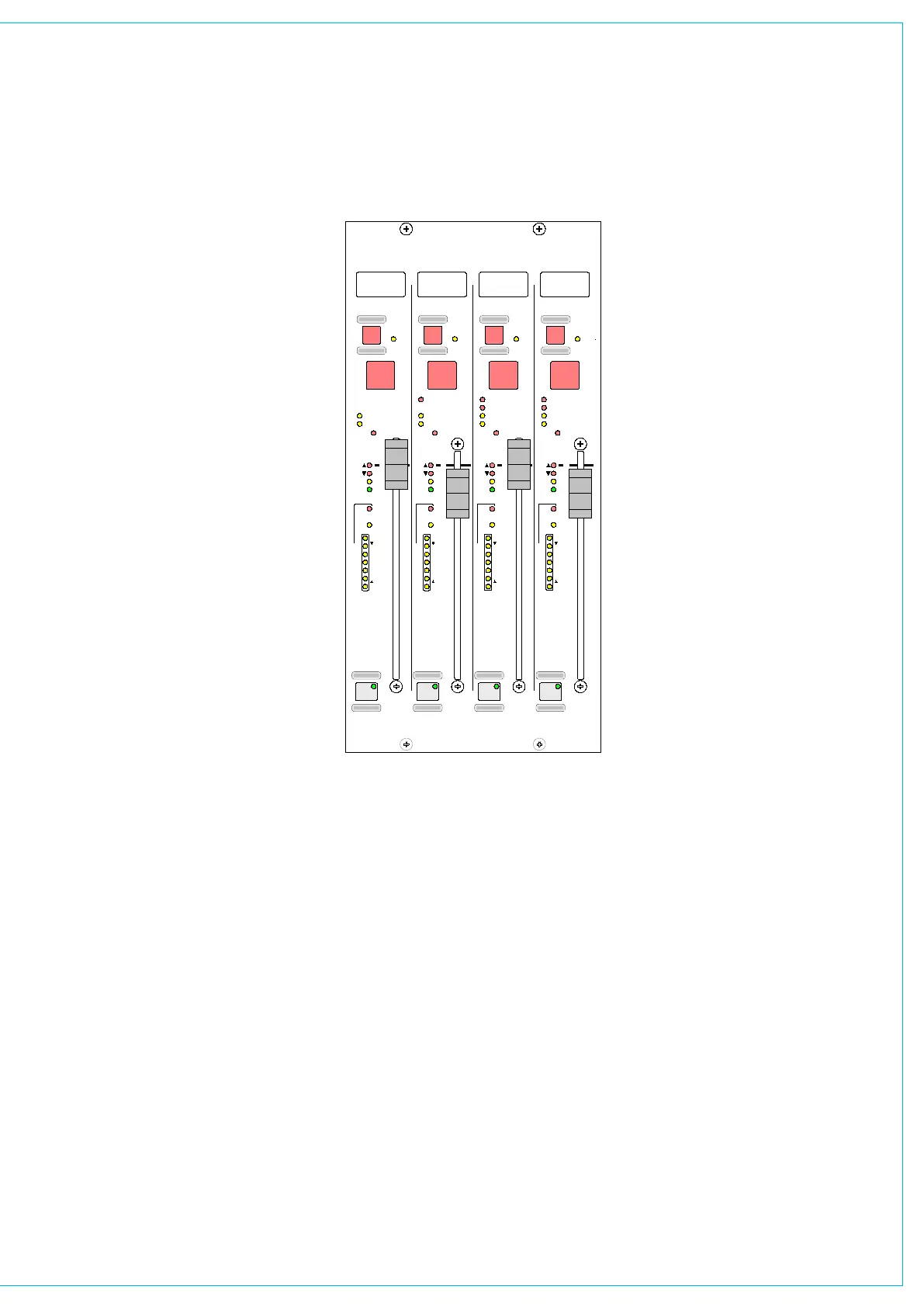
The Assign Button on each main fader
calls the main output to the Assign panels
to allow:
Routin
• g (of one main to another -
indicated on the routing LEDs above
the faders)
Insert
• ON/OFF
Control of the
• Compressor and direct
input
Control of a surround main’s spill legs
•
using the surround spill panel or User-
Spill screens
Surround and Stereo Main Outputs
Each main output can be pre-set to be
either surround or stereo. Surround mains
are 5.1 plus a rear downmix to allow a
simultaneous LCRS. There is also a stereo
downmix and a mono downmix (potentially
10 outputs for each surround main).
The insert and direct input are also
surround.
If a surround main is routed to a stereo
main, the stereo downmix will be routed.
Main Meters
The main output meters display the stereo
downmix if the output is surround. If the
main line monitor is set to be fed back
from the studio distribution via external
inputs to the desk, then the meters will
display this instead.
IM5529
T
ON
TONE
DYN
PEAK
PFL
DYN
E
C
8
12
16
20
24
4
48
T
ON
DYN
PEAK
PFL
DYN
E
C
8
12
16
20
24
4
48
T
ON
DYN
PEAK
PFL
DYN
E
C
8
12
16
20
24
4
48
T
ON
70
60
50
40
30
20
15
10
0
5
DYN
PEAK
PFL
DYN
E
C
8
12
16
20
24
4
48
70
60
50
40
30
20
15
10
0
5
70
60
50
40
30
20
15
10
0
5
70
60
50
40
30
20
15
10
0
5
MAIN OUTPUTS
M1
M2
M3
M4
M1 M2
M3
M4
STEREO
SURROUND
STEREO
SURROUND
MAIN 1
STEREO
SURROUND
MAIN 2
MAIN 1
STEREO
SURROUND
MAIN 2
MAIN 1
TONE TONE TONE
PRE PRE PRE PRE
MAIN 1
5.1
MAIN 3MAIN 2
5.1 5.1
MAIN 4
STEREO
8
8
8
8
MAIN OUTPUTS



 To Next Page