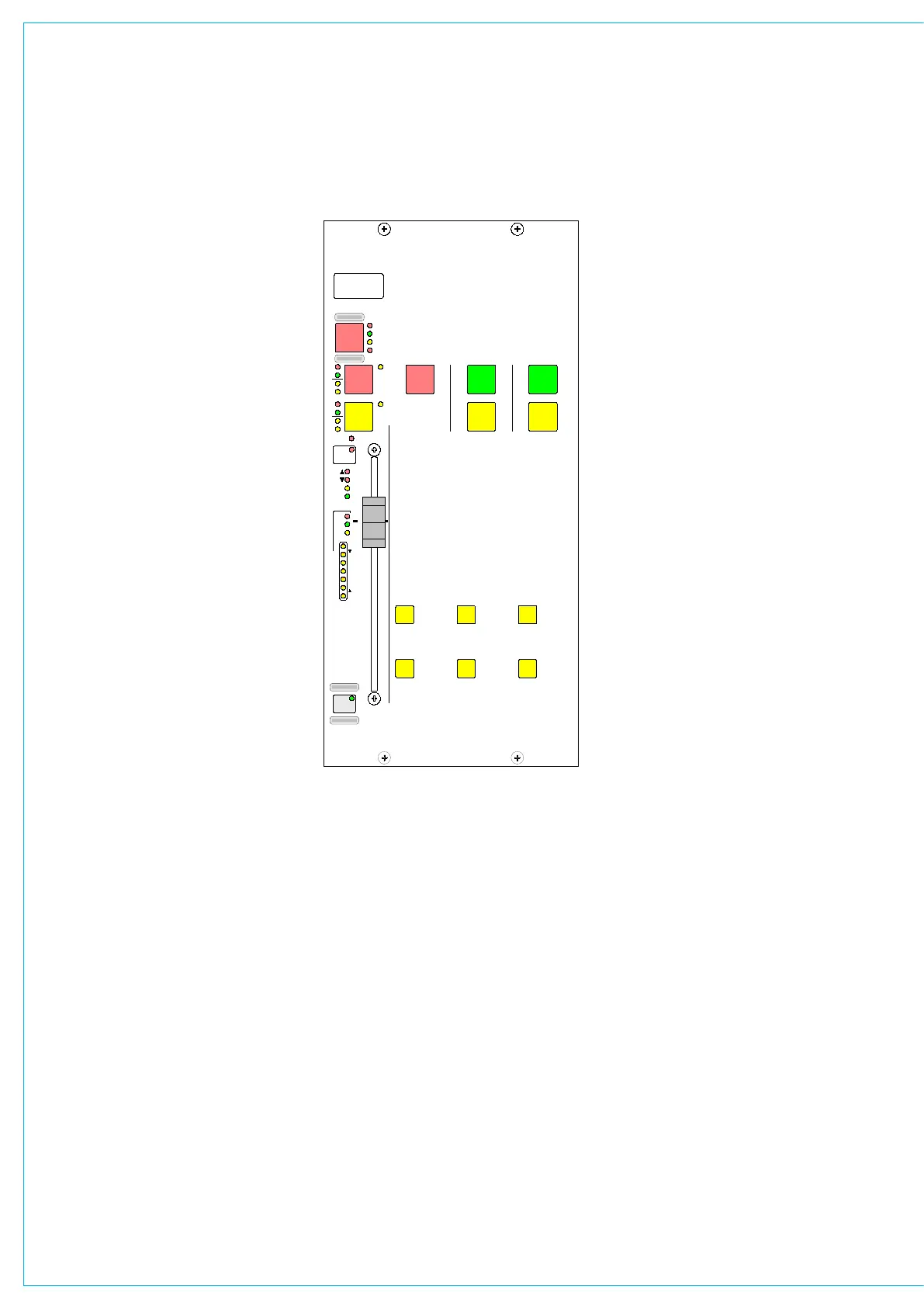
The assignable fader can follow a spill
fader, but cannot be locked to it. It can
however be locked to a surround master.
All A/B viewing
The ALL A and ALL B buttons switch all
the channel faders to display either their
A path or their B path. Buttons allow the
left and right hand side to be switched
separately for each path. Using the ALL
A and ALL B buttons is like moving to a
different section of a single layer design.
The functionality of the All A and All B
buttons can be set such that the All A or
All B paths are displayed on the control
surface until the button is pressed again,
when the console will revert back to the
previously displayed layer on each fader.
This is so that the console’s A/B display
pattern is not lost. This behaviour is set
on the Options - Misc screen. Whilst in All
A or All B viewing mode, the All A or All B
button will flash.
The same screen also provides a couple
of options for locking faders to either the
A or B layer so a channel can always be
kept under immediate control.
IA5530
SL
SL
ST
ST
MR
MR
SS
SS
AFL
T
ON
CUT
GP
GP
0 0
60
50
40
30
20
10
5
0
10
5
M/S
EQ
DYN
PEAK
PFL
DYN
O/P
I/P
E
C
8
12
16
20
24
4
48
FLTR
LOCK ALL
A
ALL
AFADER
ASSIGNED
FADER
ALL
B B
ALL
LHS RHS
Mic 1
Pres 1
A
B
ASSIgNAbLE fADER



 To Next Page