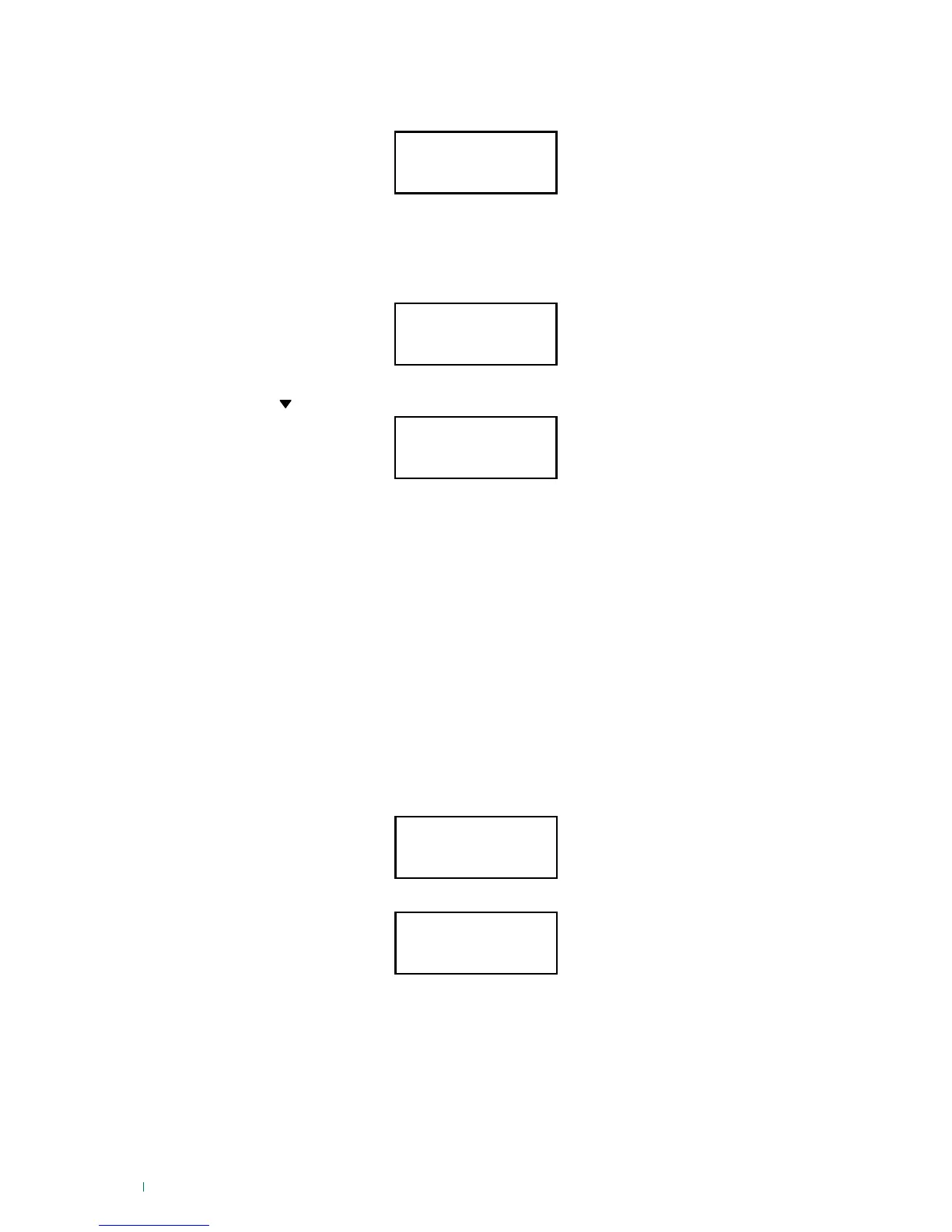
TAMPER! ↵
FORCE? ↓
TAMPER
Zones Tamper
ACT. LOCKED
Press C to Esc
USER UNKNOWN
20:41 09-11-2015
KEYPAD LOCKED
12
Press "ENTER" to force activation.
Activation in presence of tampering
If tampering is present during system activation, before confirming the action the keypad will display:
To continue with activation if tampering has been detected, you will need to force the procedure.
IMPORTANT: the user may not be authorised to force activation in the presence of tampering; for
authorisation contact your installer.
From the previous screen (TAMPER! FORCE?):
Use the arrow
to display all tampering.
If the user is not authorised for forced activation, the following screen will appear:
Alarm lock in progress
There are two ways to lock an alarm in progress:
A. Deactivate the system (with the system activated) (code +OFF)
B. Send the ‘Stop alarms’ command.
There are two ways of sending a 'Stop alarms' command:
A. Enter the user code and then press and hold the 'prog' key for at least two seconds.
B. Alternatively, enter the code to access the user menu; under the "Commands" option, press
'ENTER' when you reach the "STOP ALARMS" command.
An alarm lock causes the outputs (sirens, etc.) to switch off and cuts off any calls which are in progress or
in a queue.
CAUTION: The STOP ALARMS procedure does not deactivate the system. If a system was activated, it
will remain so; only outputs and telephone calls will be blocked for that specific alarm.
User not recognised
If an invalid code is entered, the user unknown message will appear:
If 3 attempts at entering an invalid code are made, the keypad will be locked for two minutes.
IMPORTANT: the "user not recognised" keypad lock can be disabled, plus the number of attempts
and the lock time can also be changed by the installer during programming.
Robbery Code
A robbery code is associated with every user code. The robbery code is the user code + 1.
Example: user code 111111, the corresponding robbery code is 111112. Code 119999, robbery code =
120000. Code 123459, robbery code = 123460. It is not possible to register a user code corresponding to
an existing user code + 1, since this new code corresponds to the robbery code of the existing user. Use
of the robbery code triggers the configured calls without requiring activation/deactivation action, plus the
keypad will not indicate that calls are being made.
This code must only be used in the event of deactivation under duress (burglar present).












 To Next Page