System Mgmt.
Events Log
10:45:18 05-08
Touch Fault
10:45:18 04-08
StopSysPhonecall
Events Log
Events Memory
Planux
planux manager 1
Alarm
Fault
Areas
X X X X X X _ _
33
Events Log
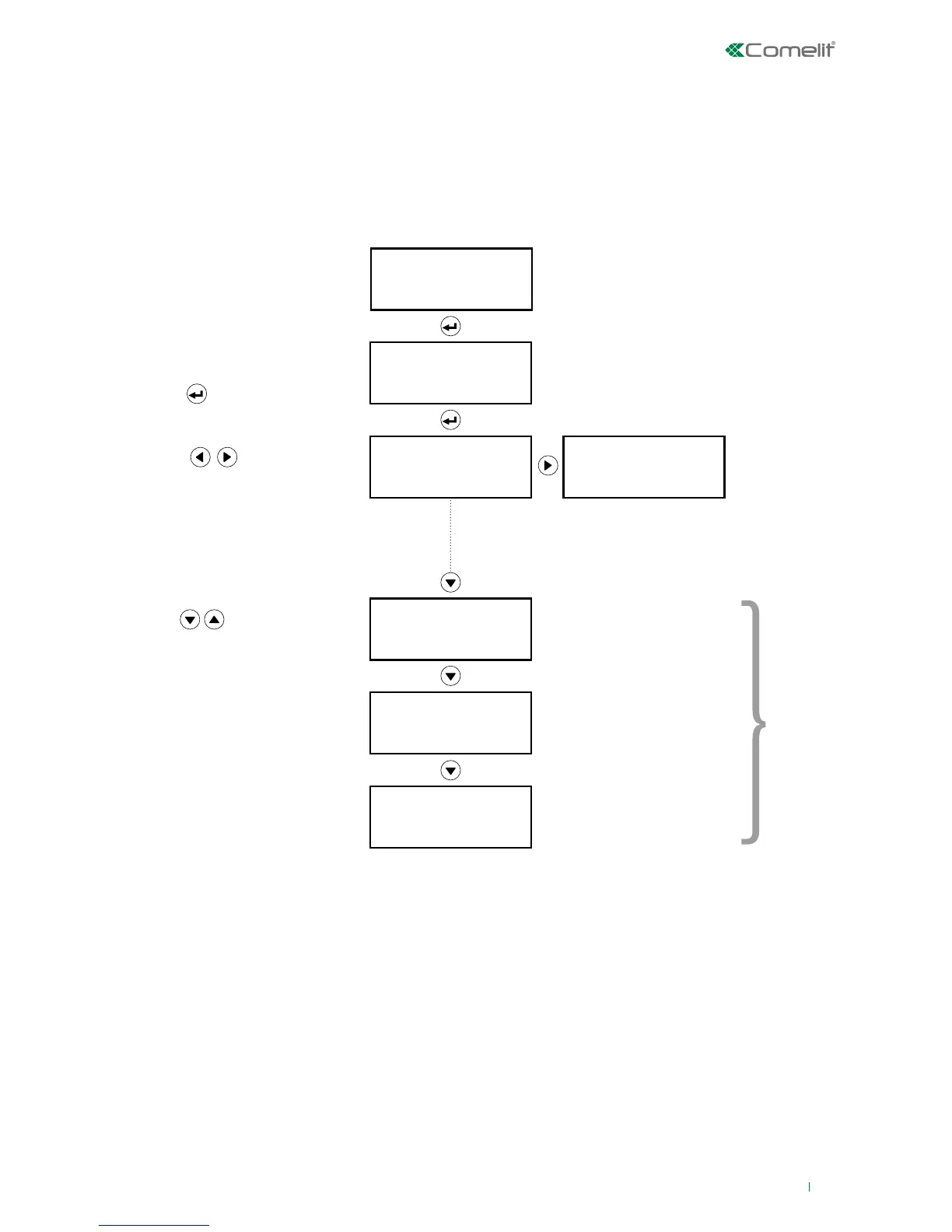
This option can be used to view the events memorised in the LOG.
In System Mgmt., select the 'Events Log' option on the second line and press 'ENTER'.
There are two event groups in the Events Log:
• Events Memory: to view all events
• Alarms Memory: to view alarm events only
: time and date
: Agent
: Action
: Event type
: Event/Action ID
: Agent ID
: Event sub-type/Action type
: Further details relating to the
event type
Select Events Memory using the
up and down arrow keys, then
press
Events Memory
Press to scroll through
the events in the memory
Press to view the details
of an event.
Non-significant records will not be
displayed.
If, for the current record, both details
on a screen are non-significant, it will
not be shown, and the display will skip
straight to the next screen.
detail
event
When the event detail is displayed press 'C' to return to the "Events Memory" selection screen.












 To Next Page