41
Activation with zones open
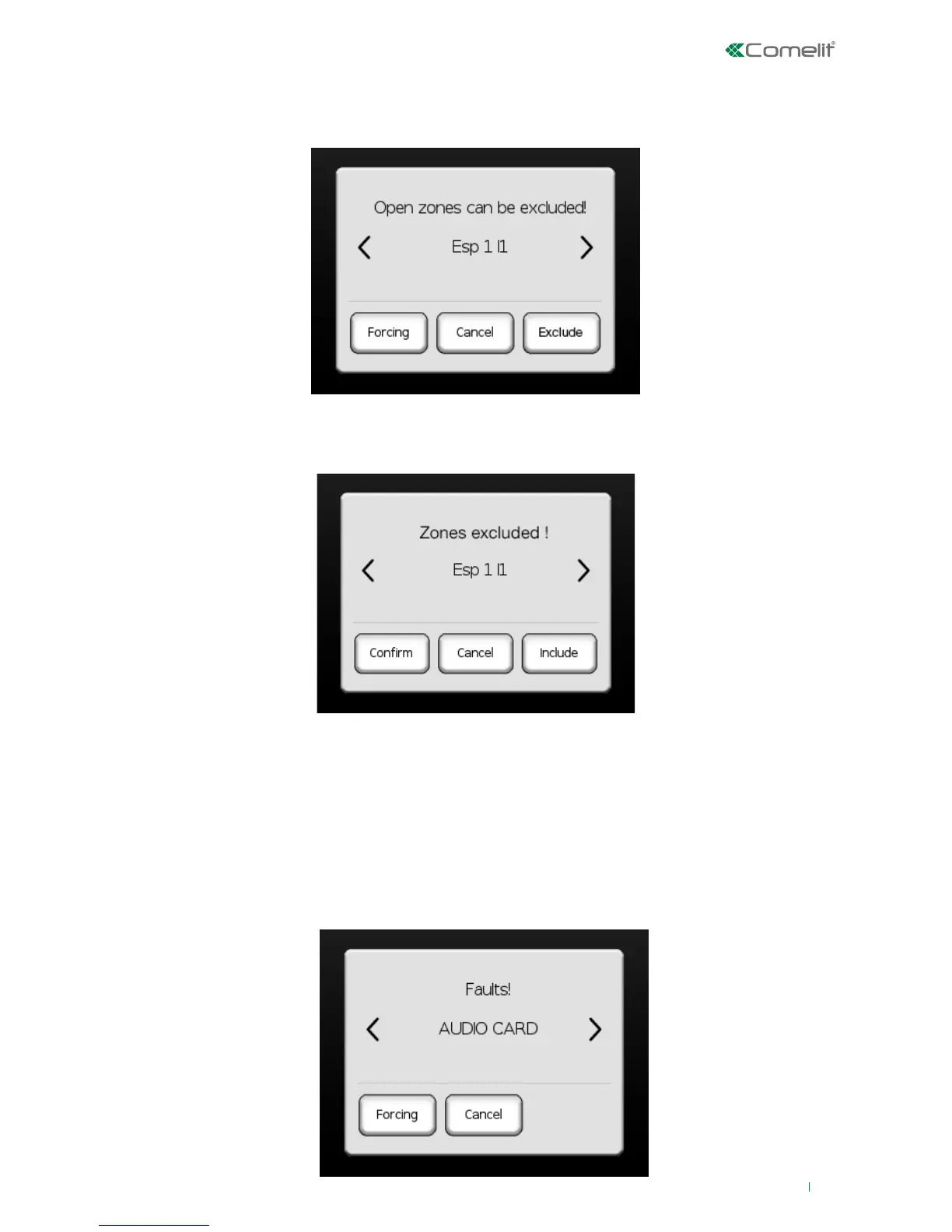
If a zone is open during activation, after the system analysis screen, the following screen will appear:
If you press 'FORCE', activation will continue and the system will enter alarm condition if the zone is still
open. Press 'Cancel' to cancel the operation. Press 'Exclude' to exclude the zone; the system will repeat
the analysis and at this point the screen will be as follows:
To execute the activation press 'Confirm', or 'Cancel' to cancel, or 'Include' to include the open zone.
Activation with zones excluded
If a zone is excluded during activation, after the system analysis screen, the screen described in the
paragraph above will appear.
Activation in the presence of faults
If a fault is present during activation, after the system analysis screen, the following screen will appear:












 To Next Page