2
59
To disable an option, proceed as for complete buzzer enabling/disabling.
Configuration
This option includes a certain number of sub-menus, which are described in the next chapter.
The 'configuration menu' consists of a certain number of options, divided into sub-menus.
The options included in the configuration menu are:
Configuration menu
• BUS485 address
• BUS485 speed
• Device password
• User code
• LAN
• Touch screen lock
• Touch screen calibration
• Reset configuration
• Update product
• Information
BUS485 address
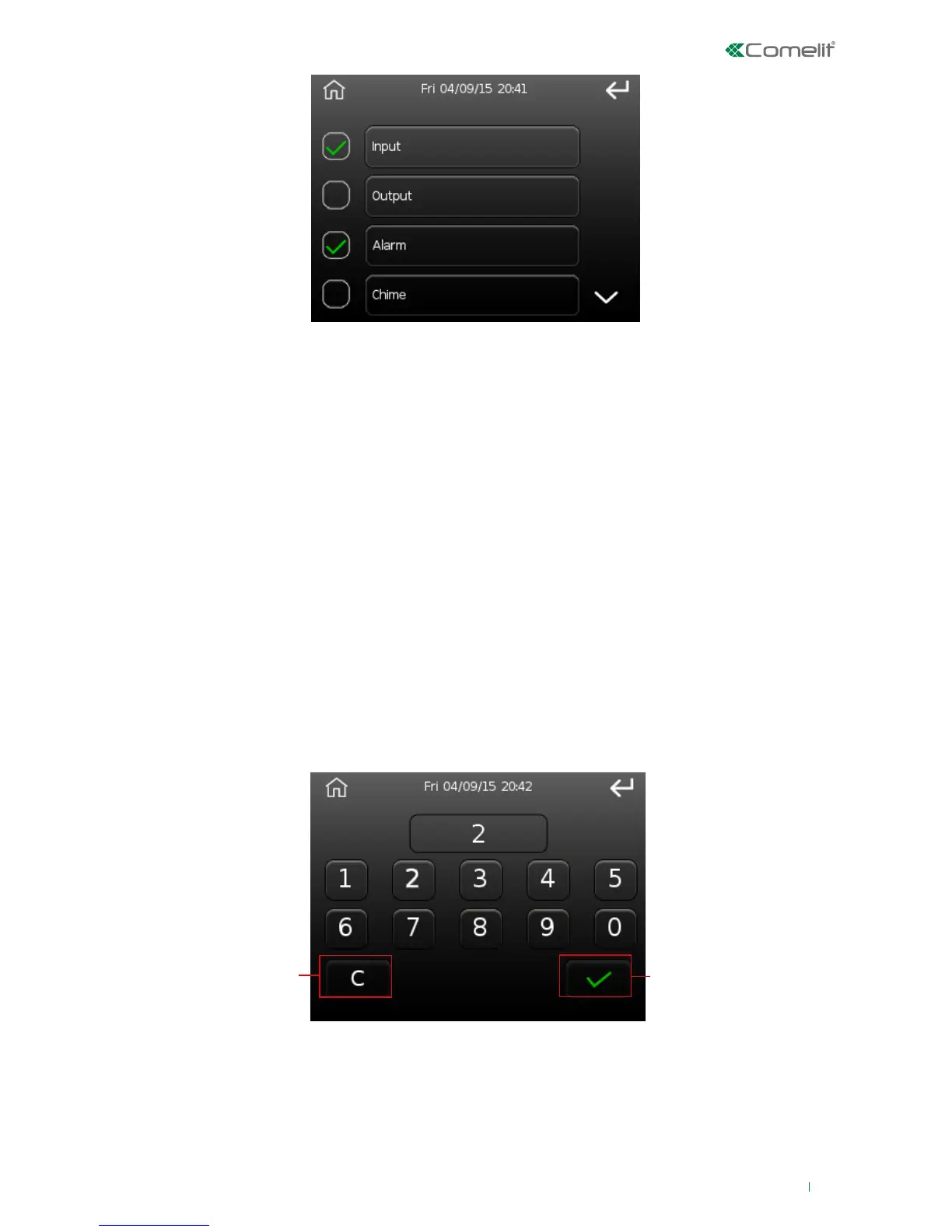
This option can be used to edit the address/ID of the device on the bus.
1. Cancel button
2. Confirm button
To change the address, delete the current value by pressing the 'C' button, then use the numbers to
enter the desired value, and finally press 'confirm' to confirm.












 To Next Page