43
Settings menu
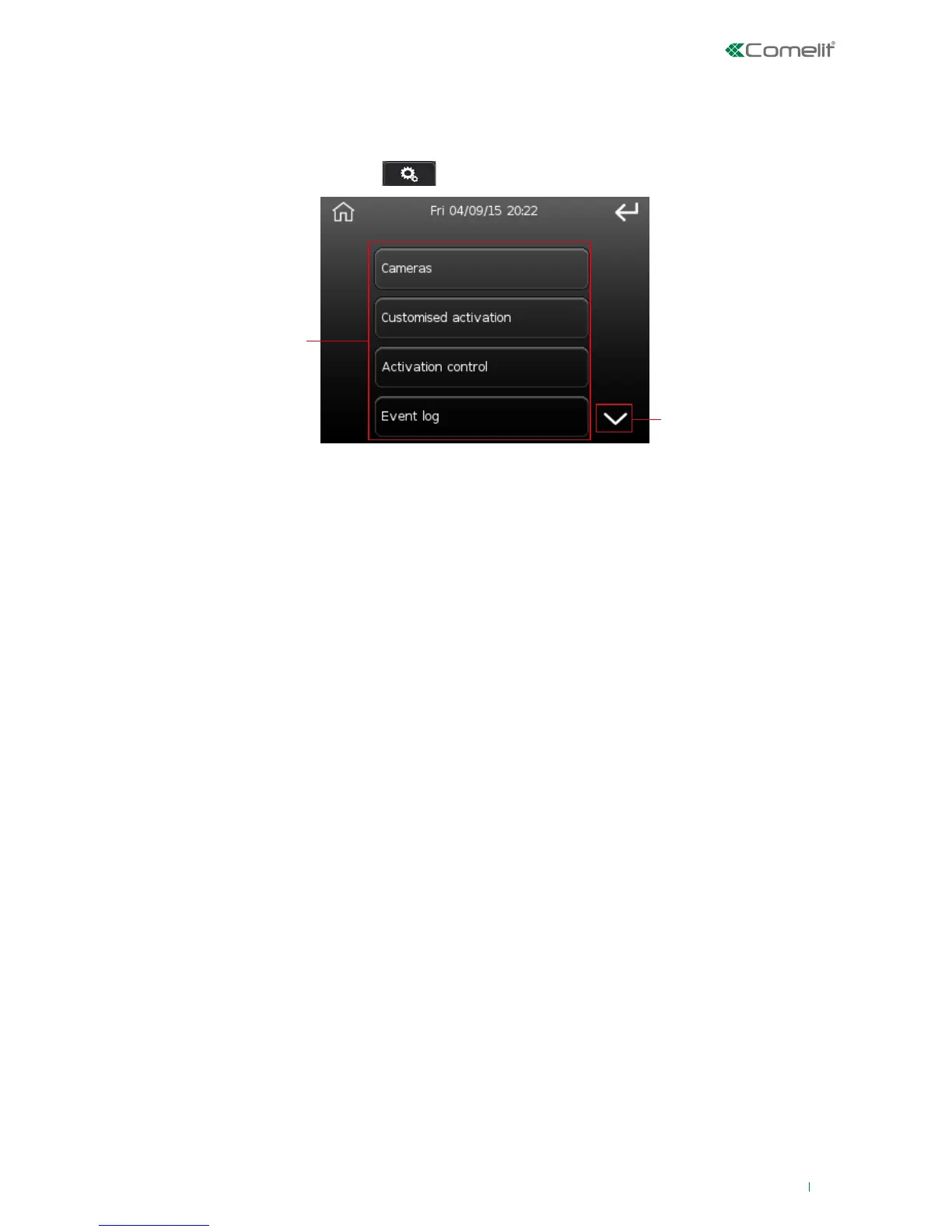
The settings menu consists of a certain number of options, divided into sub-menus.
The options displayed depend on the levels of access associated with the user who performed the authentication
procedure.
To access the Settings menu, press the
icon on the main menu screen.
1. Menu options (scroll down for more)
2. Scroll through the screen
The settings menu includes the following options:
• Keyboard emulation menu
• Cameras
• Customised activation
• Activation control
• Event log
• Zone and area status
• Quick commands
• Output command
• Phone book
• Options
• Change PIN
• Set date and time
• Voice menu
• Installer
• Register key
• Delete key
• Auto-activations
• Timer
• LED management (for installers or authorised users only)
• Organize desktop
• Buzzer (for installers or authorised users only)
• Configuration (for installers or authorised users only)












 To Next Page