55
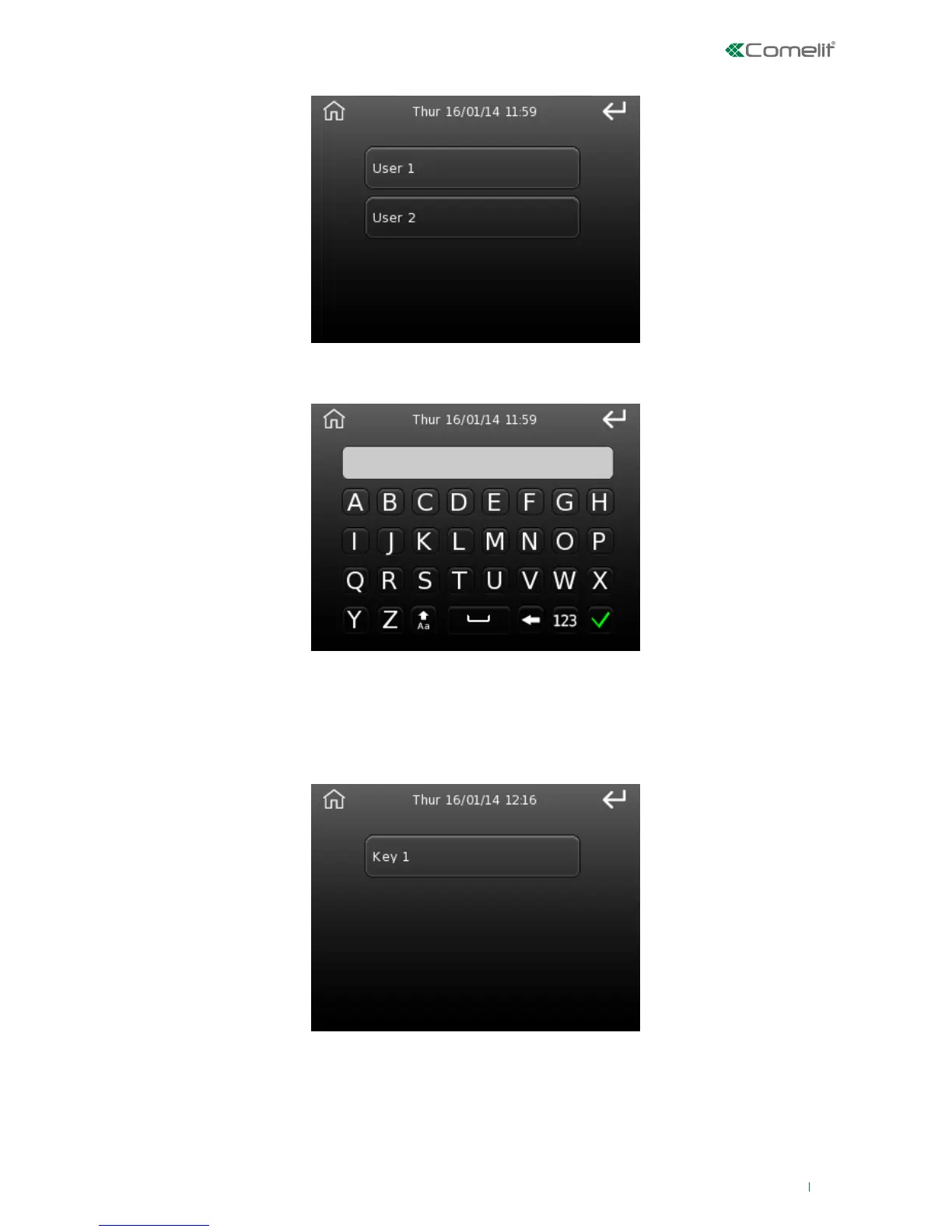
1. Next, pass the key over the sensing area; the following screen will then appear:
2. Select the user to be associated with the key by pressing the corresponding button; the key description
entry screen will then appear.
1. Select the key you wish to delete from the list.
The screen is the same as the one used for the phone book, to edit the telephone number description.
Delete key
This option can be used to delete an RFID key memorised previously.












 To Next Page