Enter User Password
Configuration Configuration
Enable installer
Enable manufacturer
Update product
Comelit DNS registration:
Firmware: @5715:5742M
IP address: 192.168.1.230
Subnet Mask: 255.255.255.0
Gateway: 192.168.1.1
Primary DNS: 192.168.1.1
Secondary DNS: 0.0.0.0
MAC address: 00:04:A3:55:42:EE
DDNS code: 0004A35542EE
Activation code: 9314DEB308D47B0C
Firmware: @5715:5742M
IP address: 192.168.1.230
Subnet Mask: 255.255.255.0
Gateway: 192.168.1.1
Primary DNS: 192.168.1.1
Secondary DNS: 0.0.0.0
MAC address: 00:04:A3:55:42:EE
Enable installer?
Undo OK
81
Configuration_Installer authorisation
Configuration_Manufacturer authorisation (available
only for the installer)
Configuration_Update product
Configuration_Register Comelit DNS
Configuration
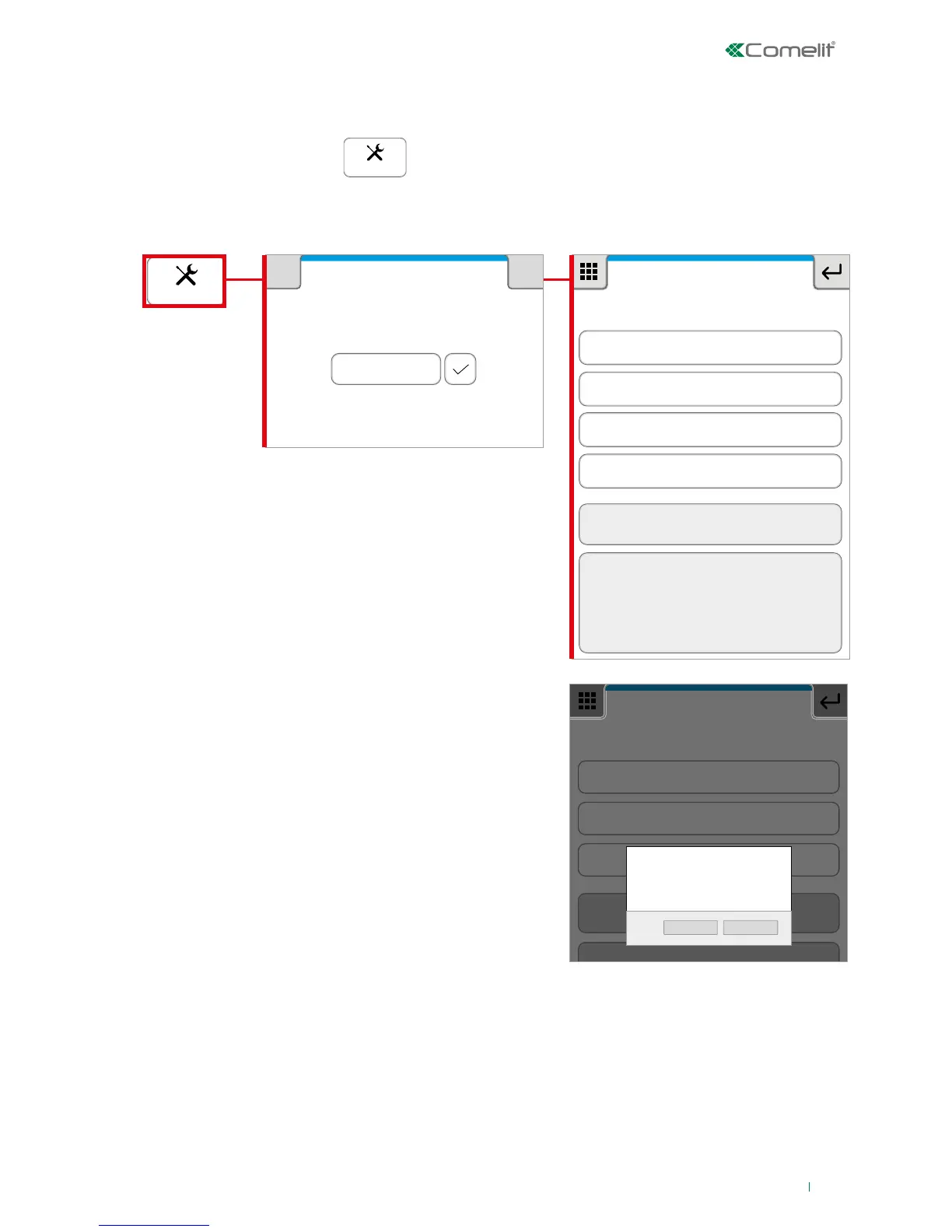
The Configuration section can be used to authorise the installer, update the product and carry out "Comelit
DNS" registration.
1. To access the functions press
SETUP
2. Type in the user password (default = 111111) and confirm.
Press "Authorise installer" and confirm to
authorise the installer.
Press "Authorise manufacturer" and confirm to
authorise the manufacturer.
√ you must log out before logging in again as
the installer.
» The installer is now authorised to log in.
» the manufacturer is now authorised to work
on the system
Contact your installer to carry out the updating
procedure.
Contact your installer to carry out the registration
procedure.
This menu offers access to control unit card
software updates.
This menu can be used to set a dynamic DNS
address for remote connection.












 To Next Page