3
48
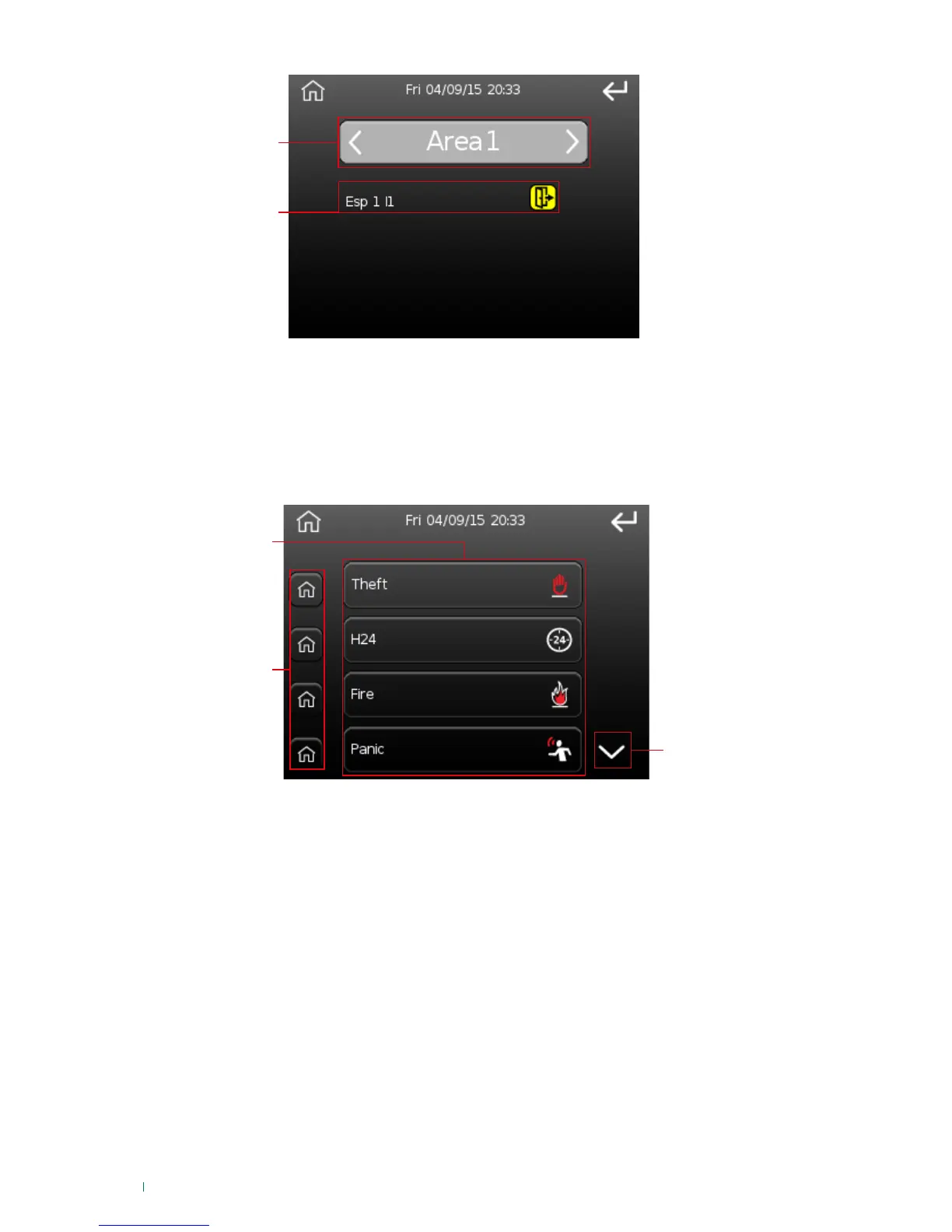
1. Area selected (press the arrows to change area).
2. List of zones.
IMPORTANT: zones in alarm and tamper condition are included in the open zones.
Quick commands
This option can be used to select which quick command buttons (commands, alarms) to move to the 'main
screen', or to execute a command (or alarm) from the list.
2. Quick command buttons. Command selection buttons on the main screen. Press these to activate/
deactivate the corresponding command on the main screen. If green, the button is present on the main
screen; if grey it is not.
3. Scroll through the screen.
1. Command button Press the key to execute the corresponding command.
» To confirm activation/deactivation of a “command” button on the main screen, the 'action executed'
screen will appear.












 To Next Page