54
Set date and time
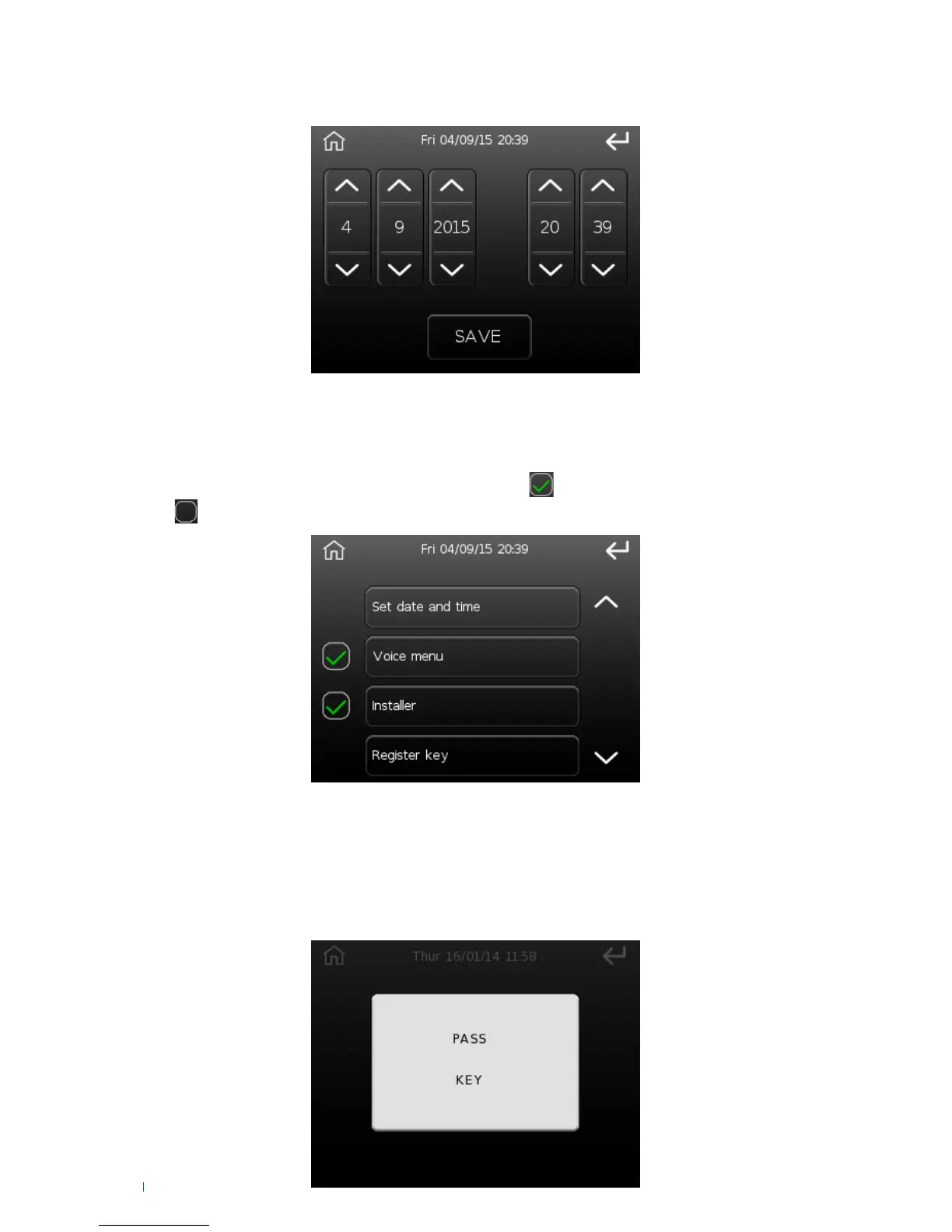
This option can be used to change the date and time on the control unit system clock.
To change the date and/or time press the arrows corresponding to the field you wish to edit, to confirm
press 'Save'.
Voice menu - Installer
The following options can be disabled by pressing the button if active, or enabled by pressing the
button if inactive.
• Voice menu: to enable the voice guide
• Installer: to authorise the installer for control unit access
The options are:
Register key
This option can be used to memorise a new RFID key.
When entering this menu option, the following screen will be displayed:












 To Next Page