67
Using the RFID reader
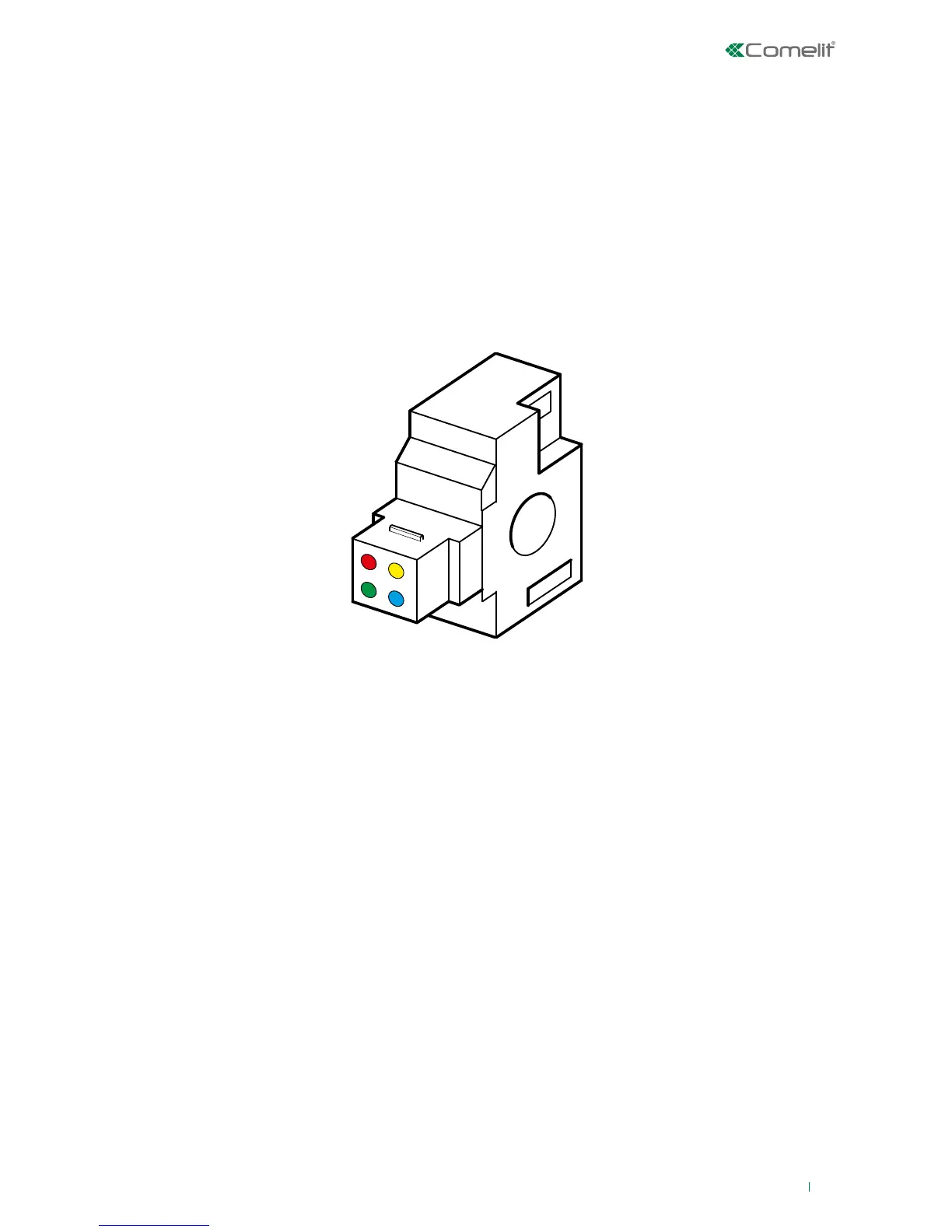
The RFID key reader can be used to operate the system using digital keys.
The procedures which can be carried out from the reader are:
• Total activation
• Deactivation
• Scenario activation (via cycle)
IMPORTANT: procedures which can be carried out via a key are linked to the authorisation levels of
the user to which the key is associated.
The procedures are carried out in areas for which the reader and the user associated with the key are
authorised.
RFID reader indications
In standby the RFID reader does not show the system status; to display the LEDs you need to pass a key over
the sensing area.
This mode lasts for a period of time set by the installer during the programming phase; the default value is 120
seconds. If the time is set as unlimited, the key does not need to be used in order to view the system status via
the LEDs; it will always be visible.
IMPORTANT: if the installer has configured the reader with unlimited 'system status display' time, conformity
with standard EN 50131-1 will be lost.
All procedures described below are intended for unlimited display time. For use with limited time, pass the key
an extra time before each procedure.
Key to the indicator LEDs
The reader has 4 indicator LEDs, the meaning of which varies according to reader status:
• reader in standby (no cycle in progress): the LEDs indicate the operating status of the areas enabled
on the reader
• the LEDs light up in sequence to provide users with an indication of which scenarios are available,
allowing them to make a choice
• during key presentation
• Red LED: Full activation
• Yellow LED: Scenario P1
• Blue LED: Scenario P2
• Green LED: Scenario P1+P2
IMPORTANT: The actions associated with the LEDs can be changed by the installer during system
programming.
The cycle actions associated with the LEDs by default are:












 To Next Page