35
USING VEDO TOUCH
Vedo Touch allows an authorised user to enable and disable the system, to check the system status and
manage its general features, and to check the event log history.
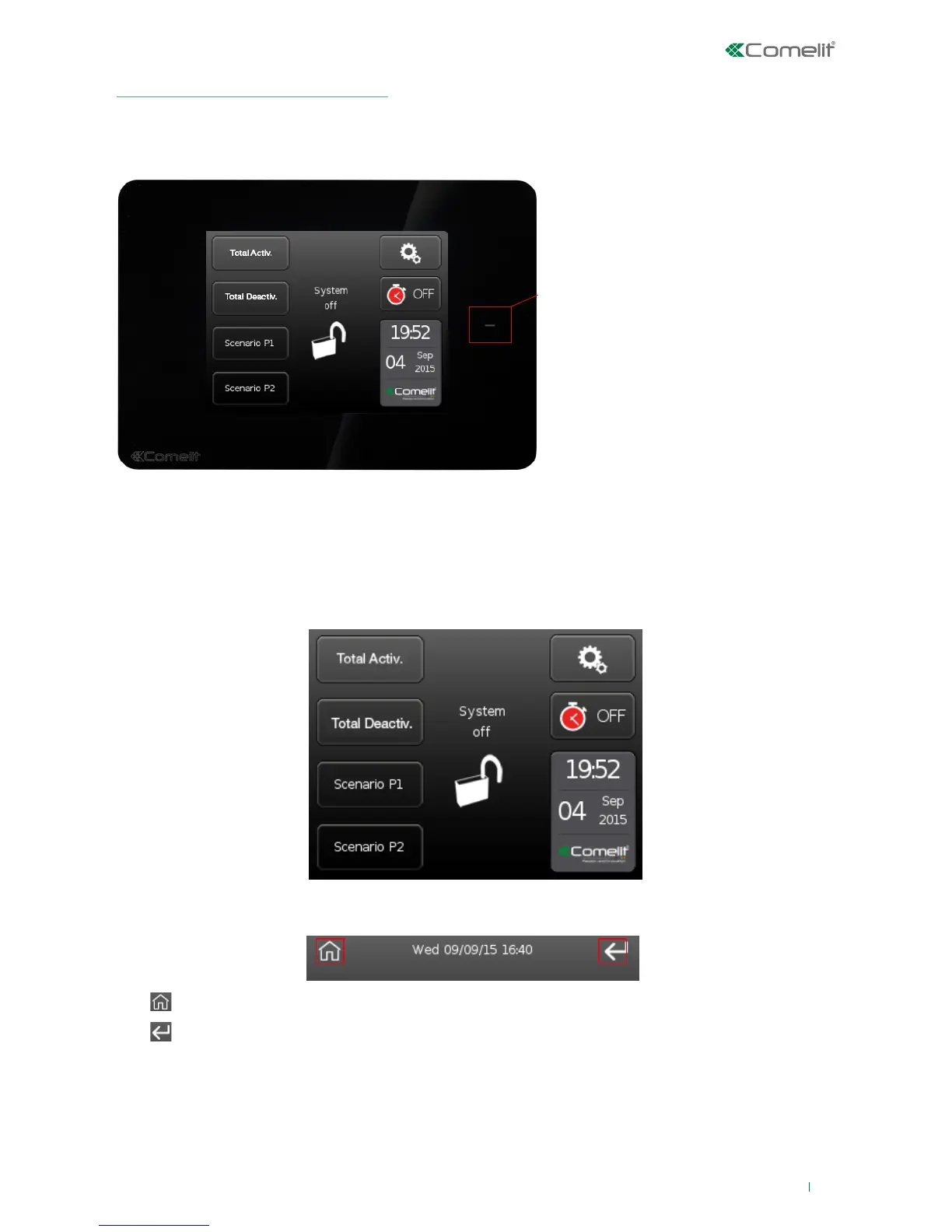
RFID sensing area
(for alarm activation/deactivation using a
key and user authentication)
Vedo Touch navigation
The display shows the icons corresponding to the available menus, which may vary depending on the system
configuration. To navigate the menus, simply use your finger to touch the icon corresponding to the desired
function.
Example main screen
Internal navigation toolbar
The
icon can be used to return to the main menu immediately.
The
icon can be used to return to the previous screen.
IMPORTANT: if the screen is not touched for 30 seconds (1 minute for the password entry screen), it switches
off and enters energy saving mode.












 To Next Page