42
Press 'Forcing' to proceed with activation, press 'Cancel' to cancel the activation procedure.
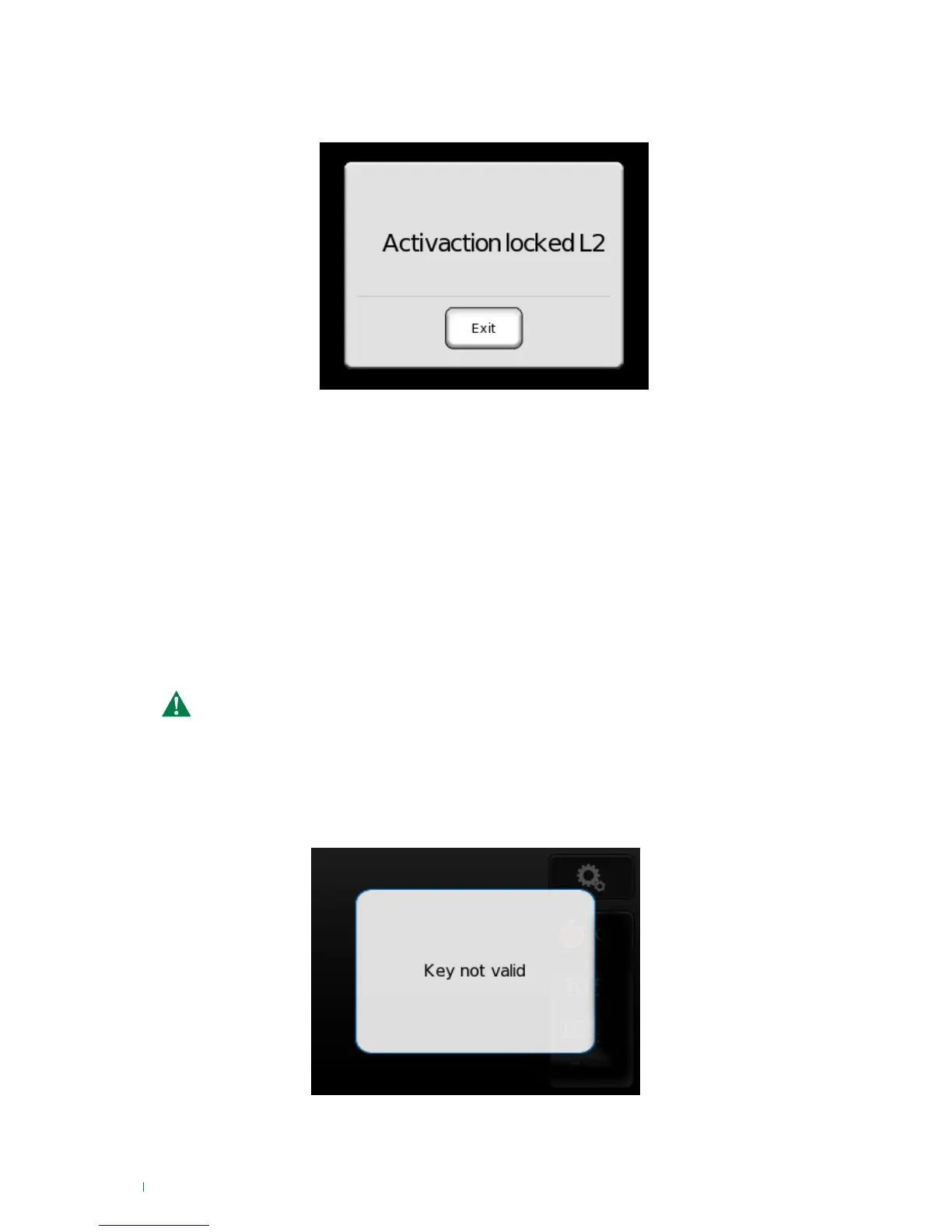
If the user is not authorised for level 2 forced activation, the following screen will appear.
IMPORTANT: for these authorisations, please contact your installer.
Activation while tampering is present
If a tampering event is present during activation, the system will behave in the same way as when a fault
is present. If you attempt to confirm the activation without permission, the "Activation locked" screen will
appear.
Using the RFID key
2. Perform a total activation/deactivation of the system by passing the key over the RFID reader.
1. Enter your own password by scanning the key in screens that require a password (alarm reset, access
to settings menu...)
With the RFID key you can:
» Scanning the key will be followed by the 'System analysis' screen, then an 'Activation executed' or
'Deactivation executed' screen depending on the system status.
» If faults, open zones or tampering events are present during activation, the procedures described in
the paragraphs above will apply.
» If the key is not memorised in the system, the following screen will appear:
The total activation/deactivation operation using the key is not possible during the device
update procedure, the key programming procedure or when in the password entry screens.












 To Next Page