1
63
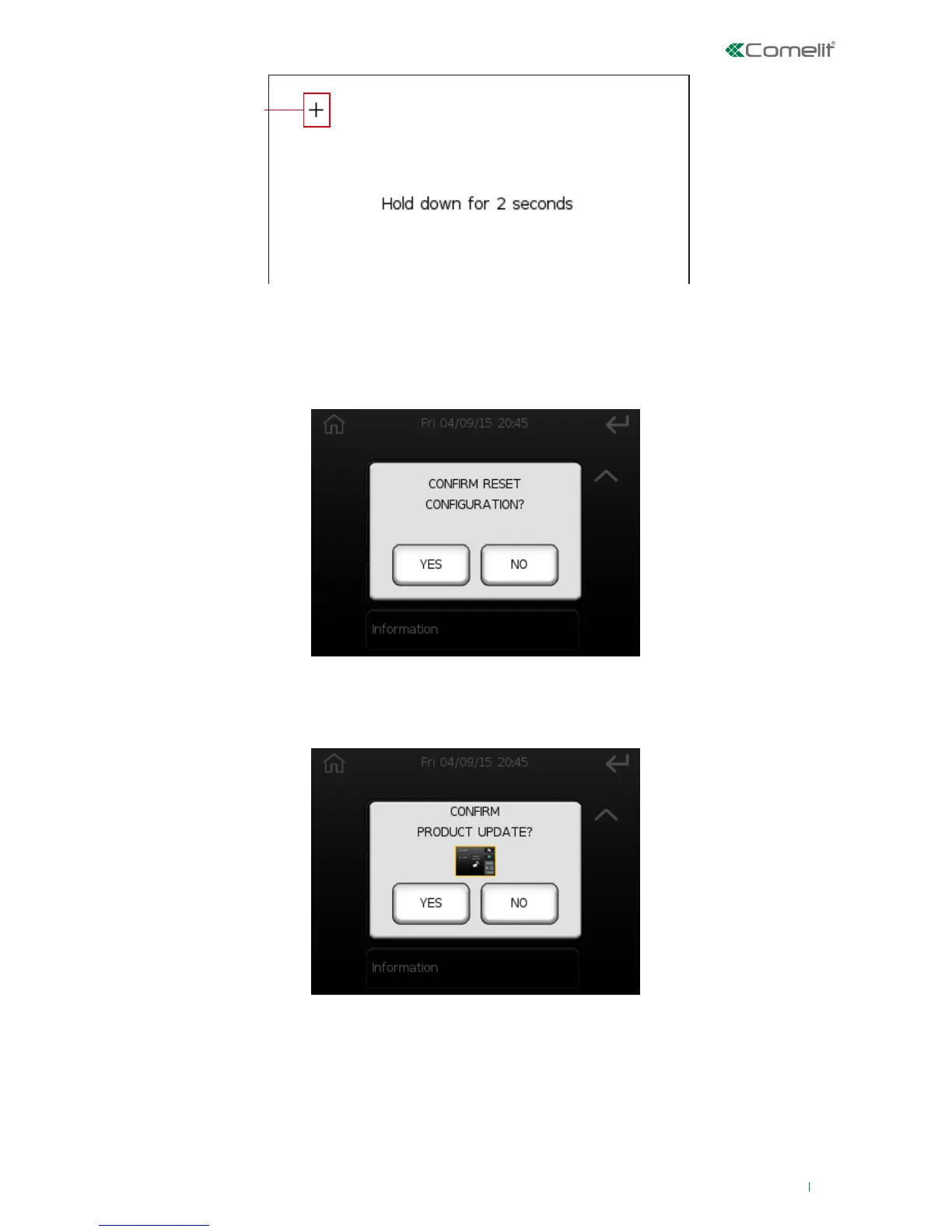
Symbol to be pressed for calibration
This step should be repeated a number of times (variable) as necessary for screen calibration.
Reset configuration
This option can be used to reset the product configuration.
Update product
This option can be used to update the product software and to change the graphics skin from black to
white and vice versa.
√ First load the update files “minisafe.ldr” and “minisaf2.ldr” in the folder “fw” on the SD card.
1. Press the preview of the centre photo if you wish to change graphics skin.
2. Press YES to confirm the update or press NO to cancel.












 To Next Page