60
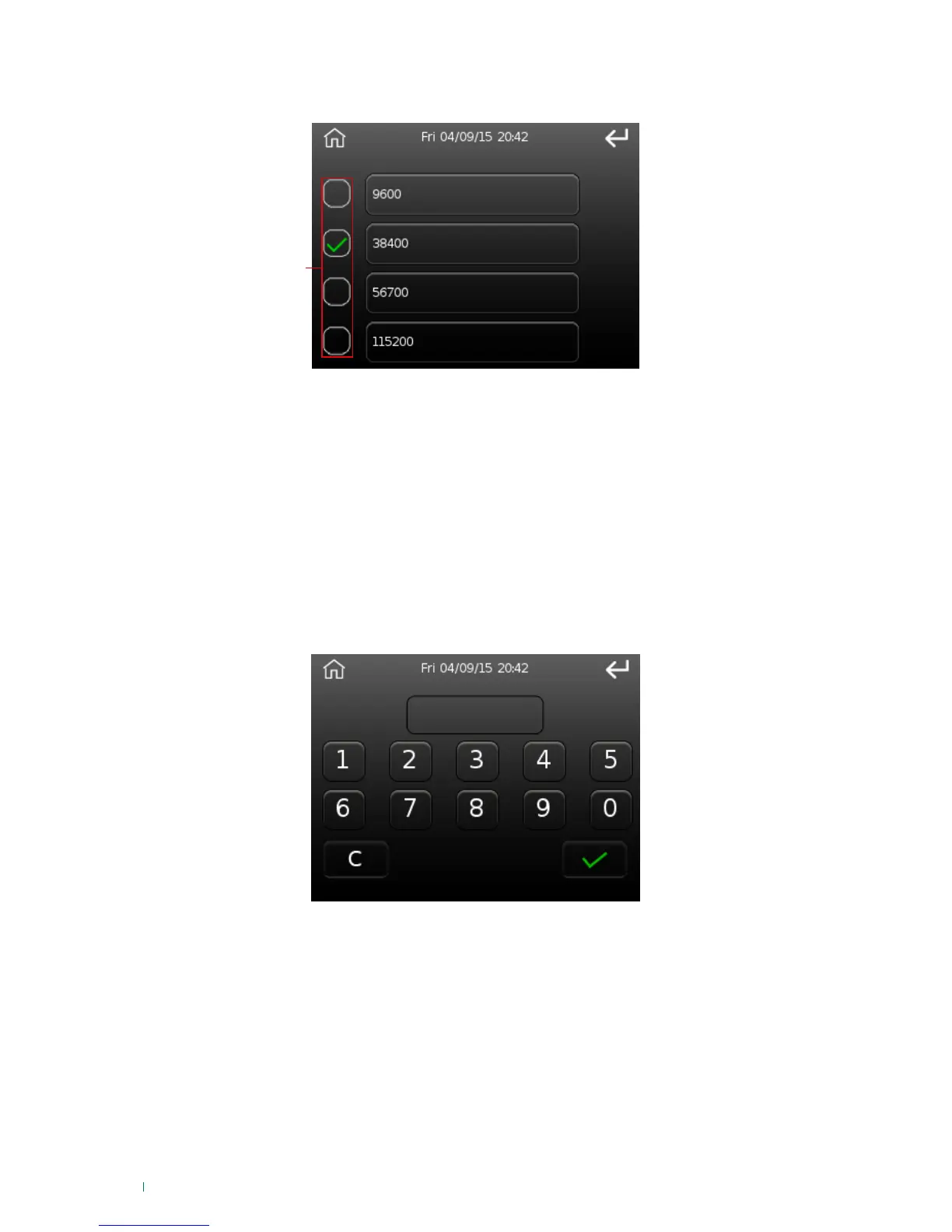
BUS485 speed
This option can be used to change the Vedo Touch bus485 speed.
1. Selection buttons
Select one of the four speeds using the selection buttons.
Device password
This option can be used to change the device password for the product.
The editing procedure is the same as the one used for the bus485 address.
User code
LAN
This option can be used to enter an optional user code (perhaps a specific code for this type of device)
for use during auto-configuration of parameters. This code enables the device to read more parameters at
start-up, so that it does not have to read them the first time a user is authenticated (and therefore make the
user wait); it also ensures that RFID keys can be used immediately.
• IP Address
• Subnet mask
• Gateway
• ViP Address
This option can be used to edit the network parameters and the IP address of the device.
The parameters that can be edited are:












 To Next Page