40
Quick commands from the home screen
The main screen can be used to carry out one of the following actions:
• Carry out activations/deactivations by pressing the activation buttons or passing the RFID key over the
sensing area.
• Execute commands or actions using the function keys.
Activations
To perform an activation, press the button corresponding to the desired activation type and then enter
the code.
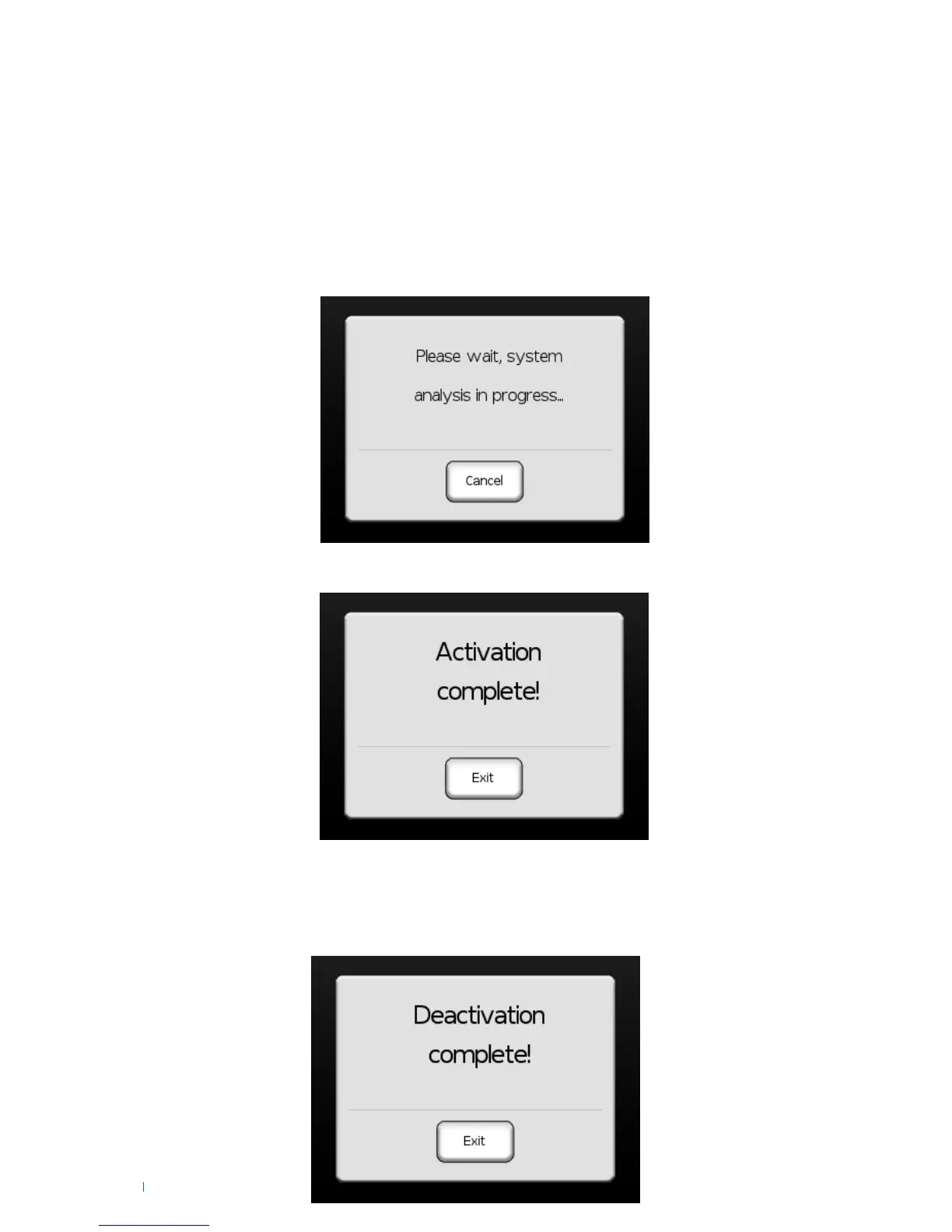
» At this point the 'System analysis' screen will appear:
Press 'Cancel' to cancel the action.
If activation was successful the following screen will appear:
Press 'Exit' to return to the main screen.
Deactivation
To perform a deactivation, press the button 'Total Deact.' and then enter the code.
At this point the 'System analysis' screen will be displayed; if the action was successful the following will
appear:












 To Next Page