49
Quick commands available:
ALARM
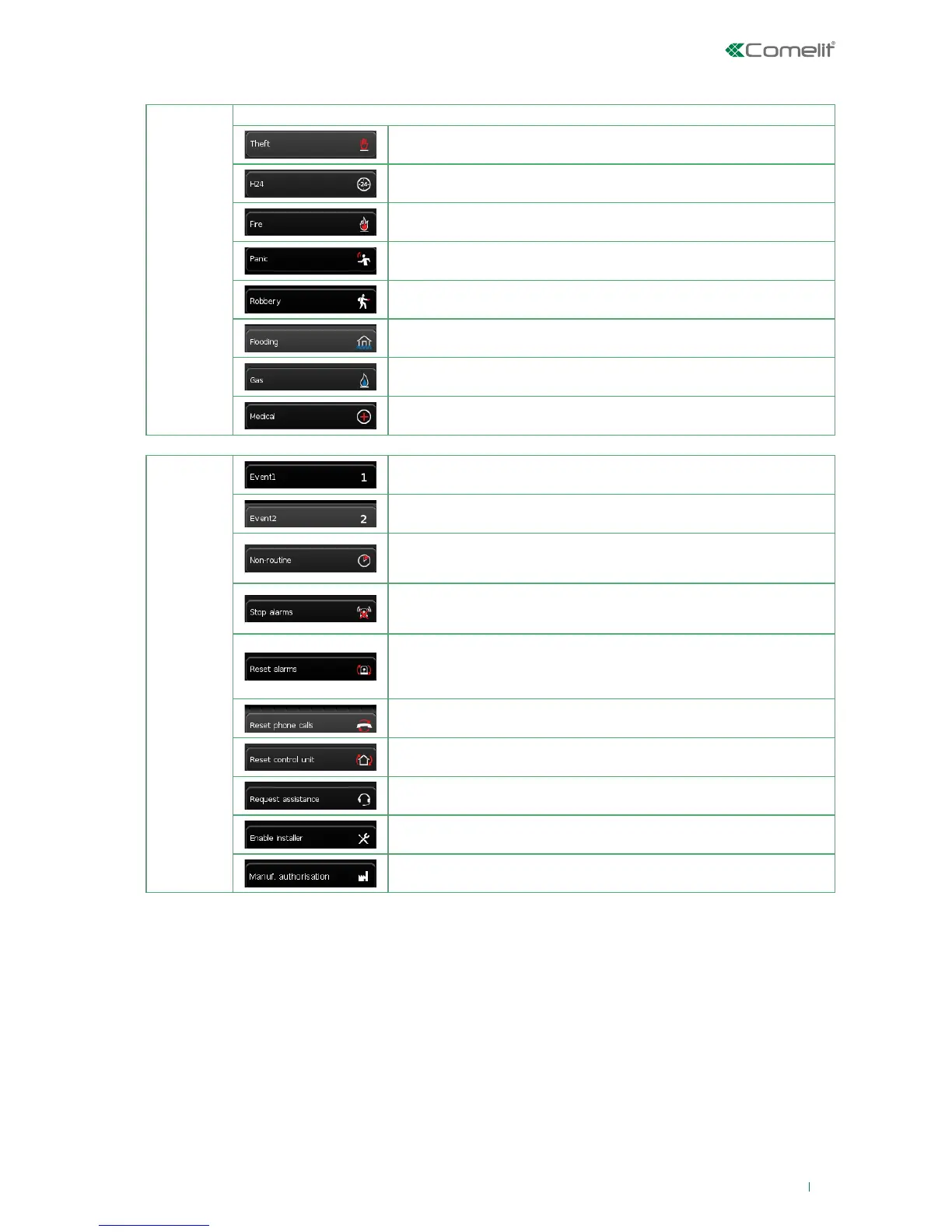
Allows you to assign to the function key the generation of one of the alarms listed below:
Burglar Alarm
24H Alarm
Fire Alarm
Panic Alarm
Robbery Alarm
Flood alarm
Gas alarm
Medical emergency alarm
COMMAND
Event 1 key: activates the event programmed by the installer.
Event 2 key: activates the event programmed by the installer.
Overtime: this command allows you to delay an automatic activation by n
hours, where n is programmable, for the purpose of allowing work to continue
beyond the envisaged activation time.
Stop alarms: stops the alarms in progress, regardless of whether the events
that triggered them are still active. Does not stop alarms with the attribute
Silent.
Reset alarms: resets the control unit conditions and alarms in progress, but
not the events that triggered the alarms which, if still active, will trigger a new
alarm cycle. After this command, the control unit assumes the same status as
it would assume following an activation.
Reset phone calls: blocks all phone calls, on landline and GSM network. Also
blocks any messages envisaged but not sent (SMS, email).
Reset central unit: restore unit to factory default settings (deleting all
configurations)
Request assistance: allows you to send a request for assistance to one or
more recipients, by means of a phone call. (NIY)
Authorise installer: authorises the installer code. Equivalent to authorising the
installer code from the keypad via the user menu.
Authorise manufacturer (only available to the installer ): enables the
manufacturer to perform operations on the system.












 To Next Page