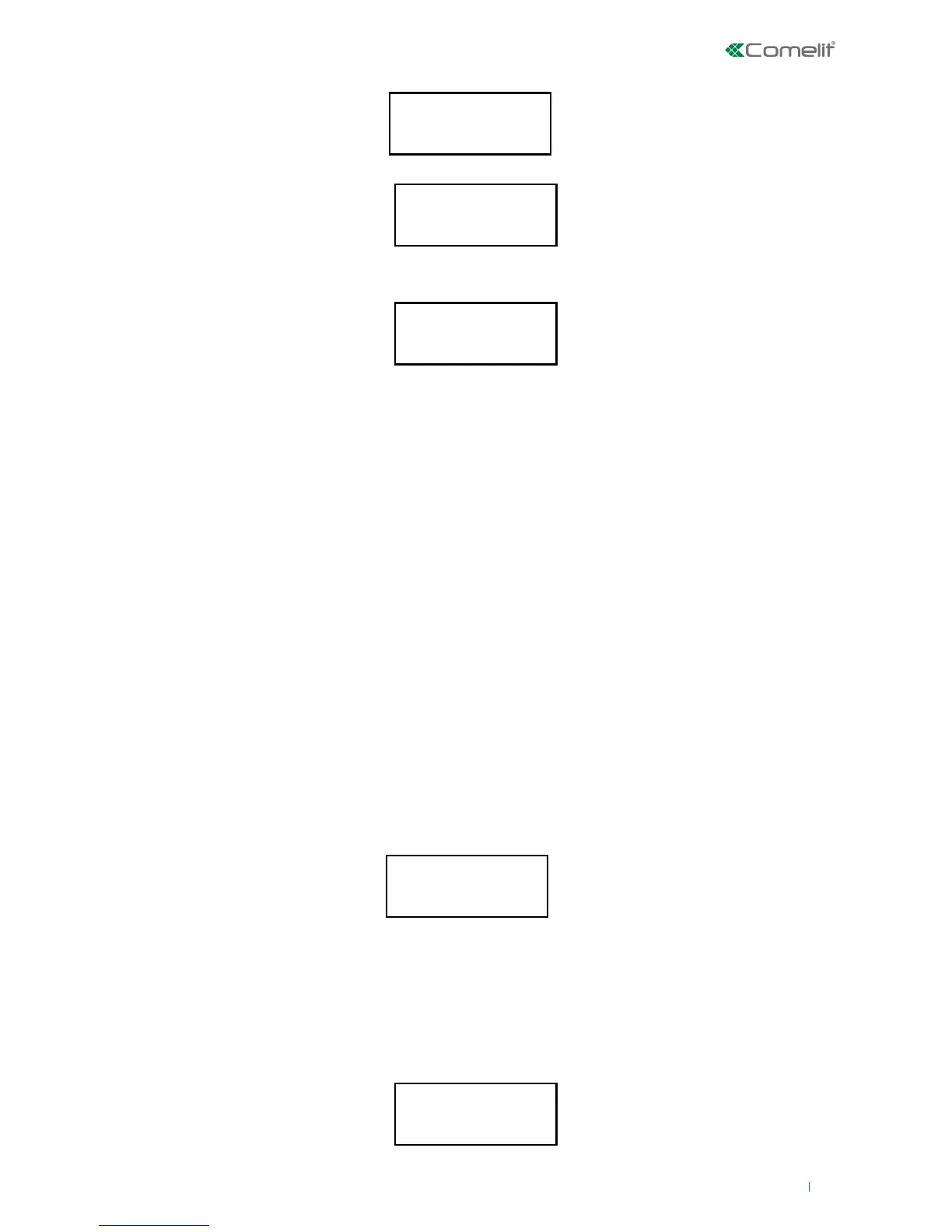
Syst. Analysis
Zones status
SCROLL ZONES
WITH ↓ ↑
Wired Zone 1
ZONE OK!
1-INCL. 2-EXCL.
3-ACT. 4-ISOL.
ACTION EXECUTED
Press C to Esc
23
2. Use the direction keys to select the Zone status option, then press ‘ENTER’.
1. Press ‘ENTER’ to access the System Analysis menu.
3. Use the up and down arrows to scroll through the list of zones.
4. The screen below shows a zone status example.
Possible zone statuses:
• Zone open : The zone is open.
• Zone in alarm : The zone is open in alarm condition. If the system is Activated it generates the
General Alarm event, with activation of the Outputs.
• Zone tamper : The zone has been tampered with. The system - irrespective of the Activated /
Deactivated status - generates output activation.
• Zone fault : The zone is faulty. The system - irrespective of the Activated / Deactivated status-
generates activation of the TC2 output "not ready".
• Zone active: : Zone active, the device is present, configured and understood to be operational.
• Chime zone: : A zone with this attribute generates a chime event if the area to which it belongs
is Deactivated. The enabled keypads will beep, otherwise (Area Activated) it will
behave as specified via the Reaction type parameter.
• Zone excluded: : a zone with this attribute will be excluded and will not generate the Zone alarm
event. Fault and tamper conditions will be signalled.
• Zone isolated: : Zone intended to be temporarily unused. Even if the device is present and
configured, the control unit will not consider it active.
• Zone testing: : A zone with this attribute is fully operational, except that it will not generate an
alarm event, but will record the event in the EVENTS LOG. This attribute allows
monitoring of a zone without causing alarm signals.
• Zone masked: : The masked attribute is only available for radio zones. Radio zone communication
is disturbed with a lowering in the signal/noise ratio.
• Radio Zone: : Radio zone with low battery charge, almost exhausted.
• Supervision : radio zone which does not respond to the radio concentrator; it could be at the edge
of the coverage zone.
• Zone ok! : Zone in standby
5. Press ‘ENTER’ to carry out actions for the desired zone.
6. The number keys indicate a corresponding action:
1. Zone inclusion: include excluded zones
2. Zone exclusion: to prevent alarms from being generated in a zone
3. Zone activation: activate isolated zones
4. Zone isolation: to completely isolate a zone
» To confirm the completed action, the following will appear:
Press 1/2/3/4 to command the desired action.
To return to the list of zones, press C (or wait for a few seconds).












 To Next Page