User's Manual
181
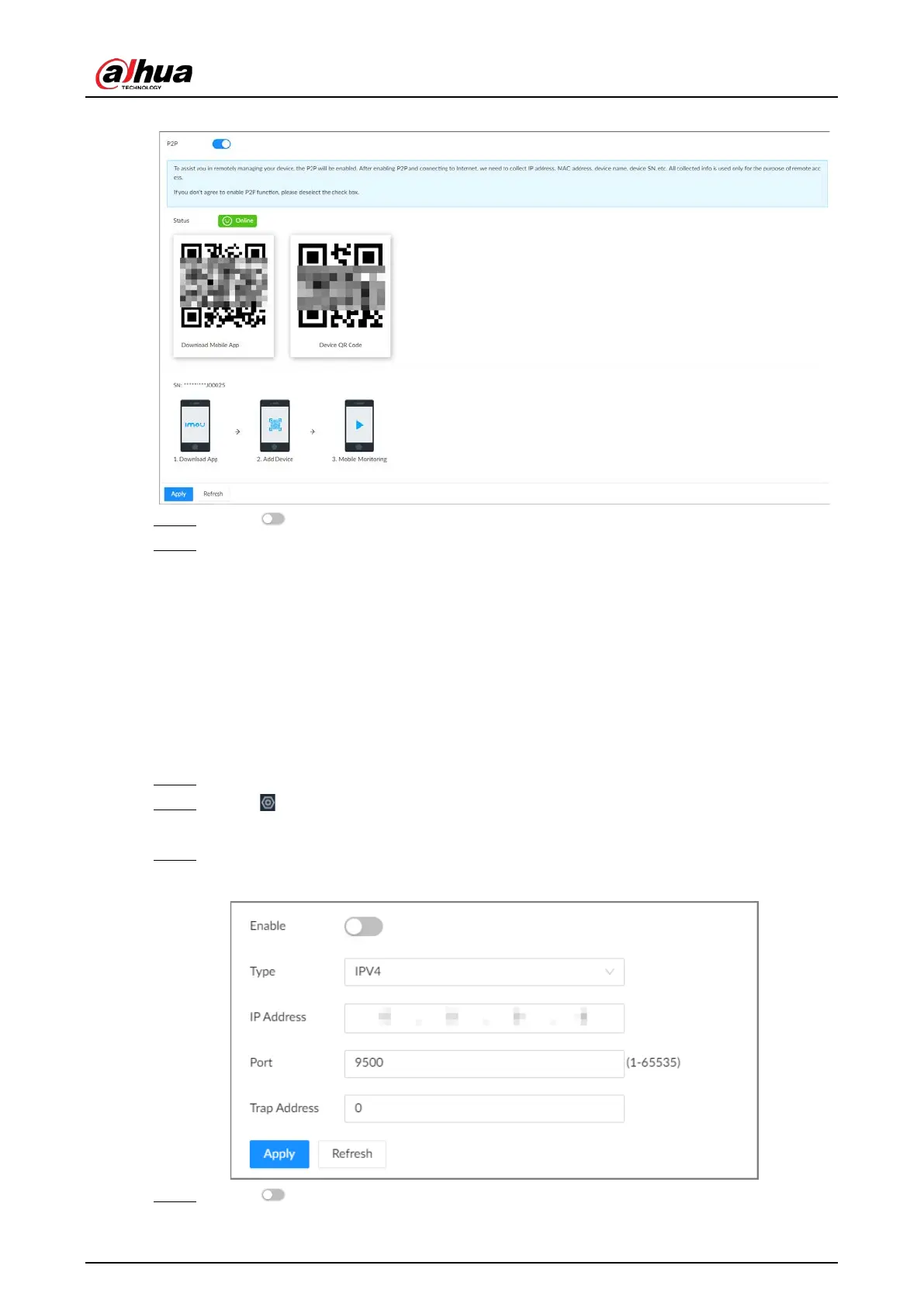
Figure 8-17 P2P
Step 4 Click to enable the P2P function.
Step 5 Click
Apply
.
You can register the Device to the app for remote monitoring and management. For
details, see the corresponding user's manual of the app.
8.2.2.2 Register
Register the Device on a designated proxy server so that client software can access the Device
through the proxy server.
Procedure
Step 1 Log in to the PC client.
Step 2 Click on the upper-right corner and then click
Network
.
You can also click
Network
from the configuration list on the home page.
Step 3 Select
Network Application
>
Register
.
Figure 8-18 Register
Step 4 Click to enable the function.







 To Next Page