User's Manual
159
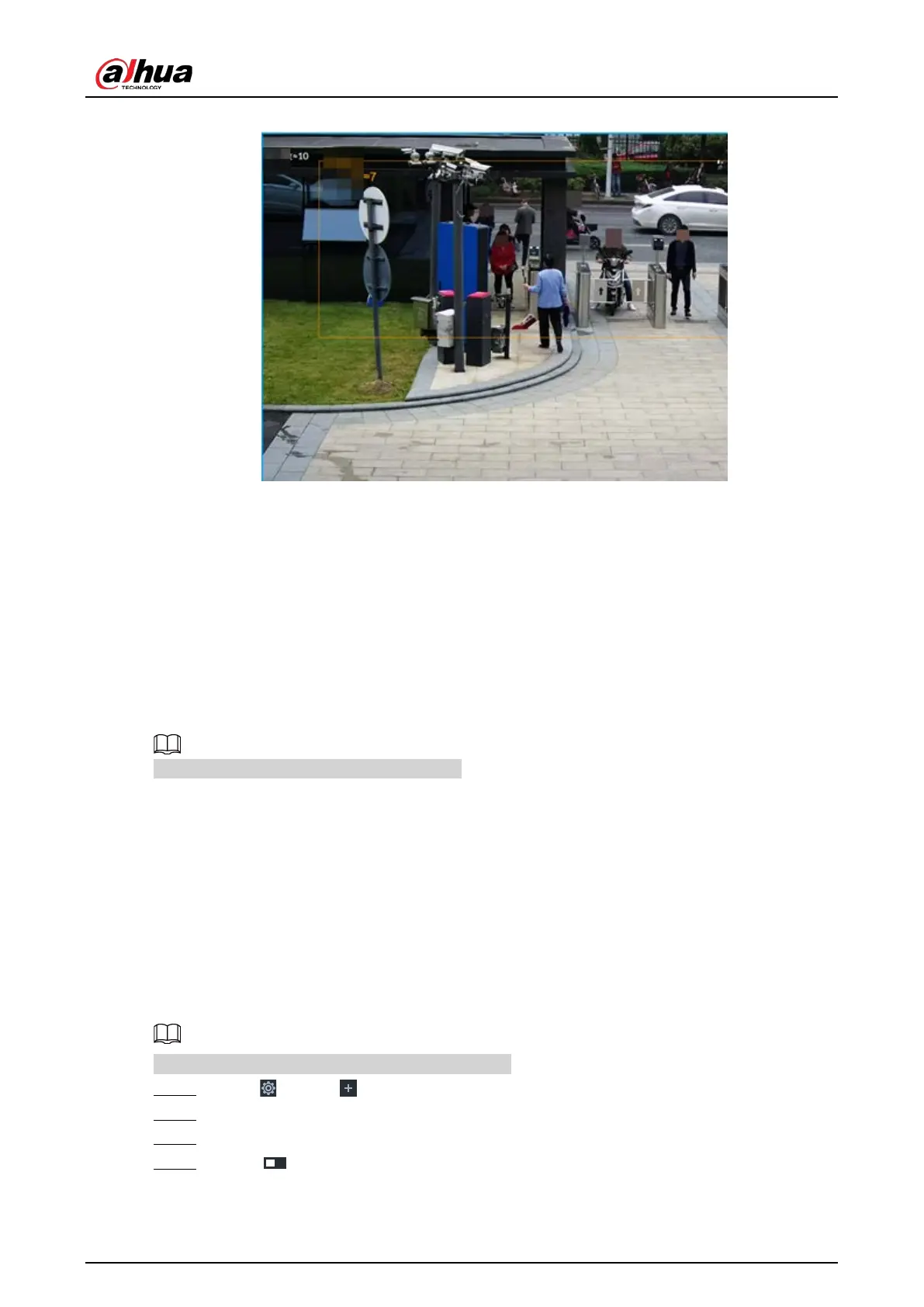
Figure 6-134 Live view of crowd distribution
●
Right-click on the live video, and then select
Crowd Distribution Map > PIP. A blue section is
displayed, and it shows the crowd distribution status inside the current view.
●
Right-click on the live video, and then select
Crowd Distribution Map > Global to switch to the
distribution view. The view indicates crowd density and people heads in different colors.
6.10 Call Alarm
An alarm is triggered when the system detects a person calling. To configure call alarm, set call
detection rules for the visible light channel of a thermal camera.
Call alarm is only available with AI by Camera.
6.10.1 Enabling AI Plan
Enable the corresponding AI plan before using AI by camera functions. For details, see "6.2.1
Enabling AI Plan".
6.10.2 Configuring Call Alarm
Configure call alarm rules.
The call alarm is only available with thermal cameras.
Step 1 Click or click on the configuration page, and then select EVENT.
Step 2 In the device tree, select the visible light channel of a thermal camera.
Step 3 Select AI Application > Call Alarm.
Step 4 Click next to Enabled to enable rule configuration.







 To Next Page