User's Manual
53
Port
Enter the port number of the remote device.
When the
is
, you need to configure this parameter.
Remote CH No.
Select the channel number for the remote device.
1. Select a link type.
2. To get the total number of channels, click
.
3. Enter the range of channels you need, and then click
.
4. Click
.
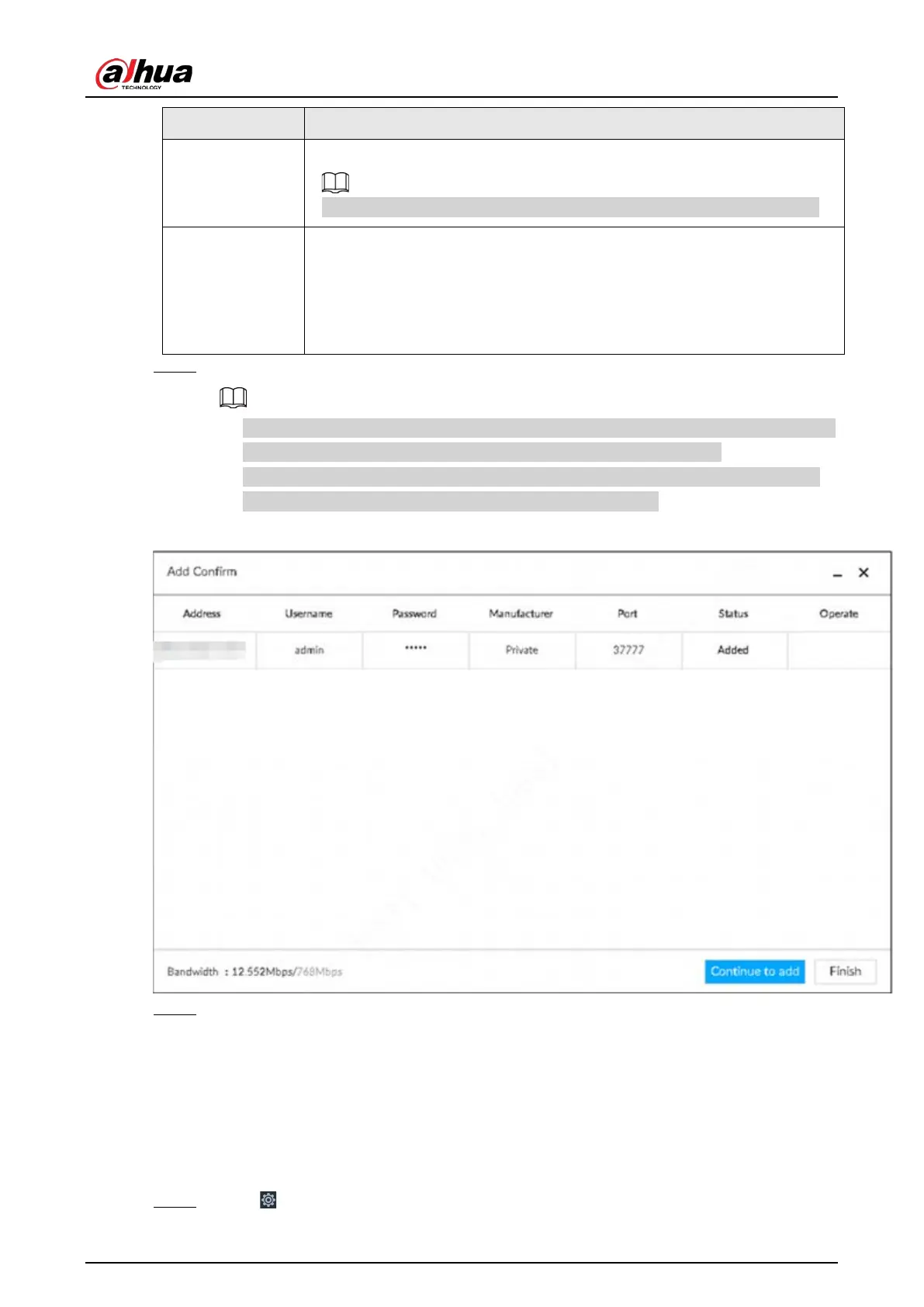
Step 5 Select the remote device and then click Add.
●
If system fails to add the remote device, see the reason on the
Status column to change
the remote device information and then click Retry to try to add again.
●
If a remote device is in exception due to network disconnection other reasons, it can
also be added. It comes online after the exception is resolved.
Figure 5-20 Confirm
Step 6 Click Continue to add or Finish.
●
Click
Continue to add, device goes back to Smart add page to add more remote
device.
●
Click
Finish to complete adding remote device process. Device displays Device page to
view the newly added remote device information.
5.4.2.3 RTSP
Step 1 Click , and then select DEVICE.


 To Next Page
 Loading...



