User's Manual
274
11 Log Out, Restart, Shut Down, Lock
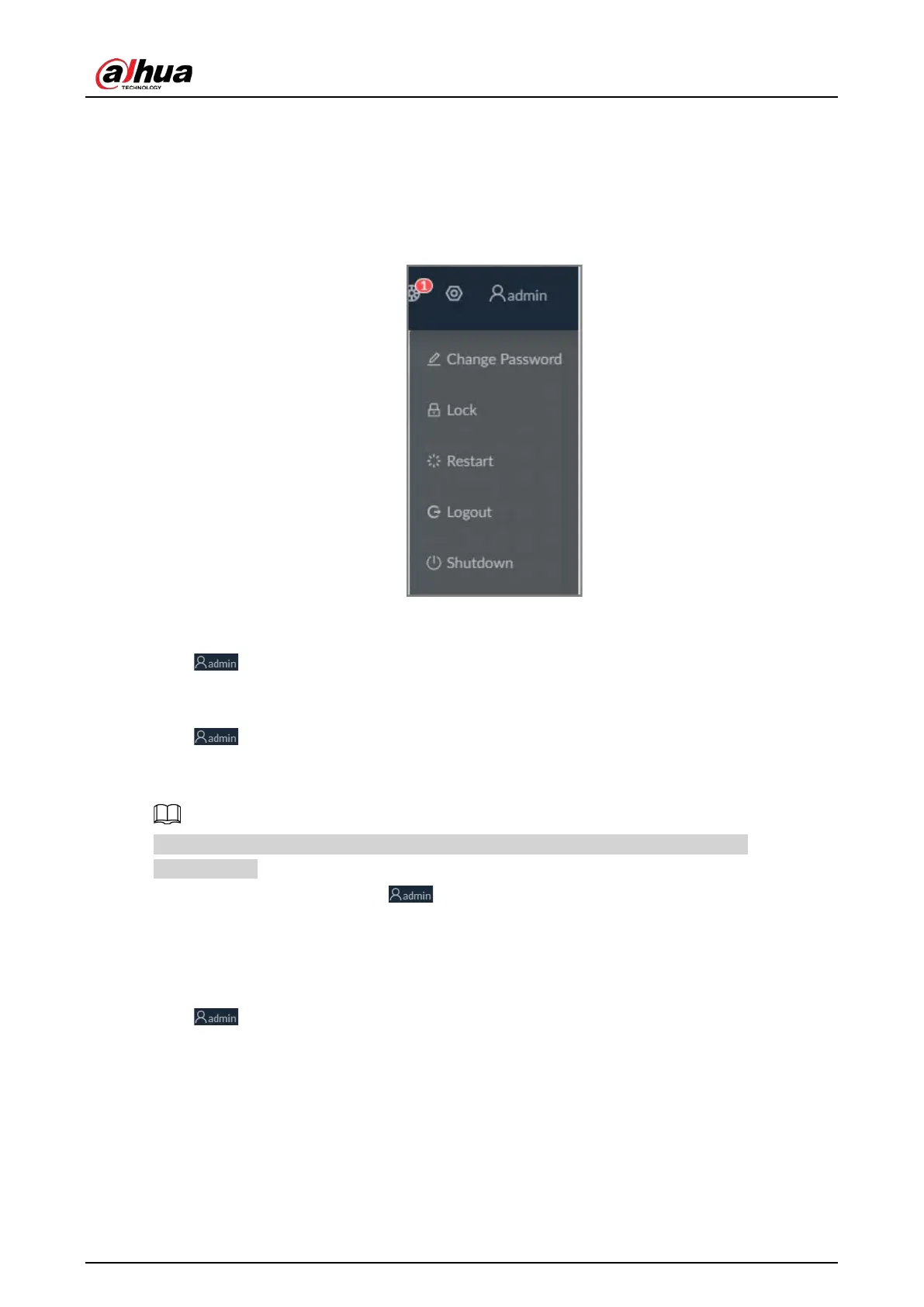
Log out of, restart, shut down and lock out the Device.
Figure 11-1 User operation
Logging Out
Click , and then select
Logout
.
Restart
Click , select
Restart
, and then click
OK
.
Shutting Down
Shutting down the Device by unplug the power cable might cause data loss, and is not
recommended.
●
Mode 1 (recommended): Click , select
Shutdown
, and then click
OK
.
●
Mode 2: Press the power button on the Device.
●
Mode 3: Unplug the power cord.
Locking
Click , and then select
Lock
to lock the screen. The locked client cannot be operated.
To unlock the client, click anywhere on the client, and then the
Unlock
window appears. Enter the
username and password, and then click
OK
. You can also click
Switch User
to switch to another user
account.


 To Next Page
 Loading...



