User's Manual
191
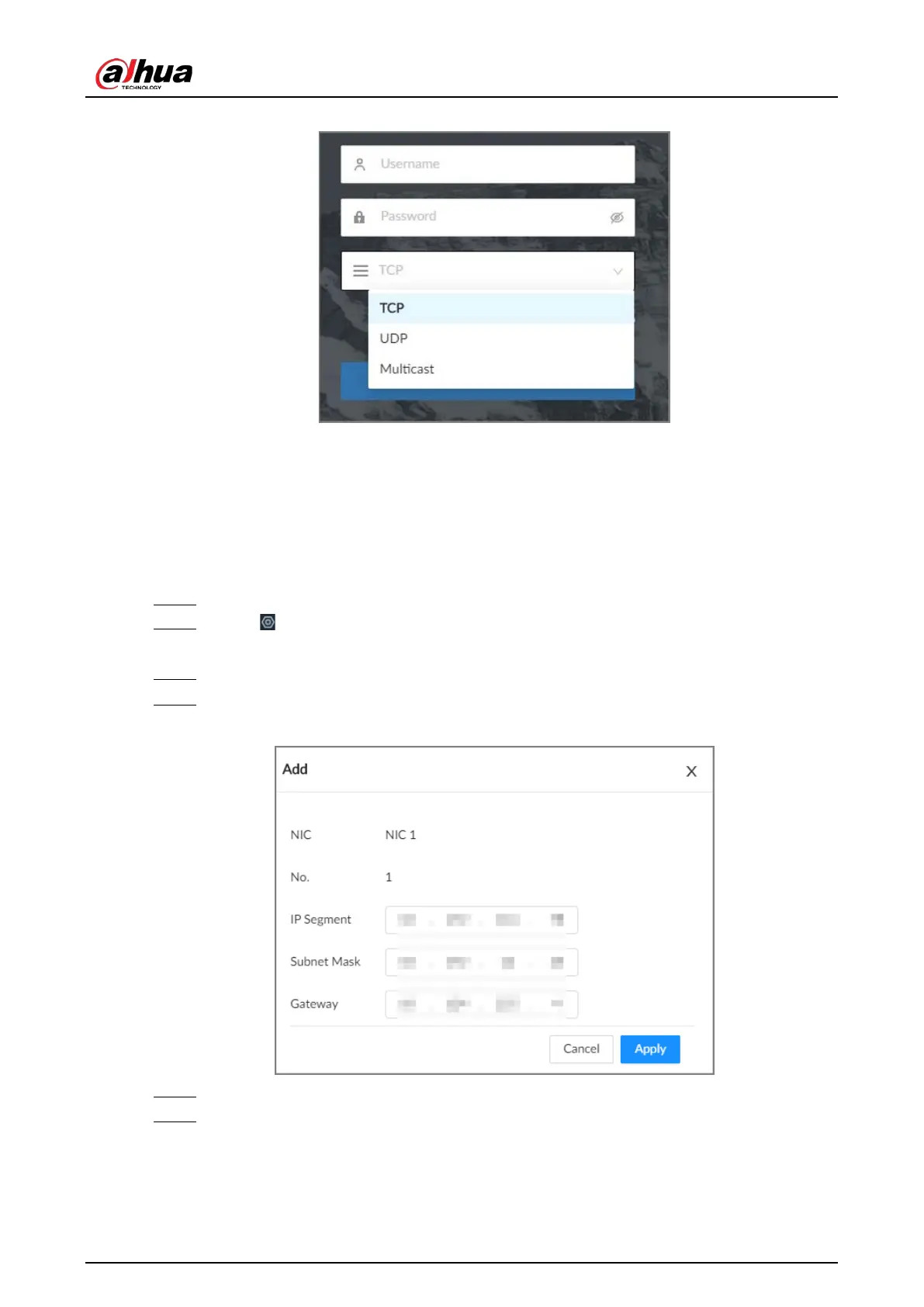
Figure 8-24 Log in through multicast
8.2.2.9 Routing Table
Configure the route table so that the system can automatically calculates the best path for data
transmission.
Procedure
Step 1 Log in to the PC client.
Step 2 Click on the upper-right corner and then click
Network
.
You can also click
Network
from the configuration list on the home page.
Step 3 Select
Network Application
>
Routing Table
.
Step 4 Click
Add
.
Figure 8-25 Add route table
Step 5 Configure the parameters.
Step 6 Click
Apply
.


 To Next Page
 Loading...



