User's Manual
144
6.8.3.2 Registering Vehicle Information
Add vehicle information to the created database. You can add vehicles one by one, in batches or
directly add from the detection results.
6.8.3.2.1 Manual Add
Step 1 On the LIVE page, click , and then select FILE > Vehicle Management > Vehicle
Database.
Step 2 Double-click the database.
Figure 6-115 Database
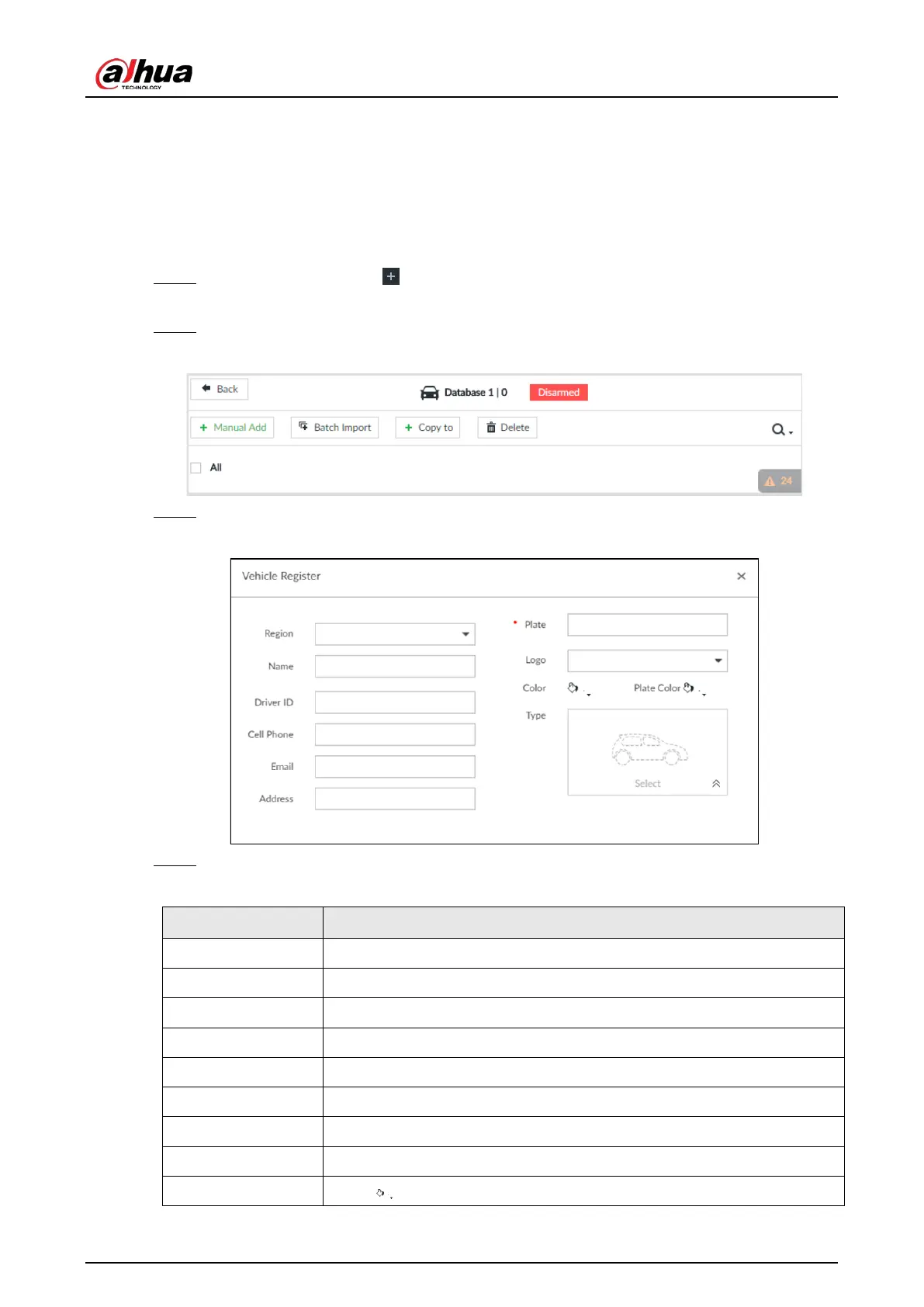
Step 3 Click Manual Add.
Figure 6-116 Vehicle register
Step 4 Set the parameters.
Table 6-22 Vehicle register parameters
Country or Region The country or region that the vehicle belongs to.
Name Driver name.
Driver ID Driver license number.
Cell Phone Driver phone number.
Email Driver email.
Address Driver address.
Plate Vehicle plate number.
Logo Vehicle logo.
Color Click to select the color of vehicle.


 To Next Page
 Loading...



