User's Manual
206
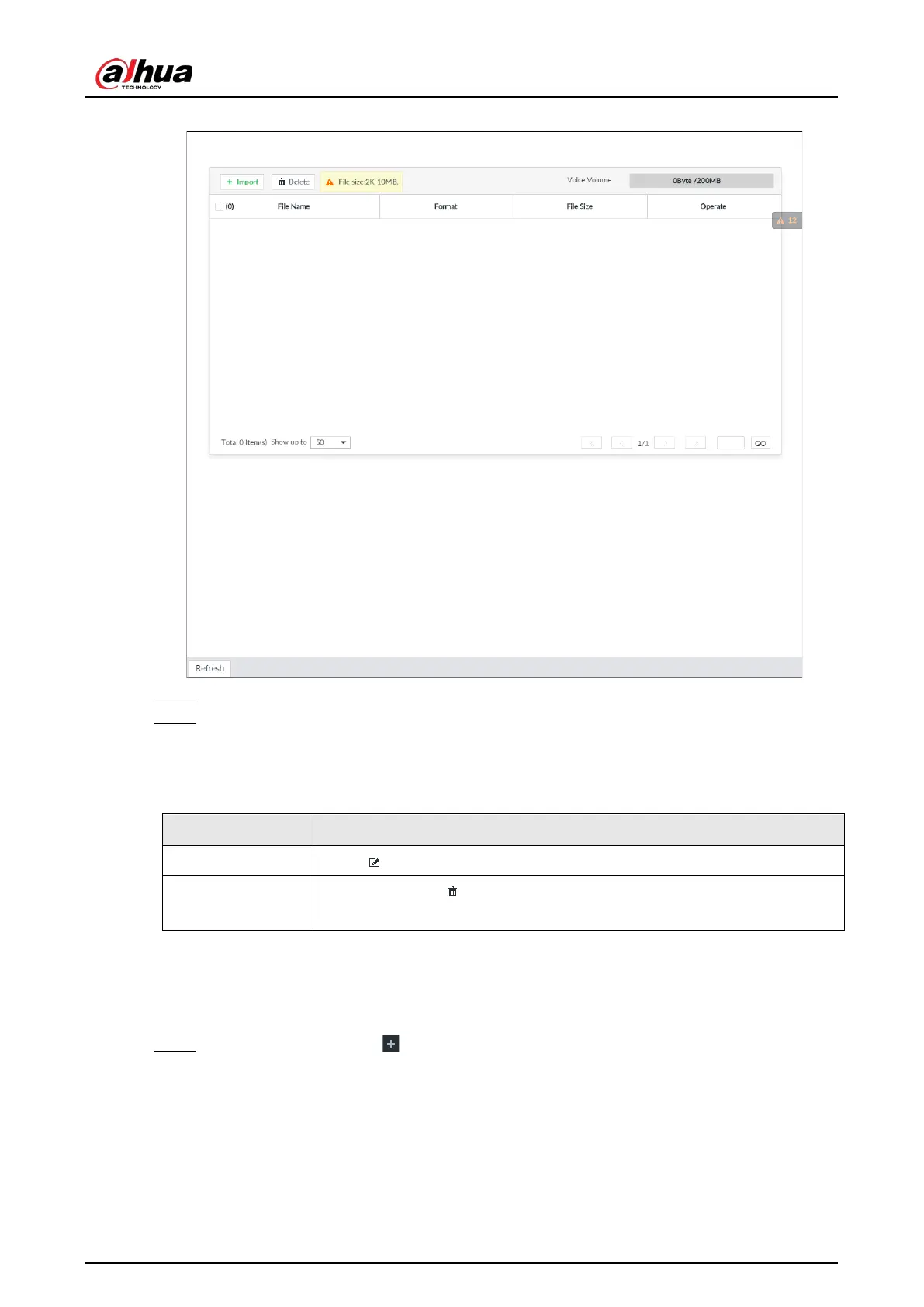
Figure 7-47 Audio management
Step 2 Click Import to select the audio files that you want to import.
Step 3 Click OK.
The uploaded audio file is displayed.
After the audio file is uploaded, it can be renamed or deleted.
Table 7-13 Audio file operation
Rename audio file Click to rename the audio file.
Delete audio file
●
Delete: Click beside the audio file.
●
Batch delete: Select multiple audio files, and click
.
7.3.6 Watermark Verification
Verify whether a video filed is tempered.
Step 1 On the
LIVE page, click , and then select FILE > Watermark > Watermark.


 To Next Page
 Loading...



