User's Manual
202
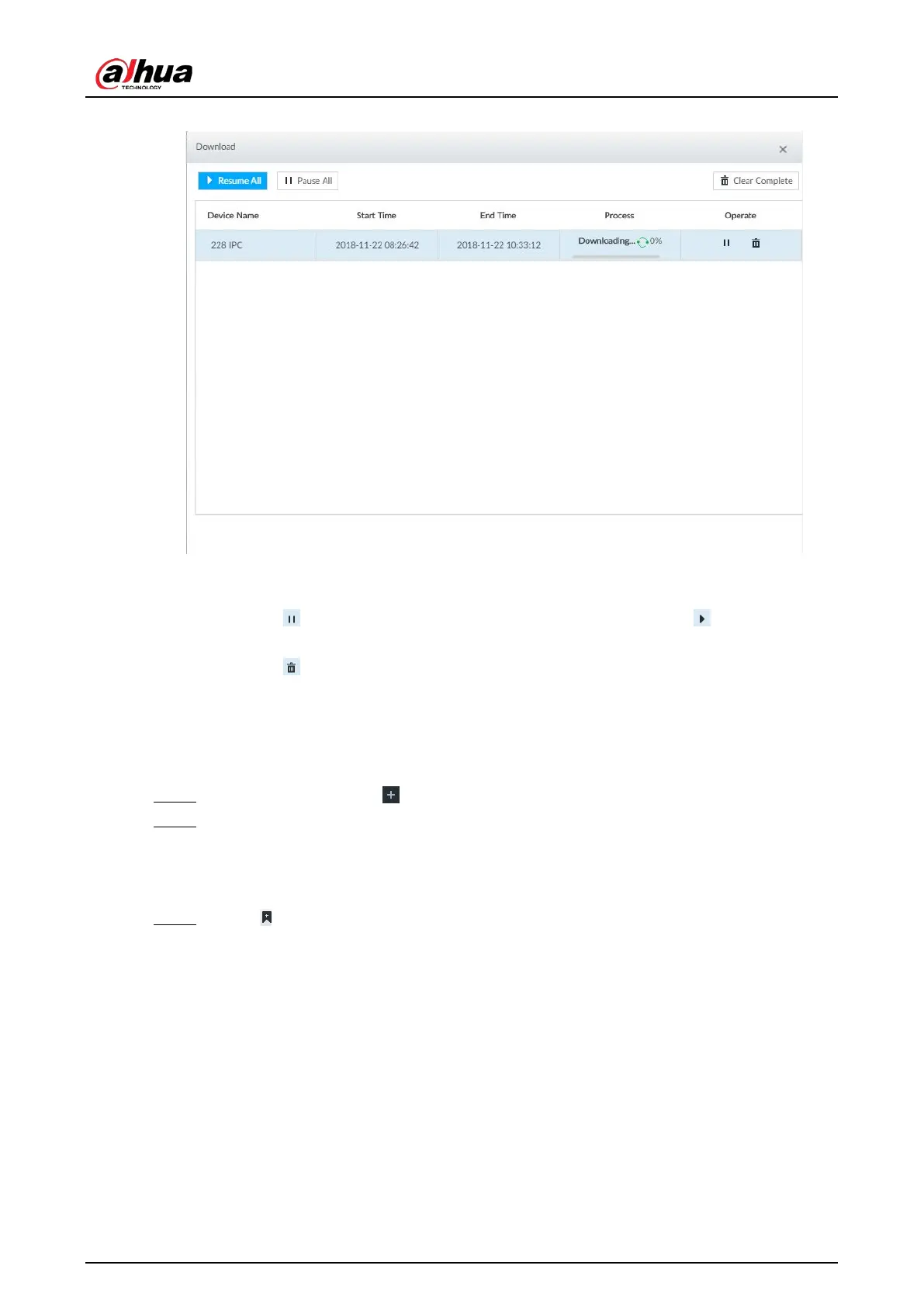
Figure 7-43 Download
●
Click
Pause all to pause all download tasks. Click Start all to resume download tasks.
●
Click
Clear completed columns to delete all downloaded tasks.
●
Click of the corresponding task to pause download task. Click to resume
download.
●
Click of the corresponding task to delete download task.
7.2.5 Video Tag
Tag specific video segments or pictures for the ease of search.
Step 1 On the
LIVE page, click , and then select SEARCH.
Step 2 Search for pictures or videos.
1) Click the Record or Image tab.
2) Select a camera, and then set search conditions.
3) Click
Search.
Step 3 Click at the lower-right corner of the playback window.


 To Next Page
 Loading...



