User's Manual
134
6.6.3 Live View of IVS
On the LIVE page, view real-time IVS results.
6.6.3.1 Setting AI Display
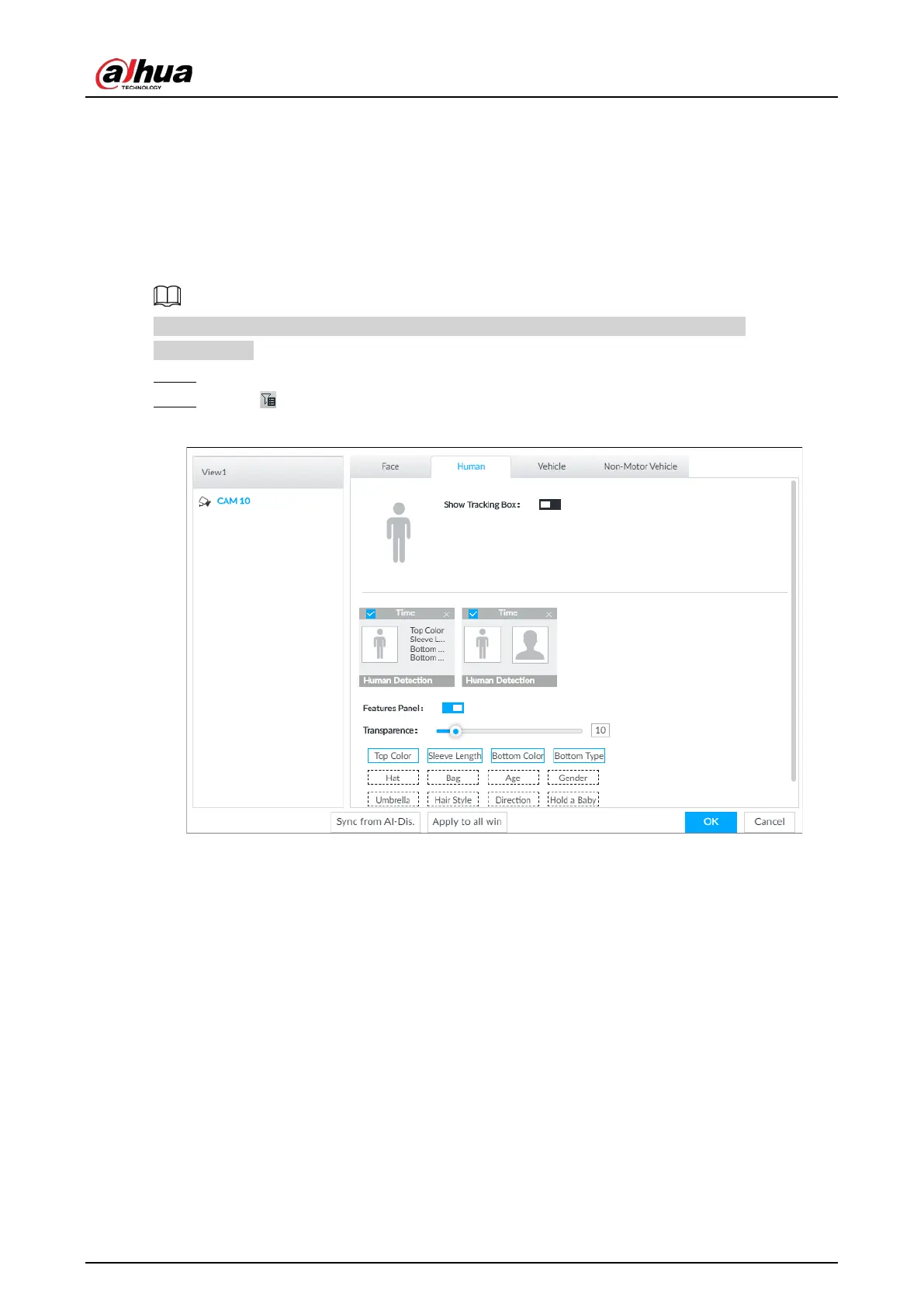
Set the display rules of detection results.
Make sure that view is created before setting AI display. To create view, see "7.1.1 View
Management".
Step 1 Select a view from
LIVE > View > View Group.
Step 2 Click , and then select the Human, Vehicle or Non-Motor Vehicle tab.
Figure 6-102 Human


 To Next Page
 Loading...



