User's Manual
128
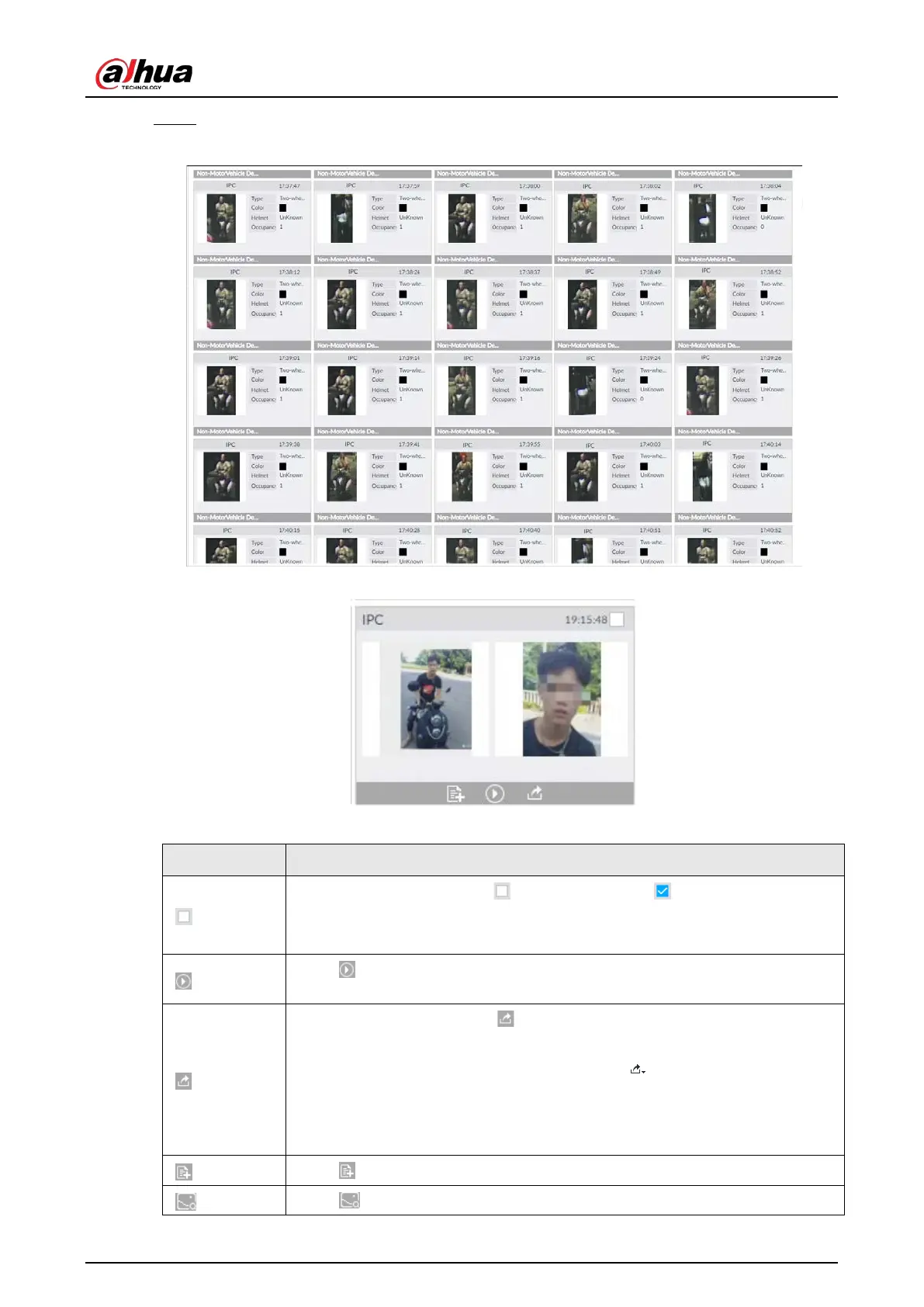
Step 7 Click Query.
Figure 6-94 Search results
Figure 6-95 Icons
Table 6-18 Operation
●
Select one by one: Click to select the panel. means the panel is
selected.
●
Select in batches: Select
to select all the panels on the page.
Click or double-click the panel to play back the video record (10 s before
and after the snapshot).
●
Export one by one: Click to export picture, video and video player. For
details, see "6.2.4.3 Exporting Face Records".
●
Export in batches: Select the panel and click to export picture, video or
excel. For details, see "6.2.4.3 Exporting Face Records".
After setting alarm linkage snapshot, during exporting images, the system
exports detected images and panoramic images at the time of snapshot.
Click to add picture to database. See "6.3.3.4.3 Adding Face Image".
Click to search for similar targets in the snapshot records.


 To Next Page
 Loading...



