User's Manual
57
You can also click
Add
under the device tree.
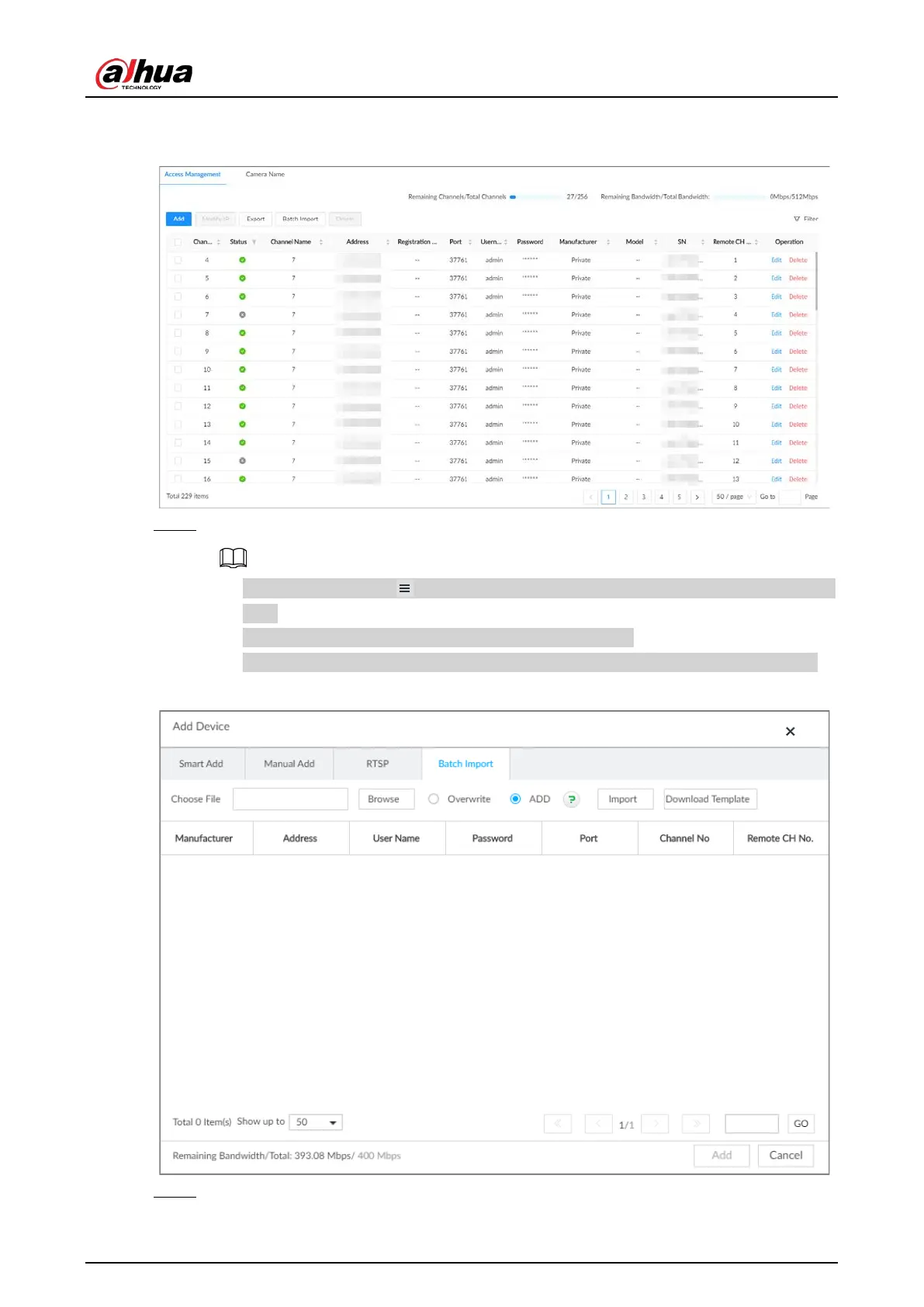
Figure 5-17 Access management
Step 4 Under the
Batch Import
tab, click
Download Template
to download the template.
●
On the PC client, click at the top of the client, select
Download
to view the storage
path.
●
On the local interface, you can select the file storage path.
●
On the web interface, files are saved to the default downloading path of the browser.
Figure 5-18 Import CSV file
Step 5 Fill in and save the template file.







 To Next Page