Configuring Switching Information 287
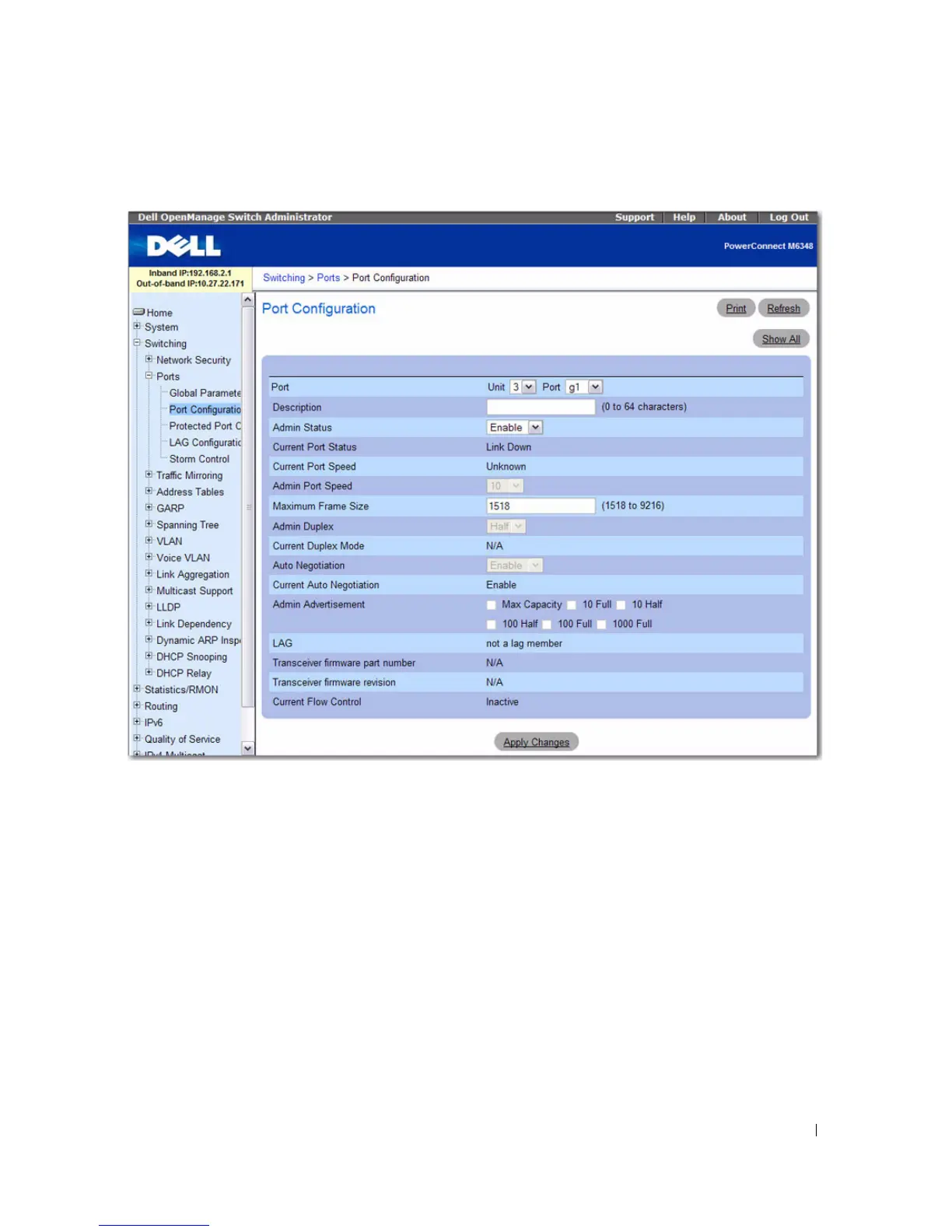
Figure 7-20. Port Configuration
The Port Configuration page contains the following fields:
•
Port
— Specifies the Unit and Port for which port parameters are defined.
•
Description (0–64 Characters)
— Provides a brief interface description, such as Ethernet.
•
Admin Status
— Enables (Up) or disables (Down) traffic forwarding through the port.
•
Current Port Status
— Specifies whether the port is currently operational or non-operational.
•
Current Port Speed
— Displays the actual synchronized port speed (bps).
•
Admin Port Speed
— Forces the port speed to the selected value (10M, 100M, or 10000M).
For the
PowerConnect M8024, the only available speed is 10000M.
•
Maximum Frame Size (1518–9216)
— Specifies the threshold beyond which packets exceeding this
size are dropped. Default is 1518.
•
Admin Duplex
— Specifies the port duplex mode.



 To Next Page