658 Configuring IP Multicast
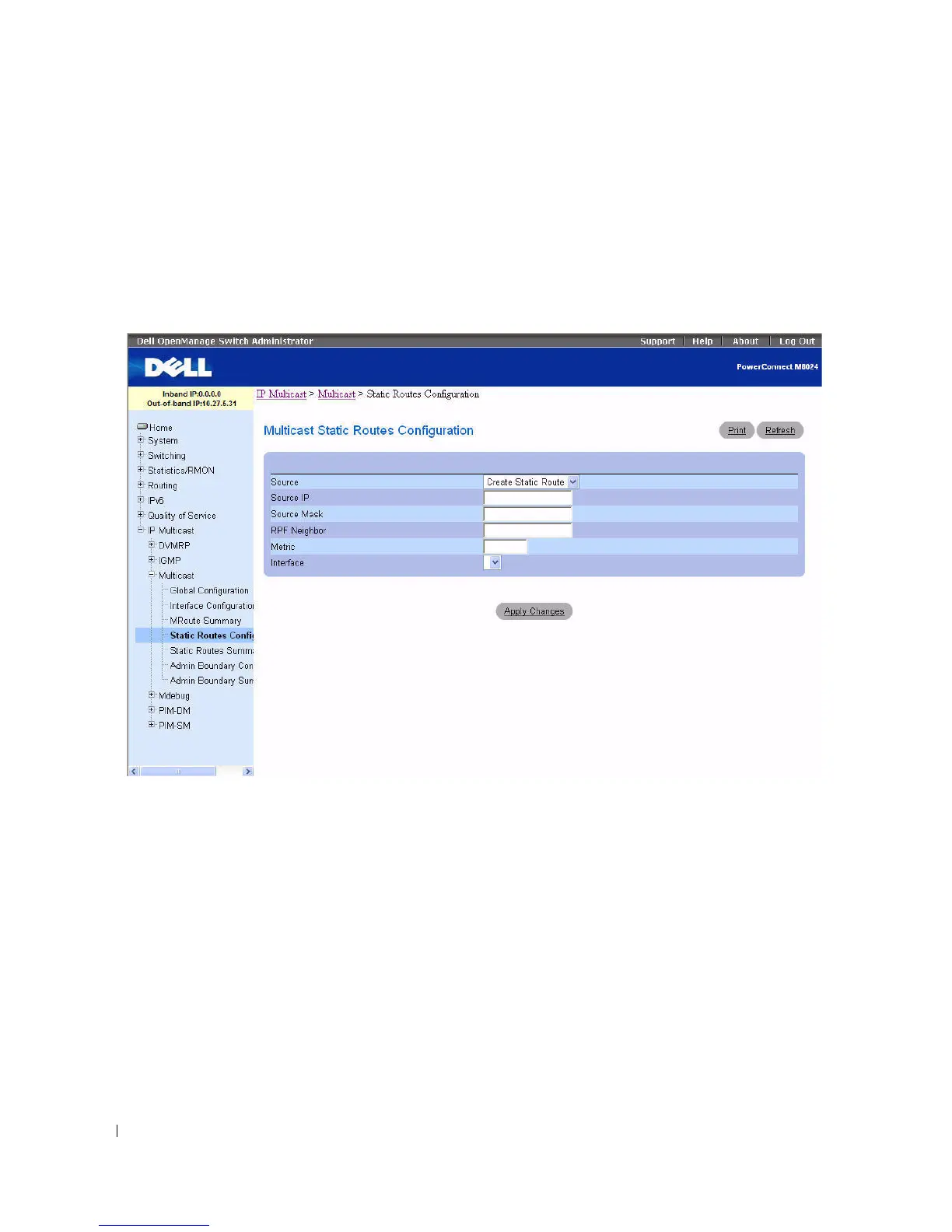
Multicast Static Routes Configuration
Use the Multicast Static Routes Configuration
page to configure a new static entry in the Mroute table
or to modify an existing entry.
To display the page, click IP Multicast > Multicast > Static Routes Configuration in the tree view.
Figure 12-4. Multicast Static Routes Configuration
The Multicast Static Routes Configuration page contains the following fields:
•
Source
— Select
Create Static Route
to configure a new static entry in the Mroute table, or select one
of the existing entries from the drop-down menu.
•
Source IP
— Enter the IP Address that identifies the multicast packet source for the entry you are
creating.
•
Source Mask
— Enter the subnet mask to be applied to the Source IP address.
•
RPF Neighbor
— Enter the IP address of the neighbor router on the path to the source.
•
Metric
— Enter the link state cost of the path to the multicast source. The range is 0–255, and the
default is 1. You can change the metric for a configured route by selecting the static route and editing
this field.
•
Interface
— Select the interface number from the drop-down menu. This is the interface that
connects to the neighbor router for the given source IP address.



 To Next Page