User’s Manual
27
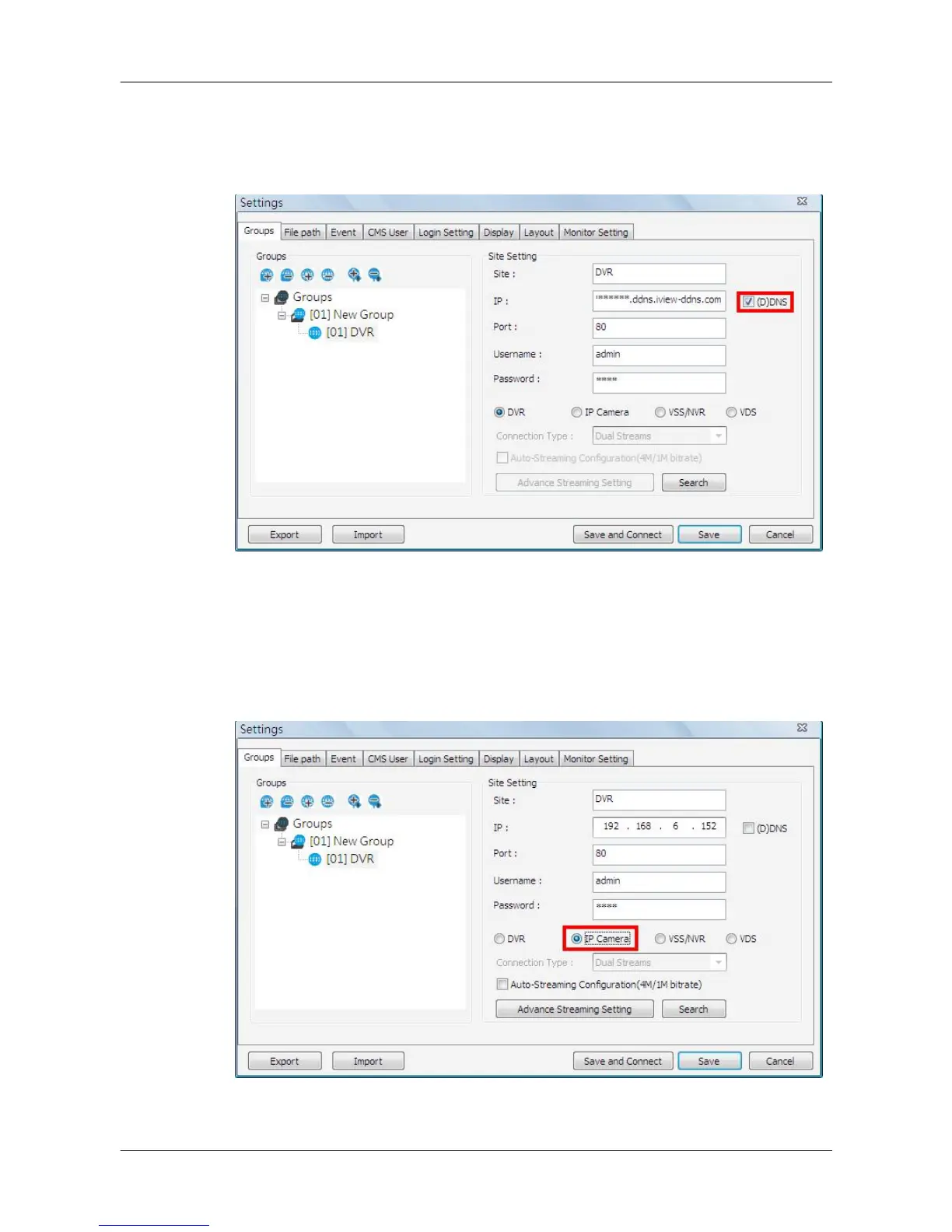
If the DDNS information of the DVR is known, the DDNS data can be used to
setup a site. Check the box <(D)DNS> circled below, and type in the DDNS
data. Click <Save> to complete the setting. An example of the DDNS address
looks like: *******.ddns.iview-ddns.com.
5.2.4 Setup the IP Camera Site Manually
If an IP Camera is to be added to CMS, the required information includes the
IP address, port, username, and password of the IP Camera. Enter the data
and select <IP Camera> as circled below.



 To Next Page