User’s Manual
58
6.3.4 Video Preview
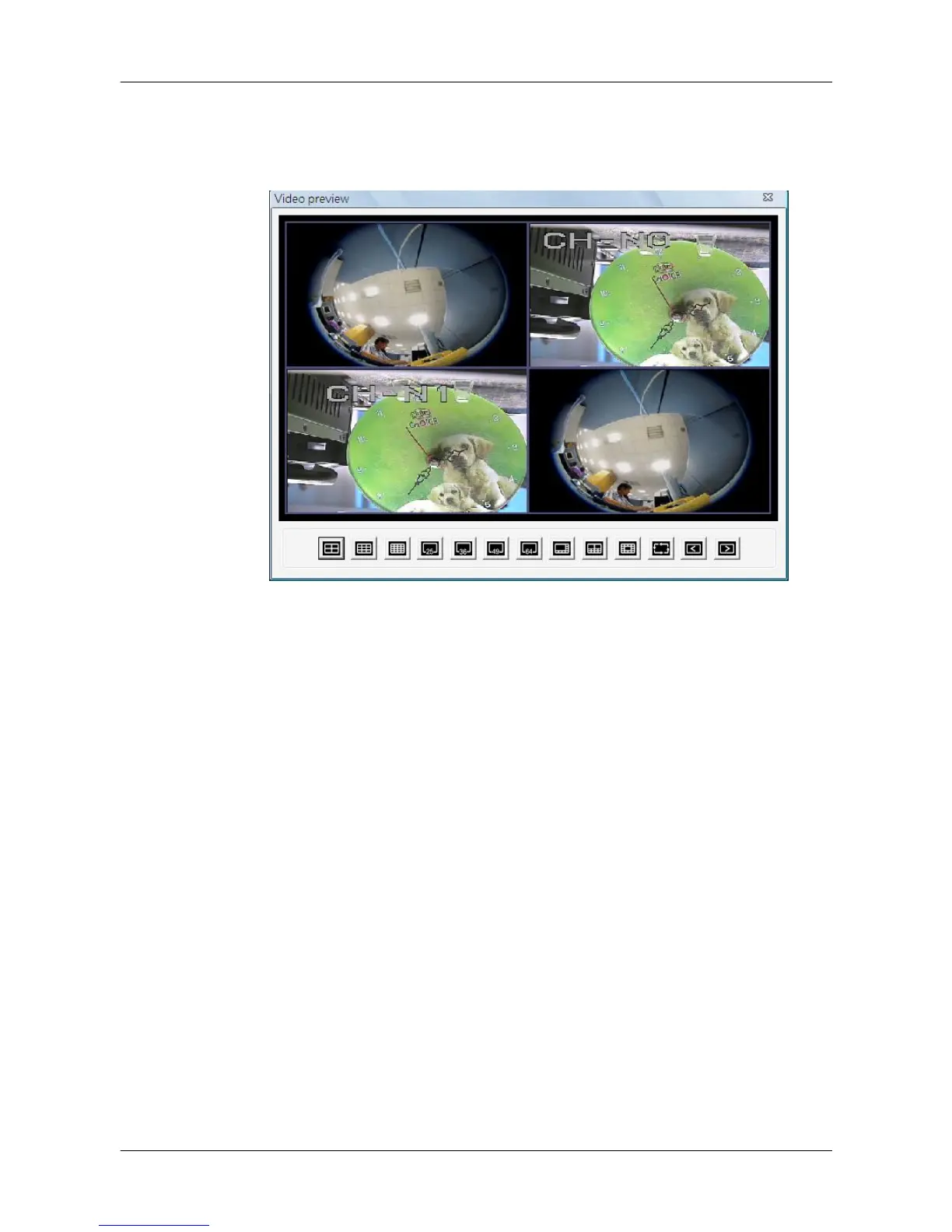
Video preview function allows users to choose showing channels in preferred
display mode. Video preview window is as shown below.
First select a preferred display mode shown at the bottom. Then click on
<Page up> / <Page down> to choose showing channels. Double click on the
chosen showing channels to return to CMS main window. CMS main window
will be images of the chosen showing channels in selected display mode.



 To Next Page