User’s Manual
98
6.8 Setting
Click on the <Setting> icon and the pull-down menu
are <CMS Setting> and <Device Setting>. Details of
the menu items are described in the following
subsections.
6.8.1 CMS Setting
The instruction of CMS setting is already explained in section Configure
CMS and its subsections. Please refer to the section for all details.
6.8.2 Device Setting
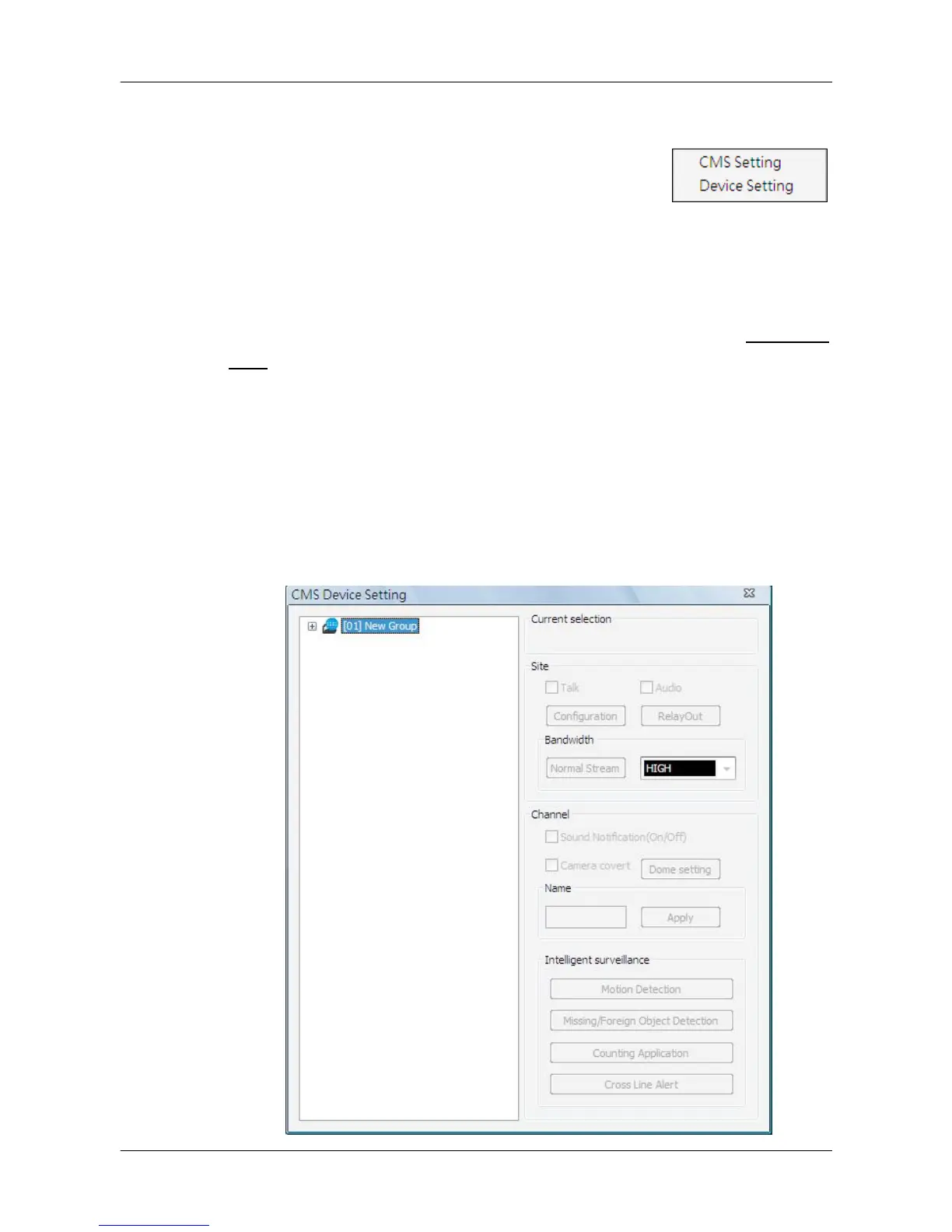
Select <Device Setting> and the following window will be displayed. The
settings are separated as by sites or by channels. First users have to select a
site or a channel in the site tree on the left. The selected site or channel will
be shown under “Current Selection” area. Note that users can only edit
settings of the connected sites.



 To Next Page