User’s Manual
14
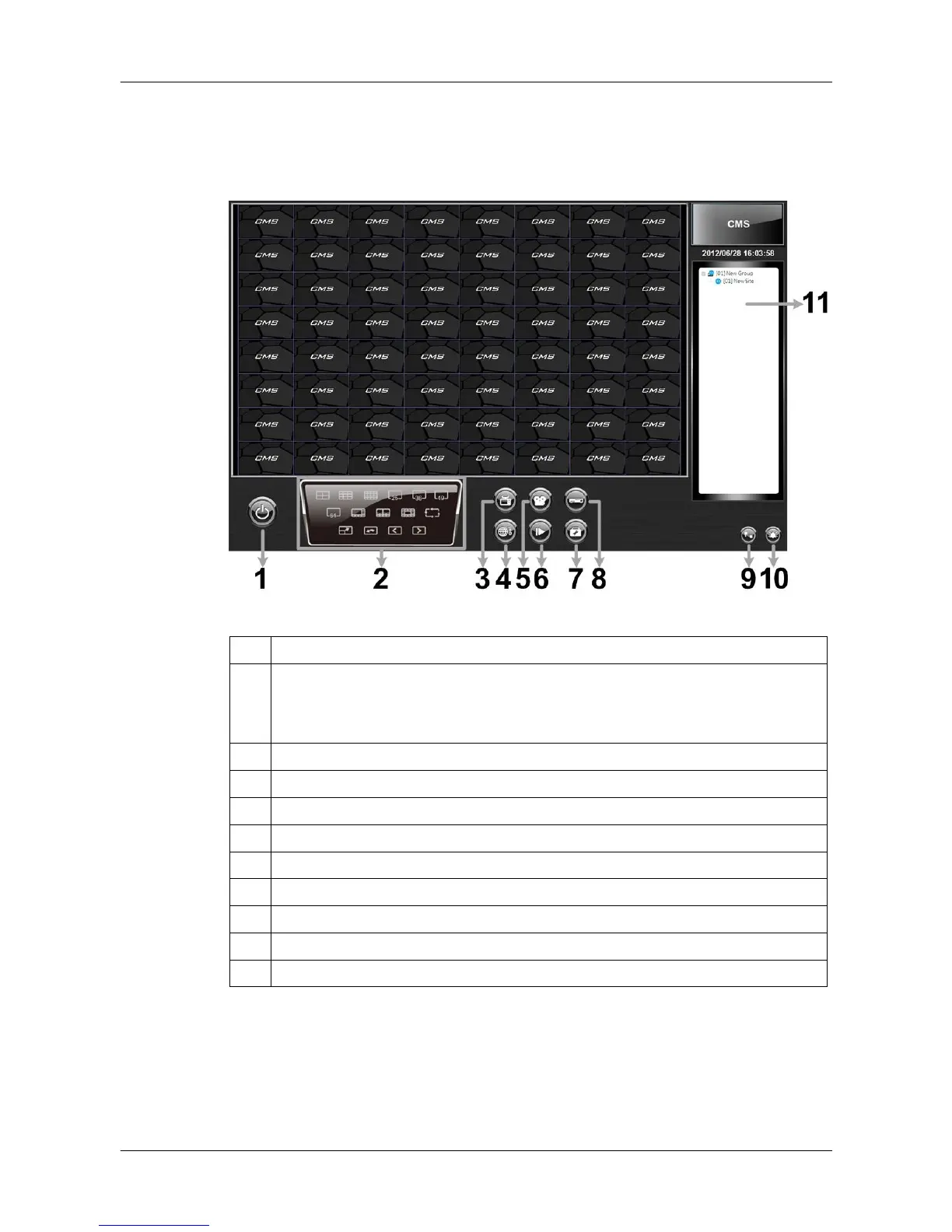
4. CMS Main Window
After started up CMS, the main window of CMS will be shown as the figure
below. The name of each button is indicated as follows.
1 Power Button
2
Display Mode: 4-windows, 9-windows, 16-windows, 25-windows,
36-windows, 49-windows, 64-windows, 8-windows, 10-windows,
13-windows, Sequence, Full screen, Last mode, Page up, Page down
Site Tree
The usage and function of each button will be briefly described as follows.
Their detailed instruction will be in later sections.



 To Next Page