User’s Manual
85
6.6.2 Remote Playback
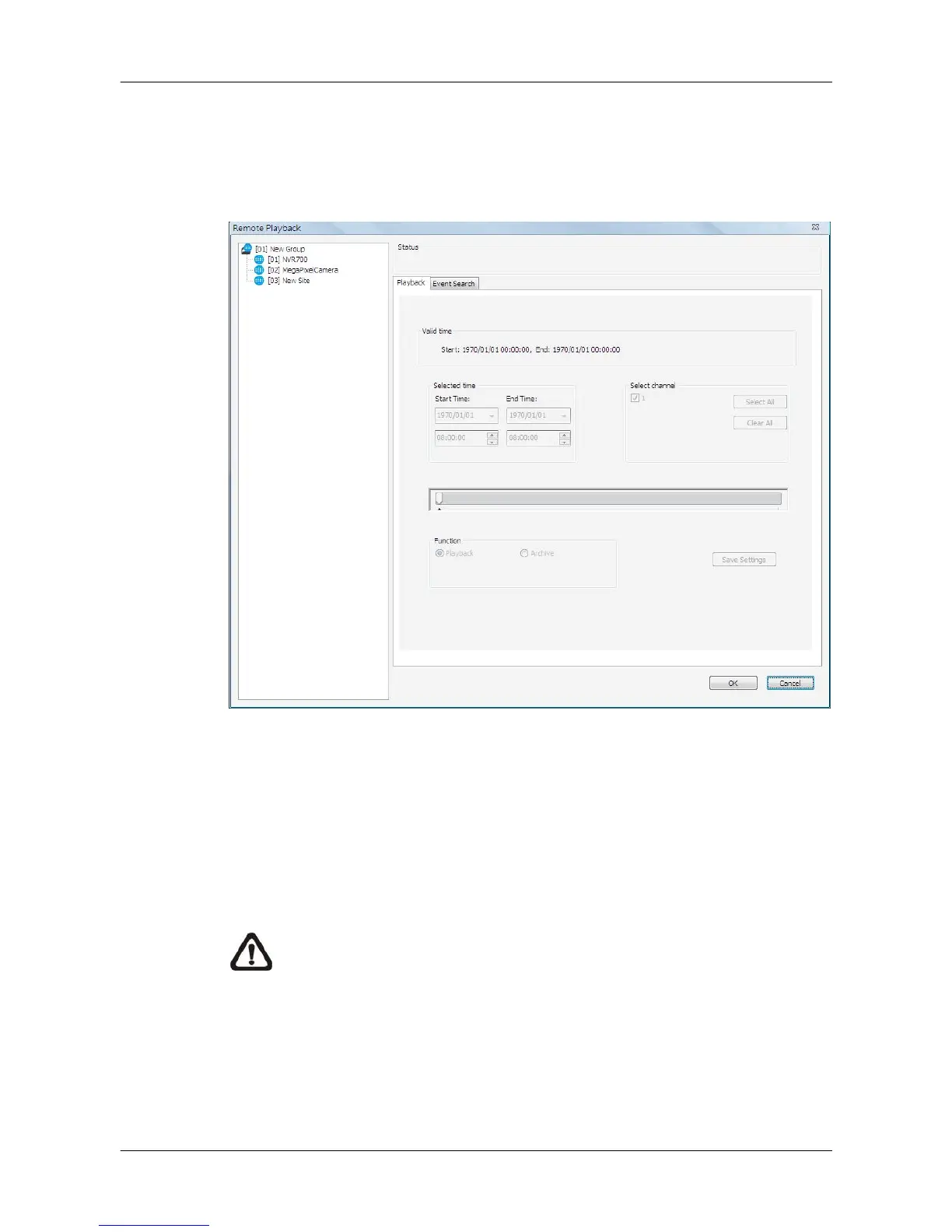
This function allows CMS users to playback normal and event videos stored
in the connected DVR, VSS/NVR, and VDS. Select <Remote Playback>, and
the remote playback window will be displayed as below.
First users have to select a connected site from the site list shown on the left.
Then users can decide to playback normal recorded videos or event videos
by clicking on the tabs on the right.
Refer to the following for description of normal video playback and event
video playback.
NOTE: The “Selected time” area will become a calendar if the selected
site supports Calendar Search function.



 To Next Page