User’s Manual
84
Assign a Channel to Certain Grid
Similar to CMS, CMS Player also allows users to assign any channel to any
grid. Click and drag a channel in the site tree to any preferred grid of CMS
Player main window.
Resort / Remove Displaying Grid
Right click on any gird and select <Re-sort> to
restore the original layout.
Users can also remove any channel by right
clicking on the grid and select <Remove>.
Alternatively, users can click on any grid and
press <Delete> key on the keyboard to remove
it.
NOTE: Selecting <Re-sort> will restore the removed channels.
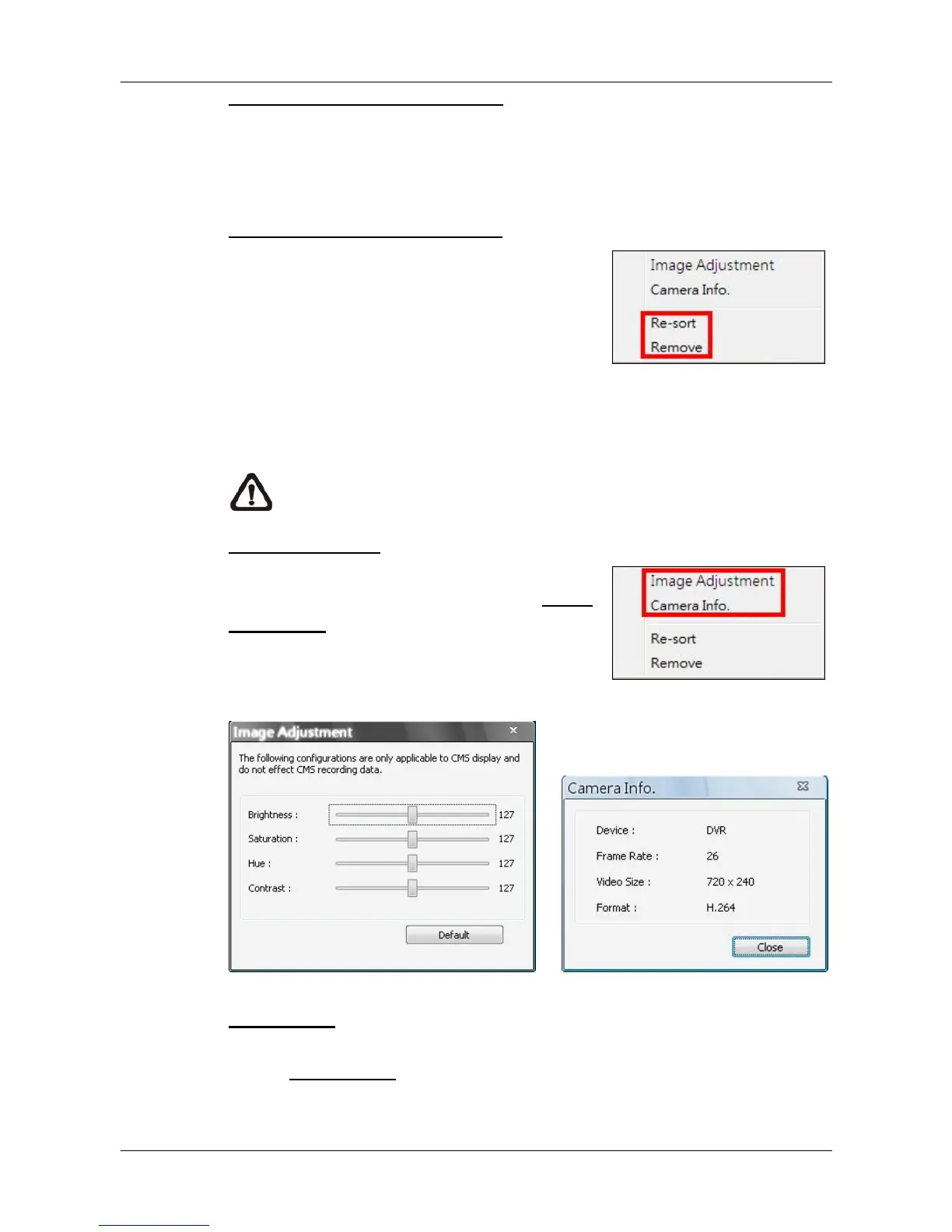
Image Adjustment
Image adjustment function in CMS Player is
the same as in CMS. Refer to section Image
Adjustment for more details.
Camera Info.
Camera Info. function in CMS Player is the same as in CMS. Please refer to
section Camera Info. for more details.



 To Next Page