OSD Setup Manual
21
NOTE: If <dyndns> is selected, <DDNS Port> and <ezDDNS> will
be grayed out. The ezDDNS function is only available for the
iviewddns provider.
- Host Name
The item allows users to setup a domain name, which is used for
entering the Versatile/Lite H.264 DVR through internet on the remote
PC.
To setup the host name of the DVR, follow the steps.
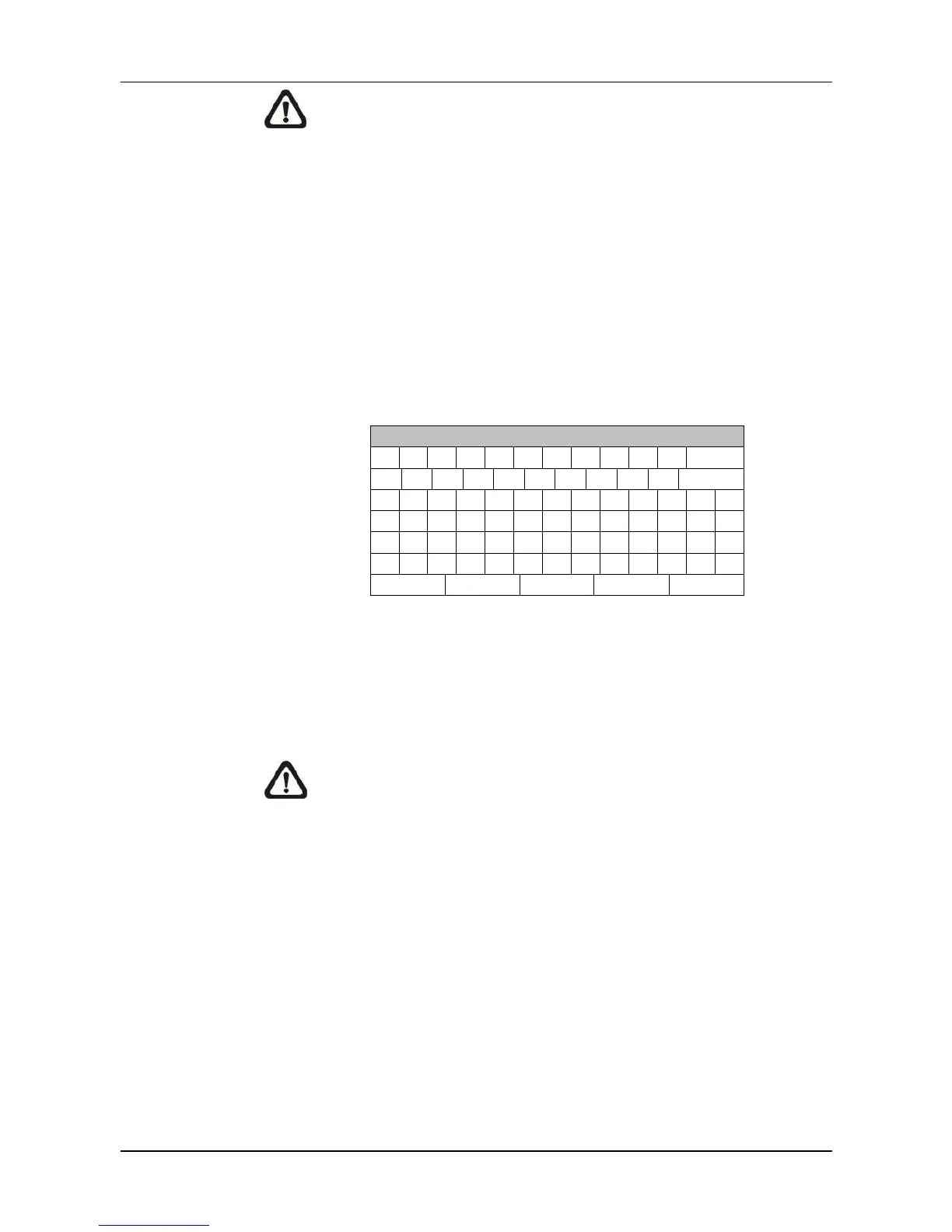
Select <Host Name> from DDNS Setup menu and press ENTER. A
virtual keyboard displays as below.
!
OK
Use Direction keys to select character.
Press ENTER to add the selected character to the entry field.
When it’s done, move the cursor to <OK> and press ENTER to save
the settings and exit.
NOTE: Each Versatile/Lite H.264 DVR should have a unique
host name.
- DDNS Port
The item allows users to setup the port for DDNS. Press UP / DOWN
Direction keys to change the port.
- DDNS Account
Users who are using DynDNS as the service provider have to input a
DDNS account name. Follow the same step as described in <Host
Name> setup to input a valid account name.



 To Next Page