User’s Manual
40
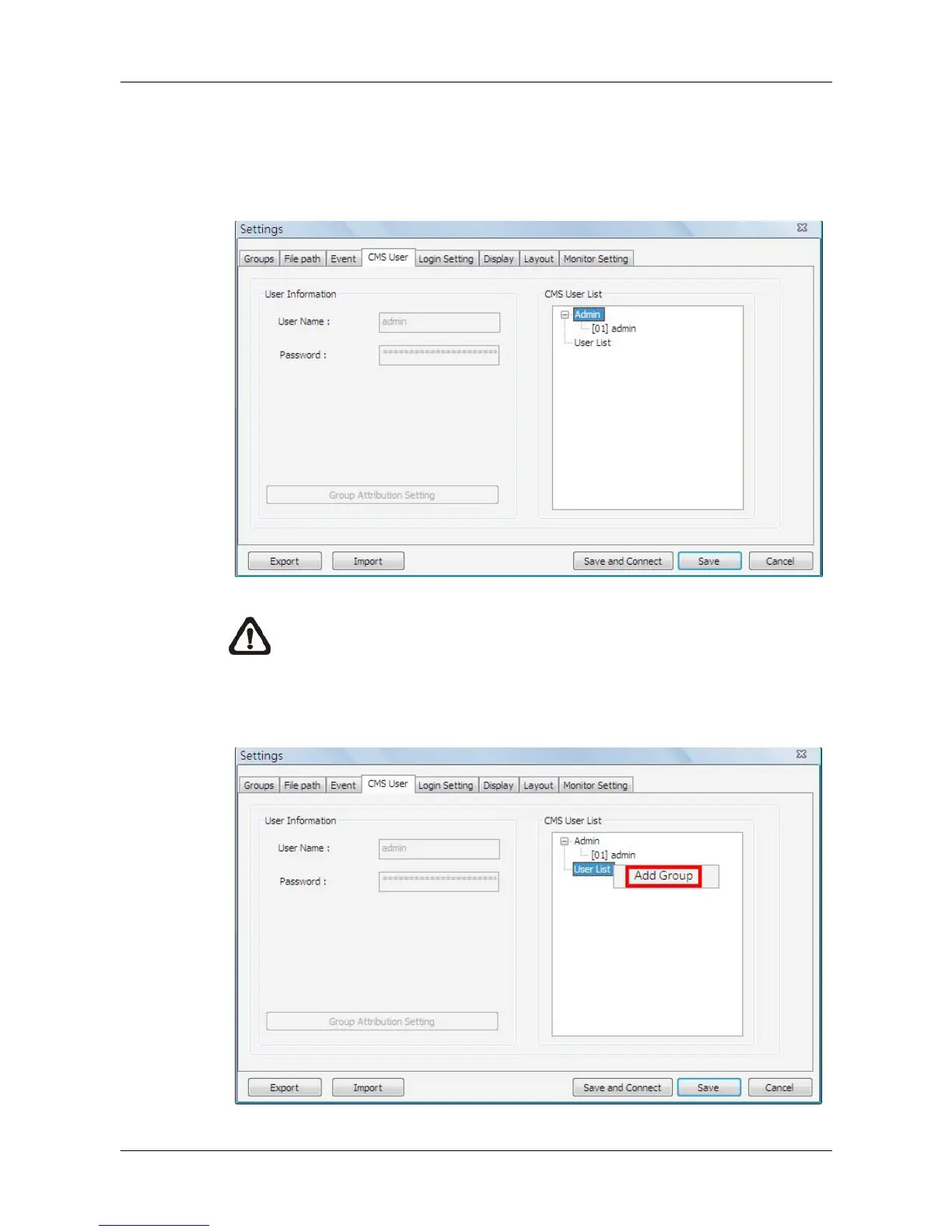
5.5 CMS User
The <CMS User> is for the management of user accounts in CMS. Users can
set users’ account information and privileges. The default username and
password are: admin and 1234.
NOTE: Only users under the <Admin> group have the privilege to
change the settings in <CMS User>.
To add a user, users must first add a group. Right click on <User List> and
select <Add Group> from the pull-down menu.



 To Next Page