User’s Manual
50
5.10 Export or Import Settings
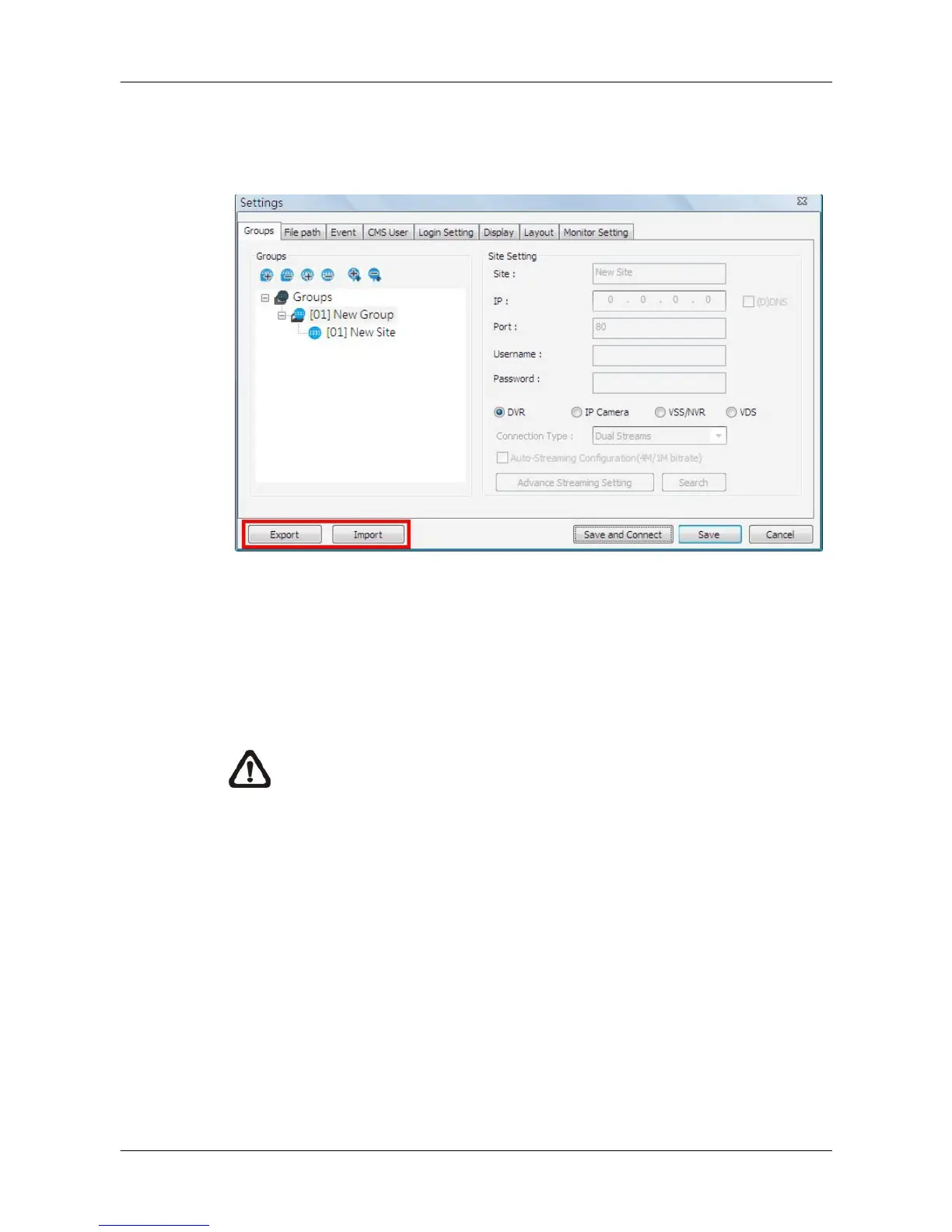
The export / import function provides users the option to backup and restore
the settings as needed.
To export the configuration, click on <Export> and select a directory to save
the configuration file.
To import a previously saved configuration, click on <Import> and find the
configuration file that is going to be restored.
NOTE: After a setting is imported and saved, the imported setting will
be loaded immediately and CMS will reconnect to the sites in the live
group.



 To Next Page