User’s Manual
118
7.5 Fisheye Camera Display
When a fisheye camera is connected, there will be a small icon displayed
at the bottom left-hand corner of the grid. Right click on the camera display
and the pull-down menu will include <Fisheye Option>, as shown below.
NOTE: Resolution of the main stream MUST be set to 1920*1080 or
higher, otherwise the pull-down menu will not be available.
When the display is in multi-channel mode and the fisheye camera is set to
<Display: Main Stream>, the camera mode selections are Source video view
and Single view. If the display is in single channel mode, the camera modes
are Source video view, Single view, Quad view and Dual 180 degree.
Source Video View
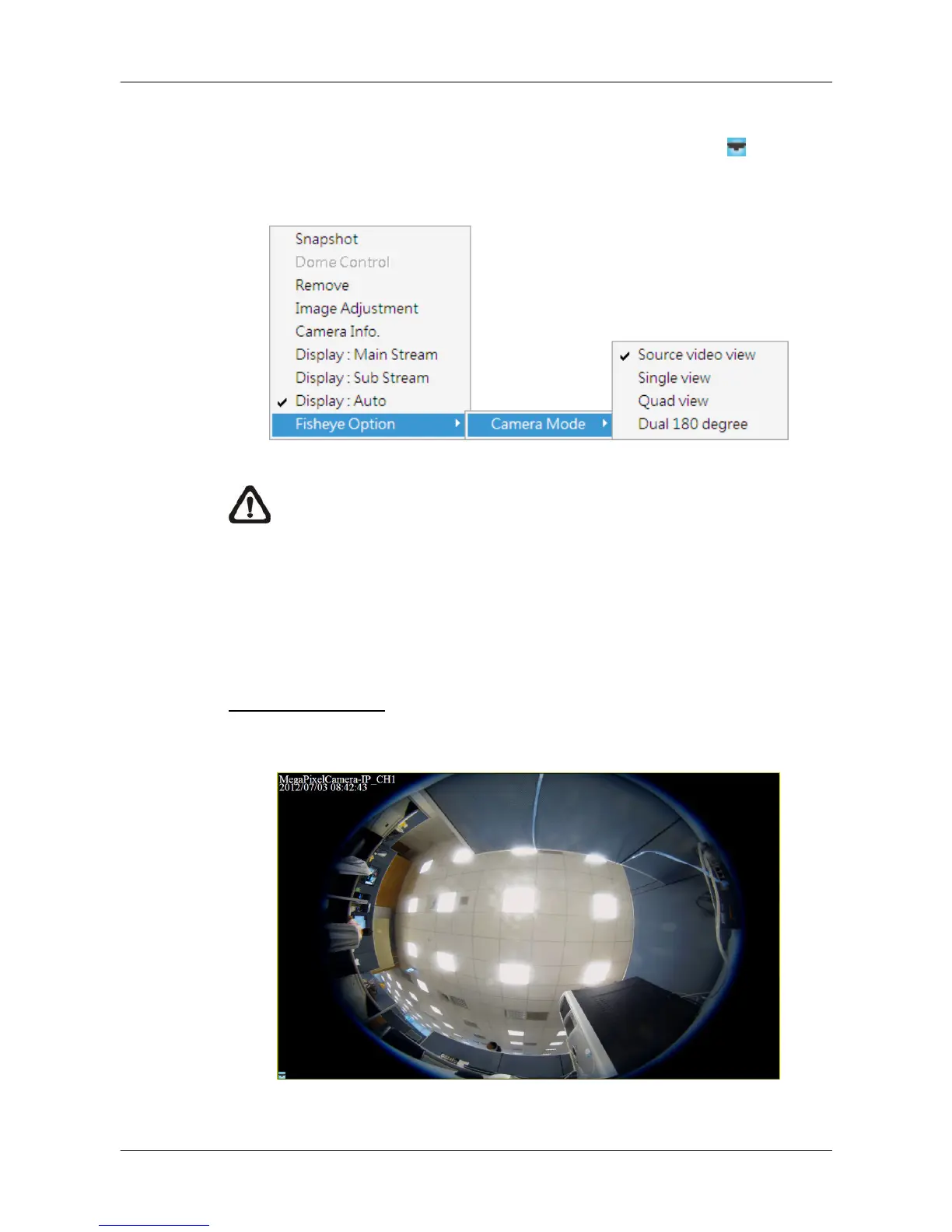
This is the original video source from the fisheye camera. The image will look
like the following.



 To Next Page