User’s Manual
48
5.8 Layout
The Layout tab helps users in saving preferred layout format and retrieving
the previously saved layout format.
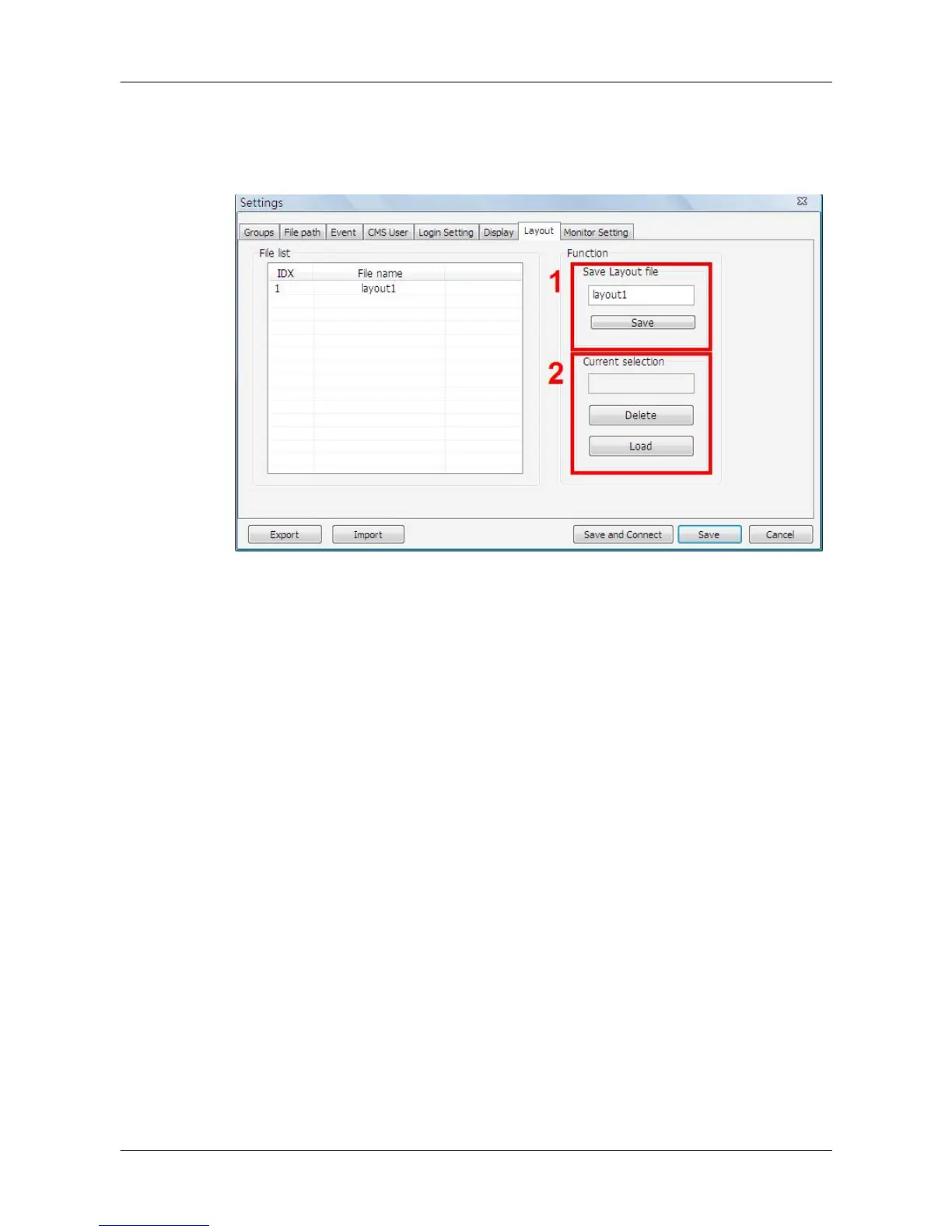
When users wish to save the current viewing display layout, first type in a file
name and click on <Save> as shown in box 1.
In box 2, users can load or delete previously saved layout file. First select a
file in the file list on the left, and click on <Delete> / <Load> to delete / load the
selected layout file.



 To Next Page