User’s Manual
117
7.4 Dual Streaming Options
When the connected site is an IP Camera or a
VSS/NVR device, the display and recording
formats will be in dual streaming mode, while
three different options are available.
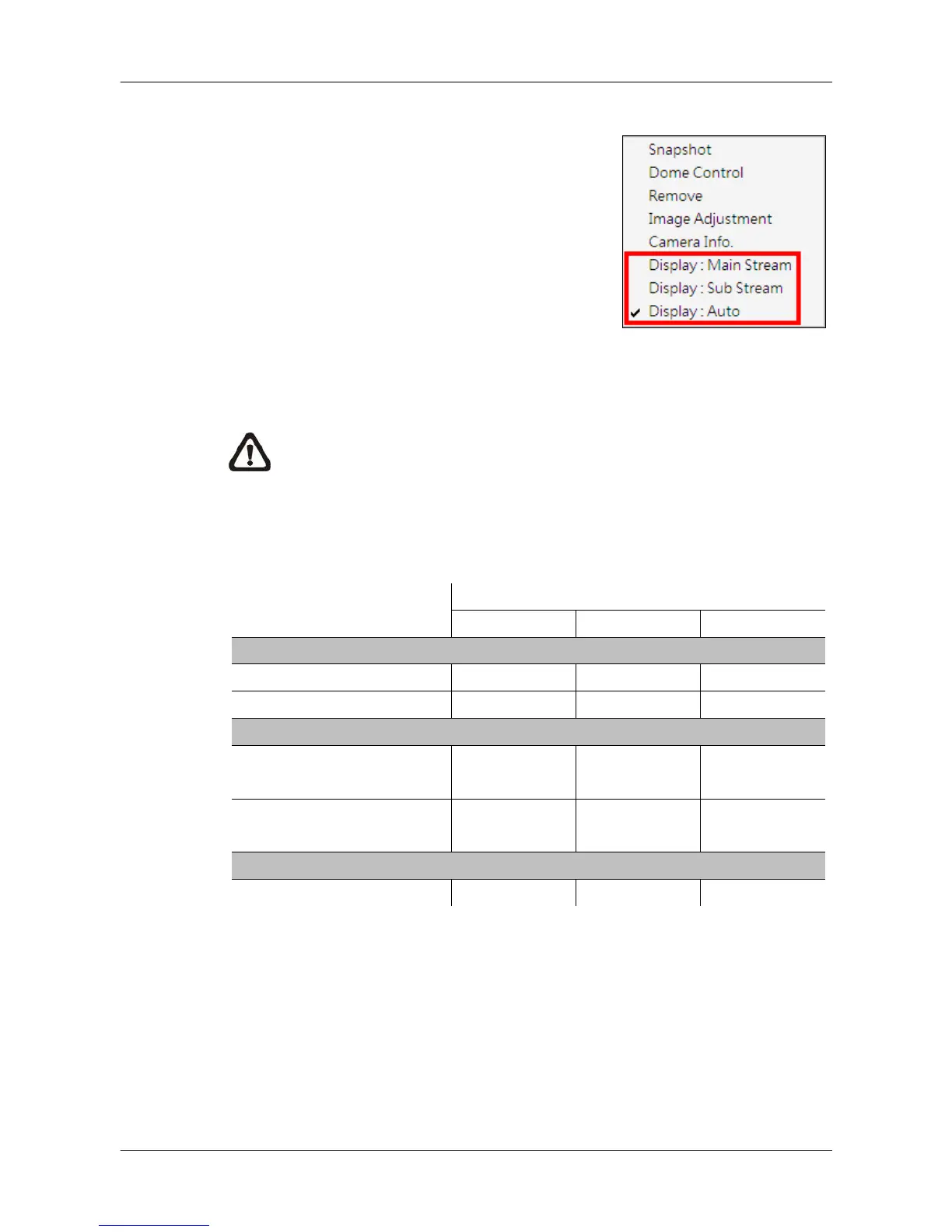
Right click on a grid of an IP Camera or a
VSS/NVR site and dual streaming options will
be shown at the bottom, including Main Stream,
Sub Stream, and Auto. Only one option can be
selected out of the three. The preset is Auto.
NOTE: For VSS/NVR sites, the Main/Sub stream types MUST be
defined beforehand.
Refer to the following table for details of which type of streams will be used
under different combinations of display and recording settings for the three
different options.
Dual Streaming Options
Auto Main Stream
Sub Stream
Display Only
Multi-window Display Sub Stream Main Stream
Sub Stream
Single Channel Display Main Stream
Sub Stream
Display AND Recording
Multi-window Display /
Recording
Sub Stream /
Main Stream
Sub Stream /
Main Stream
Single Channel Display /
Sub Stream /
Main Stream
Recording Only
Recording Only Main Stream
Main Stream
Some special cases are:
1. For IP Camera sites, if sub stream is not enabled, the dual streaming
option will be preset and fixed as <Display: Main Stream>.
2. For NVR sites, the recording stream will be whatever streams come in.
The displaying stream will follow rules of dual streaming option selected.
3. For VSS/NVR sites, the dual streaming options will not be available if the
connection type is set to <Sub Stream Only>. Thus both recording and
displaying streams will be the sub stream.



 To Next Page